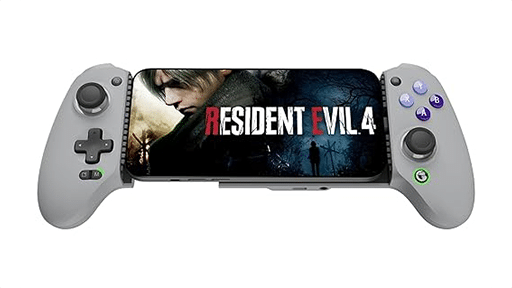
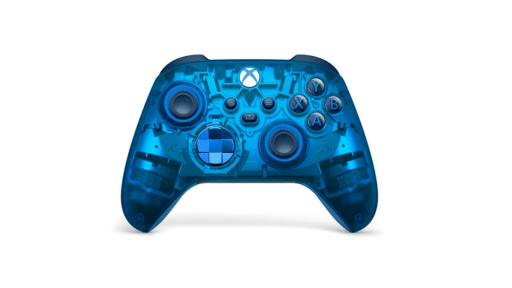
Within the cloud gaming community, one creator has been making waves. Known as Kode-Z, they design custom touch control layouts for games that don’t always work well on a touchscreen. A long-time community member since the Google Stadia days, Kode-Z brings both experience and passion to each design. These layouts allow smoother gameplay, smarter button placement, and in some cases, an entirely new way to approach familiar titles.
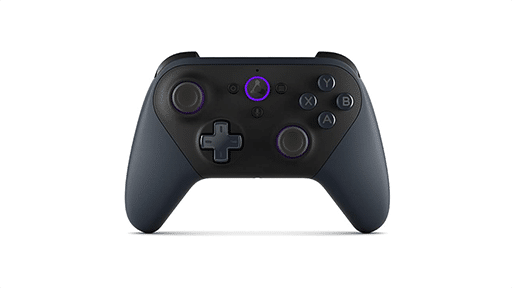
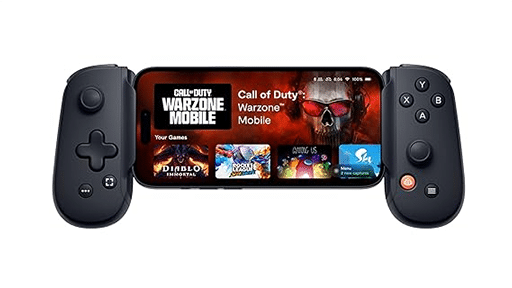

For many gamers, these custom layouts transform Xbox Cloud Gaming on mobile from something you try once into something you return to again and again. Instead of wrestling with awkward buttons, you can dive straight into the action. That flexibility is a reminder of why cloud gaming is exciting in the first place: more ways to play, on more devices, whenever it fits your life.
Q&A with Kode-Z
Q: You’ve been part of the cloud gaming community since the Stadia days. What first drew you into this space?
Kode-Z: I came across Stadia back in 2020. The idea of playing games like Red Dead Redemption 2 and DOOM 2016 on the go was mind blowing. After that I got into Nvidia’s GeForce Now, Boosteroid, and Xbox Cloud Gaming.
Q: How did you discover Better xCloud, and what made you decide to start creating custom touch controls for it?
Kode-Z: I was frustrated that the only touch controls available with the official xCloud app were only for a catered selection of games. After a Google search, I came across redphx’s “Better xCloud,” which enabled touch controls for all games. When I discovered that custom controls could be created, I took the time to learn the basics!
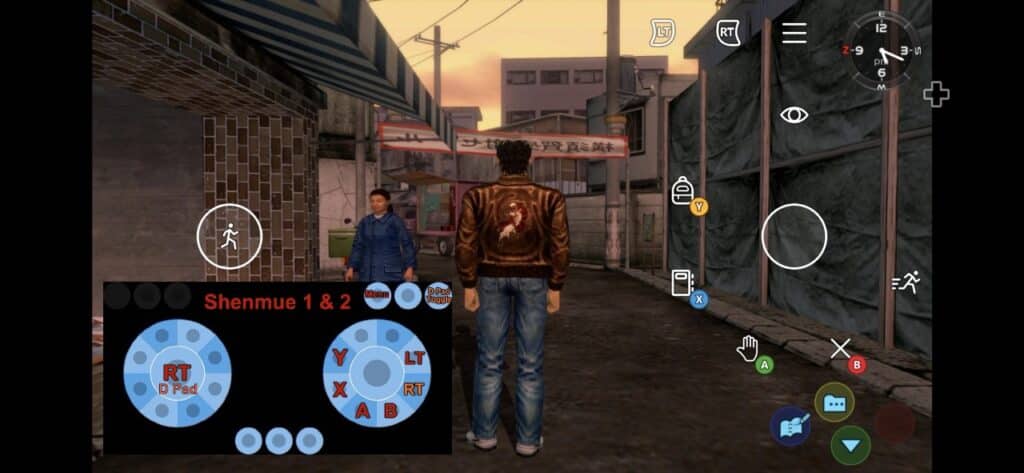
Q: Can you walk us through your process when designing a new touch layout for a game? Where do you usually start?
Kode-Z: I familiarise myself with the game’s controls, then I figure out which buttons aren’t needed, which buttons are used frequently, what icons should be assigned to a button, and work from there. Platform games like Limbo and Sonic Mania tend to be easier to create controls for. The bigger the game, the more creative you have to get with the button layout!
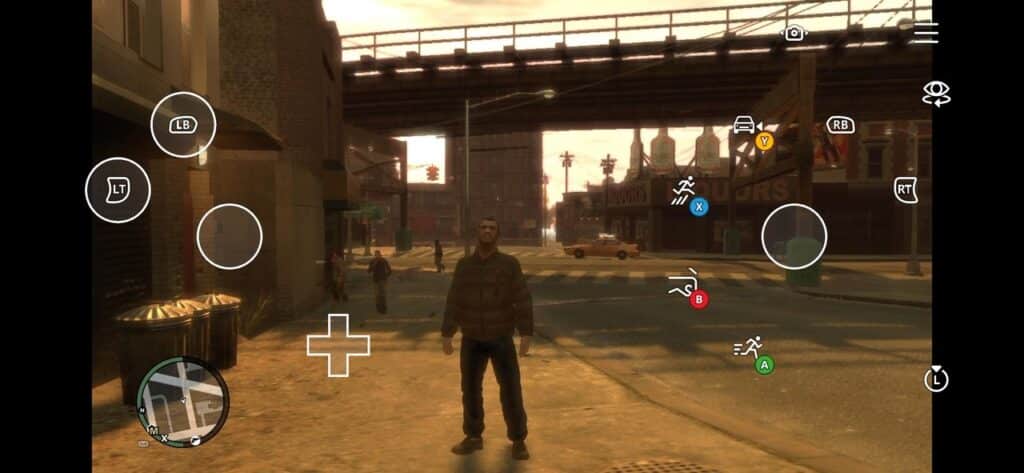
Q: What’s the biggest challenge you face when adapting games for touchscreen play?
Kode-Z: Games that have different controls for different parts of the game can be a challenge. A good example are the Grand Theft Auto games. I had to find the right balance so that the controls felt natural for every scenario of the game, in this case on foot, driving, flying a helicopter, etc. In official layouts the controls can be changed whilst you play.
Q: Do you have a favourite layout you’ve created so far, or one you’re especially proud of?
Kode-Z: It’s tough to choose one, but I’d say South of Midnight.
Q: How do you think your layouts change the way people experience Xbox Cloud Gaming on mobile?
Kode-Z: Personally, I feel that it allows gamers to play games on the go which they’ve probably put off as the default layout is too awkward to enjoy. It goes without saying that nothing beats a physical controller — but if you have 30 minutes to have a quick gaming session and you don’t have a controller handy, it’s a viable solution.
I’m looking at creating more custom controls for Game Pass and Stream Your Own Game titles.
Q: For gamers interested in trying your layouts or even creating their own, where should they start?
Kode-Z: All my layouts are available via redphx’s Better xCloud along with other creators’ layouts: https://better-xcloud.github.io/
A full list of custom layouts is available here: https://github.com/redphx/better-xcloud/discussions/241
And, Redphx’s guide to creating custom controls is available here: https://github.com/redphx/better-xcloud/wiki/How-to-create-custom-touch-control-layout. If you follow the guide step by step, you’ll be creating in no time!
More Ways to Play, Anywhere
Chatting with Kode-Z really shows how much community creators can change the way we play. Better xCloud gives the tools, but it’s people like Kode-Z who take things further and make cloud gaming feel practical on a phone or tablet. Those custom layouts aren’t just small tweaks. They turn touch controls from a hassle into something you can actually use and enjoy.
At Cloud Dosage, we’ve always said cloud gaming isn’t about replacing consoles or PCs, it’s about giving you more ways to play. Kode-Z’s layouts are the perfect example. Sure, nothing beats a controller in your hands, but when you’ve only got your phone and a few spare minutes, these layouts make that time count. It’s about options, and having the freedom to play when and where you want.
The best part? This is just the start. The more the community gets involved, the better the experience gets for all of us. It’s not just about the tech companies pushing updates. It’s about gamers helping gamers. So, if you haven’t already, give Better xCloud a shot. Try out Kode-Z’s layouts, see how they feel, and then come back and tell us: what game would you love to see get a custom setup next?
As always, remember to follow us on our social media platforms (e.g., Threads, X (Twitter), Bluesky, YouTube, and Facebook) to stay up-to-date with the latest news. This website contains affiliate links. We may receive a commission when you click on these links and make a purchase, at no extra cost to you. We are an independent site, and the opinions expressed here are our own.