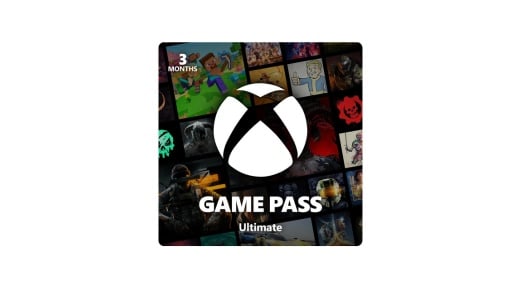
February’s Xbox update puts cloud and portable play front and centre. Xbox Game Pass Ultimate members can now stream their favourite games at up to 1440p on Xbox Series X|S, Xbox One X, and Xbox One S. That brings console cloud quality closer to what you already get on the Xbox PC app, handhelds, supported browsers, and select smart TVs.
On top of that, Xbox outlined a refreshed Xbox Cloud Gaming web experience, more “Stream Your Own Game” titles, and quality-of-life updates for ROG Xbox Ally owners. There are also new labels for handheld-friendly games, more Xbox Play Anywhere releases, and expanded mouse, keyboard, and touch support that make it easier to keep your library across screens.

1440p Xbox Cloud Gaming Reaches Consoles
One of the biggest updates this month is an upgrade to Xbox Cloud Gaming on Xbox consoles. Xbox Game Pass Ultimate members can now stream supported titles at up to 1440p with higher bitrates on Xbox Series X|S, Xbox One X, and Xbox One S.
It brings console streaming more in line with what is already available on PC, handheld devices, and supported TVs. Actual resolution and bitrate still depend on the game, your connection, and your region.
PC App Audio Tweaks and ROG Xbox Ally Updates
On PC, the Xbox app now includes subtle controller navigation sounds. When you move focus, select an item, or back out of a menu, you hear small audio cues that make the interface feel more responsive from the couch or on a handheld. If you prefer things quiet, you can head to Settings > Audio to turn controller navigation sounds on or off and adjust the volume.
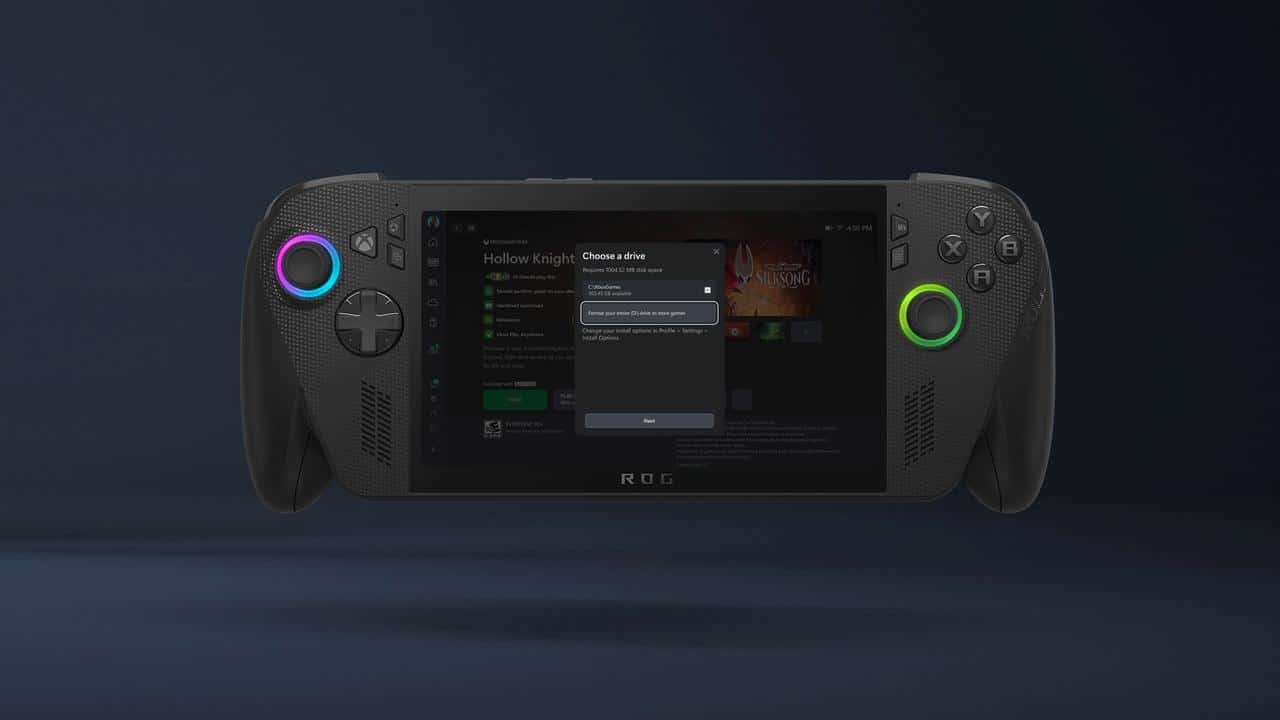
For the ROG Xbox Ally and Ally X, this update is more substantial. You can now format removable storage directly through the Xbox app when you pick an install location, including officially licensed Sandisk microSD cards. That makes it easier to use an SD card as a proper Xbox library drive. There is also a new indicator for Advanced Shader Delivery, which lets you know when shaders are preloaded during download so supported games start faster and feel smoother the first time you launch them. Additional Ally-specific fixes and changes are included in the latest patch notes.
Postgame Recaps and the New Xbox Cloud Gaming Web Preview
On PC, Xbox is testing a new Postgame Recaps feature for Xbox Insiders enrolled in the PC Gaming Preview. After you close a game, you may see a summary of what you just played. These recaps can show achievements you unlocked, captures you took, and upcoming in-game events. They also give you a quick way to send feedback that feeds into future updates.
You stay in control of what appears. Under Settings > App > Postgame, you can choose which recaps you want to see, or turn them off. Recaps only appear in certain moments, like when you earn new achievements or play a game for the first time.
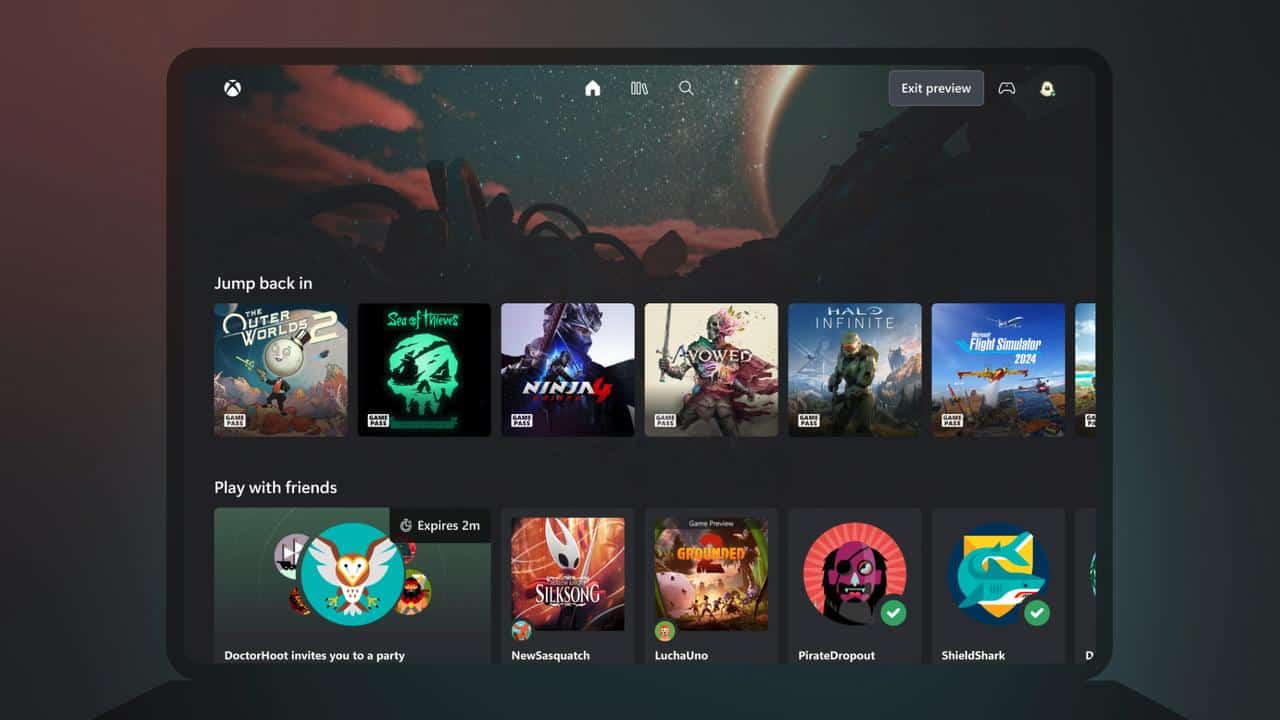
Xbox is also experimenting with a refreshed Xbox Cloud Gaming web experience. Insiders who opt in can try an updated browser interface with new navigation and a different layout. Because this is a public preview, some features may behave differently or be missing while Xbox iterates. The goal is to ship web improvements for cloud players more often instead of waiting for large overhauls.
Handheld Compatibility Program Makes Portable Play Easier To Spot
Xbox’s Handheld Compatibility Program keeps growing and now makes it easier to see which titles work well on portable Windows handhelds. Compatibility information appears on product detail pages across select Windows devices. It is also featured in a handheld-compatible channel on the Home screen of supported handhelds.
Recent additions include:
- Cash Cleaner Simulator (Handheld Optimised)
- Dragon Quest VII Reimagined (Handheld Optimised)
- High on Life 2 (Handheld Optimised)
- Reanimal (Mostly Compatible)
- Starsand Island (Mostly Compatible)
If you use a Windows handheld or something like the ROG Xbox Ally, these tags help you tell at a glance which games are tuned for smaller screens and built-in controls and which ones may need more tweaking.
Xbox Play Anywhere Passes 1,000 Games
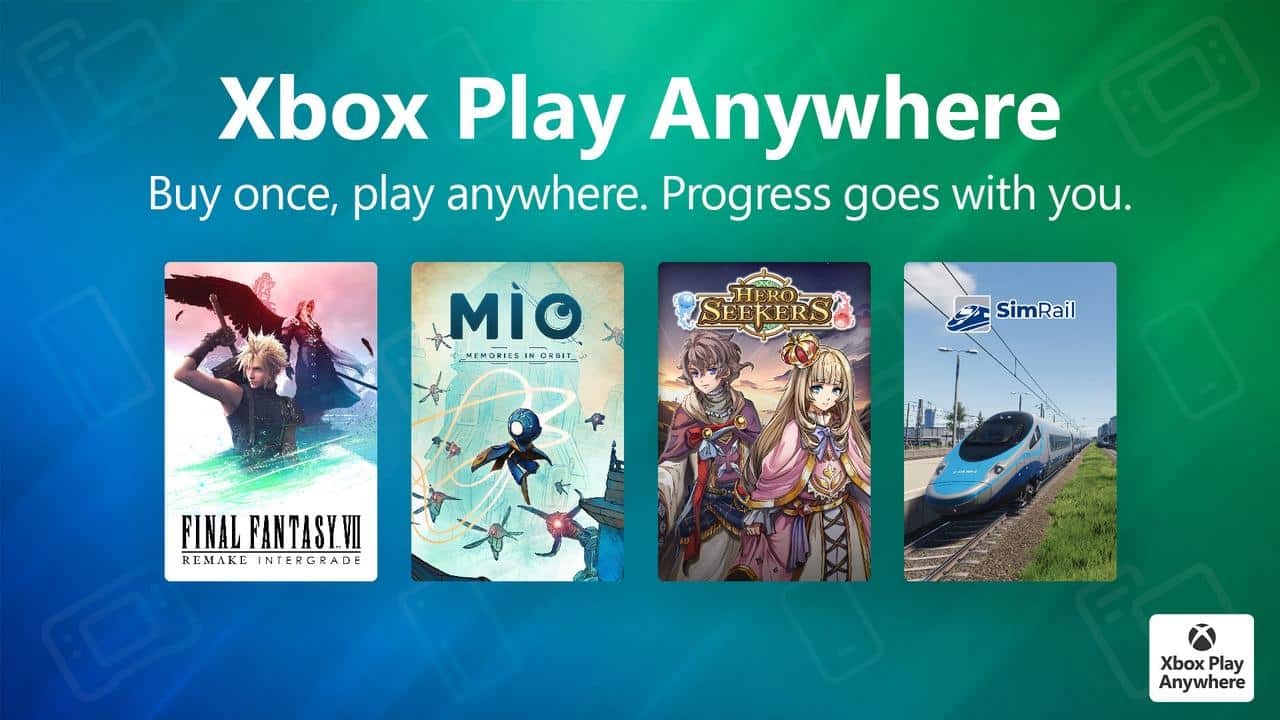
Xbox says there are now more than 1,000 Xbox Play Anywhere titles that let you buy once and move between Xbox consoles, PC, and supported handhelds. Your progress, downloadable content, and achievements follow you as long as you sign in with the same Xbox account. If you use cloud gaming, those same ownership rights carry over on supported titles, although you will need a Game Pass plan to stream them.
New games added to Xbox Play Anywhere in January include:
- Final Fantasy VII Remake Intergrade
- MIO: Memories in Orbit
- SimRail – The Railway Simulator
- Pathologic 3
- Ninja Nightfall
- The Last Case of John Morley
Alongside those, a long list of smaller releases such as Baking Time, Drop Duchy, Dustland Delivery, and several others joined the program. It builds on Xbox’s long-term pitch that your purchases should move with you across hardware rather than being tied to a single box.
“Stream Your Own Game” Passes 1,000 Cloud-Playable Titles
The Stream Your Own Game feature in Xbox Cloud Gaming now supports more than 1,000 titles you already own. Xbox Game Pass Ultimate, Premium, and Essential subscribers can stream from this library across phones, tablets, PCs, TVs, and handhelds. That includes older Xbox games and newer releases, so your existing collection becomes a bigger part of the cloud catalogue.
Recent additions include a mix of new releases and familiar names:
- Aerial_Knight’s DropShot
- BlazBlue Entropy Effect X
- ChromaGun 2: Dye Hard
- Death Howl
- Death Match Love Comedy!
- Gears of War
- High on Life 2
- Milano’s Odd Job Collection
- Mordhau
- Pummel Party
- Reanimal
- Ride 6
- Roadside Research (Game Preview)
- Romeo Is a Dead Man
- Starsand Island
- Styx: Blades of Greed
- TCG Card Shop Simulator
More titles are already queued up, including Chained Echoes, Ghostrunner 2, Slay the Princess – The Pristine Cut, SpongeBob SquarePants: The Cosmic Shake, Stranger of Paradise: Final Fantasy Origin, Star Trek: Resurgence, and Star Wars: Dark Forces Remaster. If you have built a large Xbox library over the last few generations, this is where you start to see cloud gaming acting as an extension of what you already own instead of a separate list of games.
Retro Classics Keeps Older Games Playable On Modern Screens
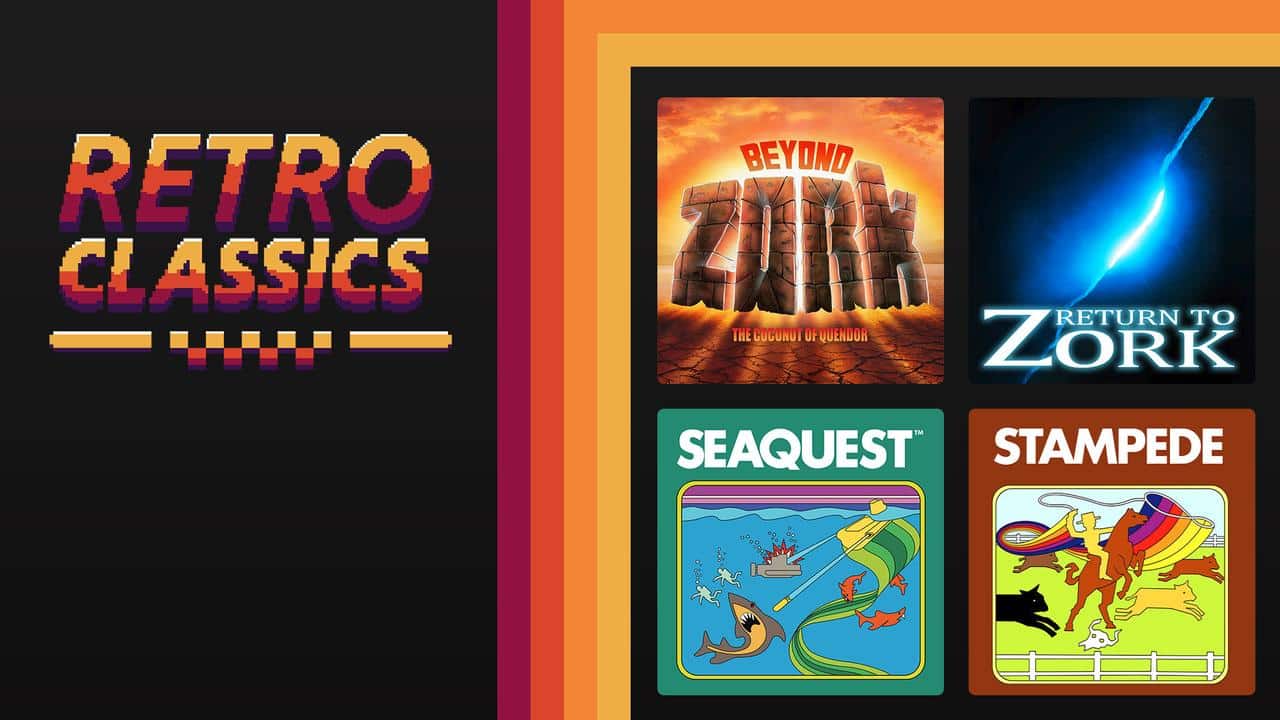
Retro Classics, powered by Xbox and Antstream Arcade, now includes more than 100 titles through Xbox Game Pass. The focus here is game preservation and convenience. You can jump into older games on modern displays without pulling out original hardware or hunting for physical copies.
Recent additions include:
- Beyond Zork
- Kabobber
- Return to Zork
- Seaquest
- Stampede
Xbox Game Pass subscribers can join weekly tournaments and community challenges tied to Retro Classics, with more games planned over time. For anyone who cares about game history but wants modern controls and cloud access, it is another way older releases stay playable.
Mouse, Keyboard, and Touch Controls Extend Cloud Flexibility
Xbox continues to expand alternative control options for cloud gaming. On supported Xbox and Windows devices, wired USB mice and keyboards work across select games and apps. For mobile play, Xbox touch controls now support more than 260 cloud titles. Over 130 cloud games support mouse and keyboard, which gives you more choices when you are away from a controller.
Some games provide custom control overlays or render their own touch layouts tailored to their unique control needs. This can make a big difference on phones and tablets where the default layout would feel cramped. This month’s mouse-and-keyboard additions include:

- Company of Heroes 3
- Hotel Barcelona
- Transport Fever 2
These control changes round out February’s focus on making Xbox Cloud Gaming work across a wider mix of devices.
As always, remember to follow us on our social media platforms (e.g., Threads, X (Twitter), Bluesky, YouTube, and Facebook) to stay up-to-date with the latest news. This website contains affiliate links. We may receive a commission when you click on these links and make a purchase, at no extra cost to you. We are an independent site, and the opinions expressed here are our own.