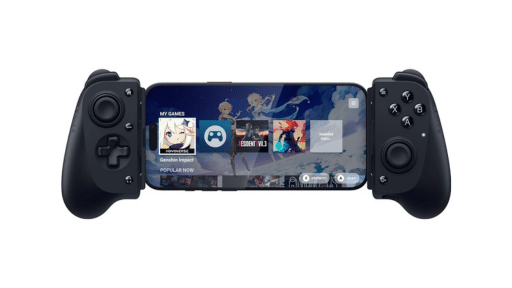
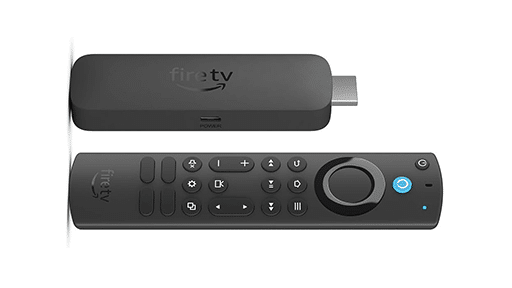
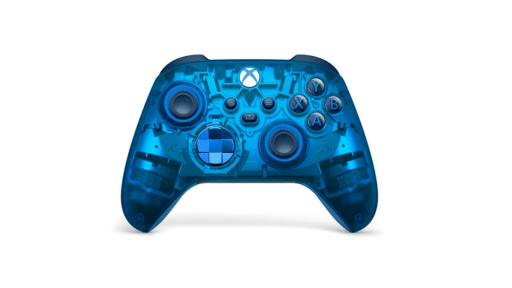
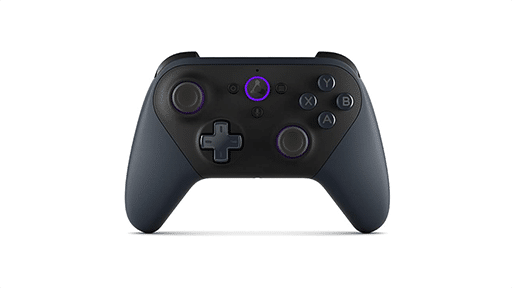
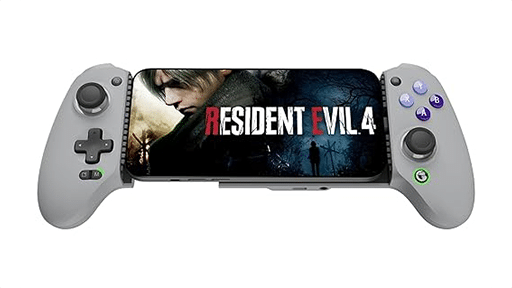
The upgrade brings RTX 5080-powered SuperPODs, a new Cinematic Quality Streaming mode, lower latency competitive settings, and Install-to-Play with cloud storage that makes thousands of Steam titles instantly more accessible.

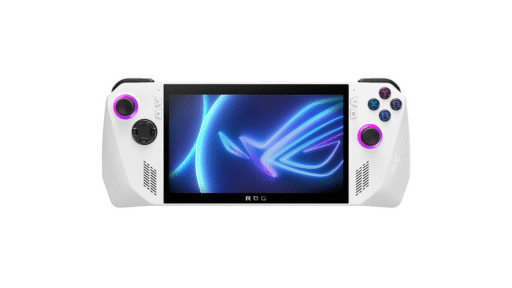

Right away, the difference is noticeable. Games feel smoother, visuals are sharper, and input response is virtually indistinguishable from local play. The persistent cloud storage NVIDIA gave me for testing made it even better, since I could leave games installed between sessions without starting over every time.
NVIDIA is calling this the new Ultimate tier, and after two weeks with it, it feels like a genuine shift for cloud gaming. I’ve been testing it across different games, settings, and devices, and there’s a lot to dig into here.
How GeForce NOW’s RTX 5080 Upgrade Actually Feels in Action
After two weeks of testing, the first thing I noticed is how natural everything feels. Overwatch 2 at 1080p with the new 360 FPS Competitive Mode is ridiculously smooth. I even went out and bought a new monitor just to see what this mode could really do. Flick shots felt instant, and I honestly couldn’t tell the difference between playing in the cloud or playing locally.
Apex Legends at 1440p showed off the new 240 FPS Reflex Mode, and that’s where the monitor upgrade really paid off. The higher refresh rate combined with NVIDIA Reflex made the game feel snappy in a way I didn’t expect. Sliding into fights and lining up shots felt sharper than any cloud setup I’ve used before.
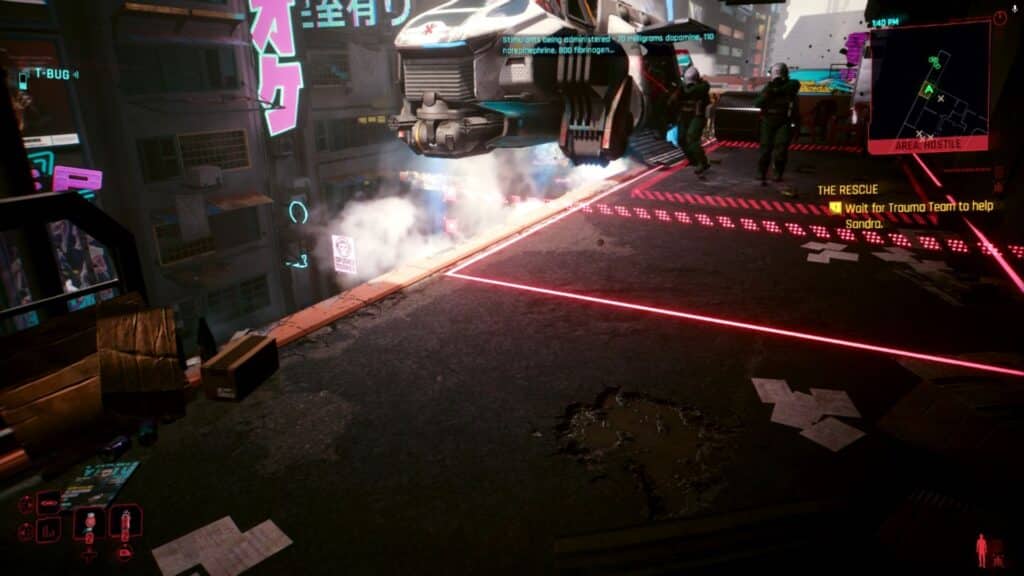
Cyberpunk 2077 gave me the other side of the upgrade. With ray tracing and DLSS 4 turned on, Night City looked sharper and more alive than I’ve ever seen it. Pairing that with the new Cinematic Quality Streaming mode on my display, text stayed crisp, shadows looked natural, and neon lights had the same punch as if I was playing locally.
What stood out most wasn’t just one game or one mode but how consistent everything felt across the board. Competitive shooters, cinematic RPGs it all held up. For me, that’s the shift: GeForce NOW’s RTX 5080 upgrade doesn’t feel like a fallback anymore. It feels like a real way to play.
Install-to-Play and Cloud Storage
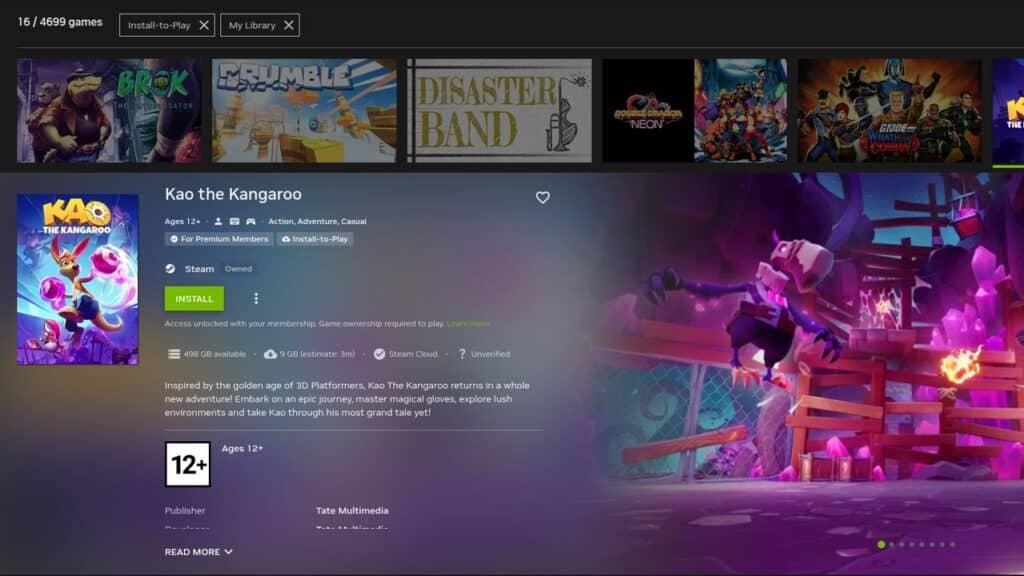
One of the biggest additions with the RTX 5080 upgrade is Install-to-Play, and it completely changes how you can use GeForce NOW. NVIDIA gave me 500GB of persistent cloud storage for testing, and I quickly filled it up. Installing games was straightforward, and the download speeds were fast. Many games were ready to go in just minutes, which made experimenting with different titles easy.
That extra storage made a huge difference. Normally, once you end a session, you start fresh the next time. With this setup, I could leave my games installed, jump back in later, and not worry about redownloading. It felt much closer to the way you’d use a gaming PC or console.
That said, it wasn’t flawless. A few games crashed the moment they launched. Others gave me nothing but a black screen while the audio kept running in the background. After a few tries relaunching them, they would work. The majority of the time, though, there were no problems, and most games installed and ran smoothly. It does reinforce an important point: just because a game has opted into GeForce NOW doesn’t mean it will work without issues or need updates. This is why NVIDIA has an onboarding process for ready-to-play titles, while games in the Install-to-Play section haven’t undergone that same vetting.
What makes this feature impressive is just how much it expands the GeForce NOW library. Thousands of Steam titles became accessible, as long as publishers opted them in. That instantly made my personal library feel much bigger.
The bottom line? Even with a few hiccups, Install-to-Play feels like one of the most important features in the RTX 5080 upgrade. It finally gives cloud gaming some of the permanence and flexibility we’ve been asking for.
Cinematic Quality Streaming and Visual Upgrades
When I switched over to the new Cinematic Quality Streaming mode, the difference hit me right away. Cyberpunk 2077 has always been one of those games I use to stress-test hardware, and with ray tracing and DLSS 4 enabled, Night City looked sharper and more alive than I’ve ever seen it. Text on menus and HUDs was easier to read, shadows didn’t have that muddy look I sometimes notice in streams, and neon signs practically glowed off the screen.
I also fired up Black Myth: Wukong to see how it held up. The fast combat and flashy effects came through clean, with swings, particle bursts, and quick dodges all looking sharp. Usually, games this chaotic can blur a bit in the cloud, but this new mode kept the action crisp and easy to follow.
Overall, the Cinematic Quality Streaming mode made the visuals sharper, kept the colours clean, and my stream held steady. Most of the time, it looked and played like it was running on my own console or PC.
It wasn’t flawless, though. At 4K 60fps I ran into a few stutters, and quick movements sometimes softened the image before it snapped back into focus. This mode also chews through bandwidth, so you’ll want a solid internet connection if you plan to use it a lot.
Even with those hiccups, Cinematic Quality Streaming impressed me more than I expected. It feels built for gamers who care about every detail on screen, and it’s the closest cloud gaming has ever felt to local performance in terms of image quality.

Device and Peripheral Support
Most of my testing took place on my PC with the new monitor I picked up for this upgrade, and it really showed me what the RTX 5080 tier can do. Running competitive modes at high refresh rates on the right display made a big difference. Everything felt smooth and responsive, and for once it didn’t feel like I had to compromise because I was streaming.
What surprised me the most, though, was how well peripherals worked. I hooked up a Logitech racing wheel with full haptic feedback and spent some time testing racing games. Feedback felt spot on. Steering resistance matched the road surface, subtle vibrations carried through cleanly, and the timing lined up exactly with what was happening on screen.
The combination of high refresh rate streaming on my monitor and the haptics from the wheel made the experience surprisingly convincing. When I leaned into a corner or hit a bump, the response was immediate. It wasn’t just playable, it was genuinely fun.
I know the big push here is about bringing GeForce NOW to more TVs and handhelds, but even just sticking to my own setup with a monitor and a wheel showed me how far the service has come. For gamers who want more than just a controller and are looking to see if cloud gaming can handle something like sim racing, GeForce NOW RTX 5080 upgrade makes a strong case.
GeForce NOW’s Blackwell RTX 5080 Upgrade is the New Gold Standard for Cloud Gaming
After spending a few weeks with the GeForce NOW RTX 5080 upgrade, it’s clear to me this is more than just a spec bump. It feels like a big moment for cloud gaming. The smoothness, the visuals, and the responsiveness all add up to something that feels genuinely new.


What makes this even better is that it comes at no extra cost for Ultimate members. It’s rare these days to see a major upgrade without a price increase, and that makes the value hard to ignore. Between the new competitive modes, Cinematic Quality Streaming, and Install-to-Play with persistent storage, GeForce NOW feels more flexible and powerful than it ever has.
At launch, NVIDIA is kicking things off with 20 RTX 5080-Ready games, and more will be added each week. You’ll find them in the app under the “GeForce RTX 5080 Ready” row. Highlights include Apex Legends, Black Myth: Wukong, Cyberpunk 2077, Doom: The Dark Ages, and The Witcher 3. It’s a strong lineup to show off what the new servers can do, and it’s only going to grow from here.
Even though I mostly play in the cloud on Xbox Cloud Gaming and PlayStation Cloud, The Blackwell RTX 5080 upgrade upgrade made me think differently about GeForce NOW. For me, that’s the biggest takeaway: the RTX 5080 upgrade makes GeForce NOW feel like a real option, not a backup.
As always, remember to follow us on our social media platforms (e.g., Threads, X (Twitter), Bluesky, YouTube, and Facebook) to stay up-to-date with the latest news. This website contains affiliate links. We may receive a commission when you click on these links and make a purchase, at no extra cost to you. We are an independent site, and the opinions expressed here are our own.