Originally designed for Apple Vision Pro, Portal launched on visionOS with a simple goal: make PlayStation Remote Play feel native on Apple’s massive virtual screen. That early success helped it grow into a full-featured streaming platform with 4K upscaling, 120fps support, and spatial audio.

After nearly a year of consistent updates, developer OverSoul Ltd has opened the public beta for iOS on TestFlight. iPhone and iPad users can now try the same premium streaming features previously exclusive to Vision Pro.
Expanding Beyond Vision Pro
Portal: Remote Play’s move from Apple Vision Pro to iOS brings nearly every feature from the headset version to iPhone and iPad. The only one missing is immersive mode, which makes sense given the hardware difference. Everything else, including 4K upscaling, 120fps support, and spatial audio is fully supported.
One of the biggest highlights is how Portal handles remote play. You can connect to your PlayStation or Xbox over the internet, not just your local Wi-Fi network. That makes it ideal for anyone who wants to stream their console games while away from home.
Portal also supports cloud gaming, including Xbox Cloud Gaming and GeForce NOW through the built-in browser. It’s an all-in-one app that combines console and cloud streaming in a single interface, something few apps manage well on Apple devices.
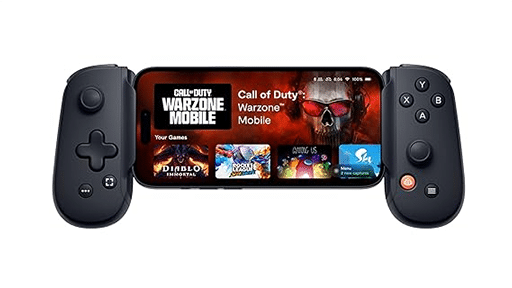
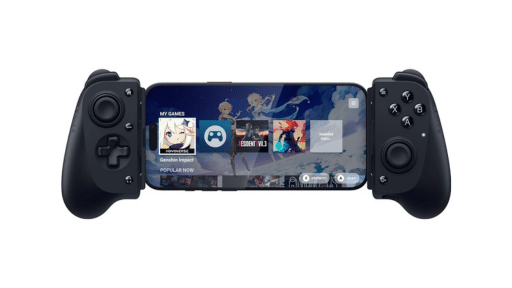
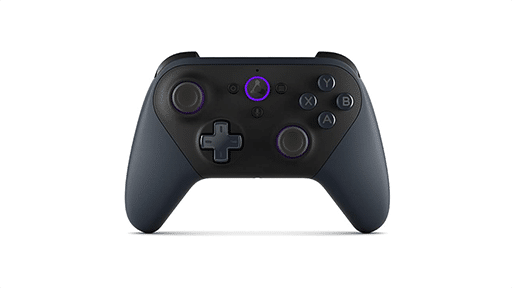
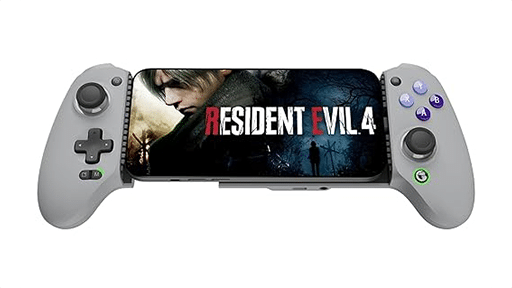
The iOS version introduces a sleek Liquid Glass design, new widgets, and iCloud sync for multiple accounts. You can even connect physical controllers if you prefer traditional input over the virtual gamepad. No Android version is planned for now, but the iOS beta on TestFlight is live and open to everyone interested in helping shape the next phase of the app.
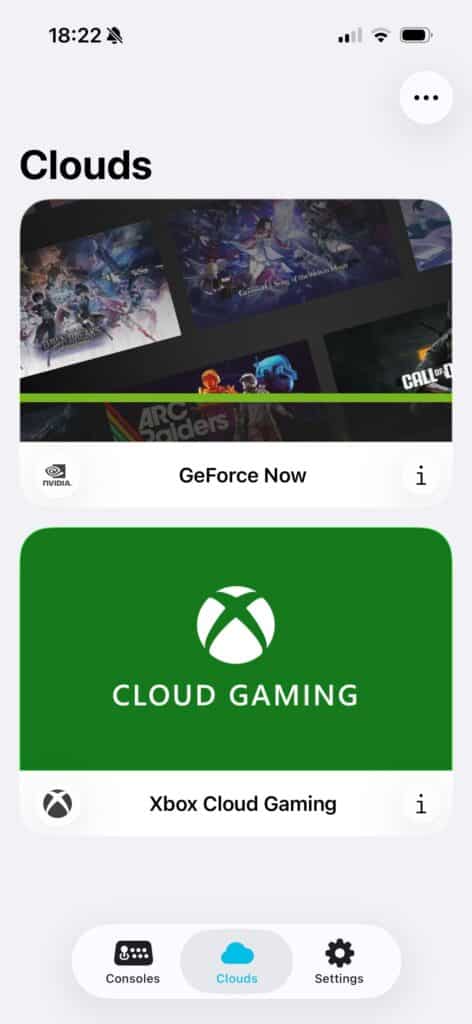
Cloud and Console Streaming in One Place
Portal: Remote Play works differently because it doesn’t lock you into one type of gaming. You can stream your console games or jump straight into cloud services, all from the same app. That flexibility makes it one of the most complete streaming tools available on Apple devices.
For console fans, Portal supports both PlayStation and Xbox remote play, with smooth performance up to 120 frames per second and 4K upscaling. It even works with HDMI input via compatible capture cards, giving you more control over your setup.
If you prefer cloud gaming, Portal’s built-in browser lets you access services like Xbox Cloud Gaming directly. The app’s clean interface and low latency make it feel responsive, even during longer sessions. Spatial audio adds another layer of presence, helping games feel more natural whether you’re wearing AirPods or using speakers.
Few apps handle both console and cloud streaming this effectively. Portal’s unified design gives you a single hub for your games. Whether they’re installed on your console or streamed from the cloud.
Developer Commitment and Next Steps
OverSoul Ltd has earned a reputation for consistency. Since Portal: Remote Play’s launch on Apple Vision Pro, the developer has pushed updates almost every two weeks, steadily adding features and refining performance. That same pace looks set to continue with the iOS release.
The developer is already gathering feedback from early testers on TestFlight. One of the first changes coming is a classic gamepad layout option after users mentioned the radial design felt awkward. It’s a small but telling example of how responsive the developer is to the community.
In the Reddit discussion announcing the iOS beta, the developer also shared that there are no plans for an Android or PC version right now. The focus remains on building the best possible experience within Apple’s ecosystem. That focus makes sense. Portal is one of the few apps offering remote console play and cloud gaming together on iOS.
With a full public release expected after testing, Portal could easily become a go-to app for anyone streaming console or cloud games on Apple devices. It’s ambitious, but it already feels polished and well-supported.
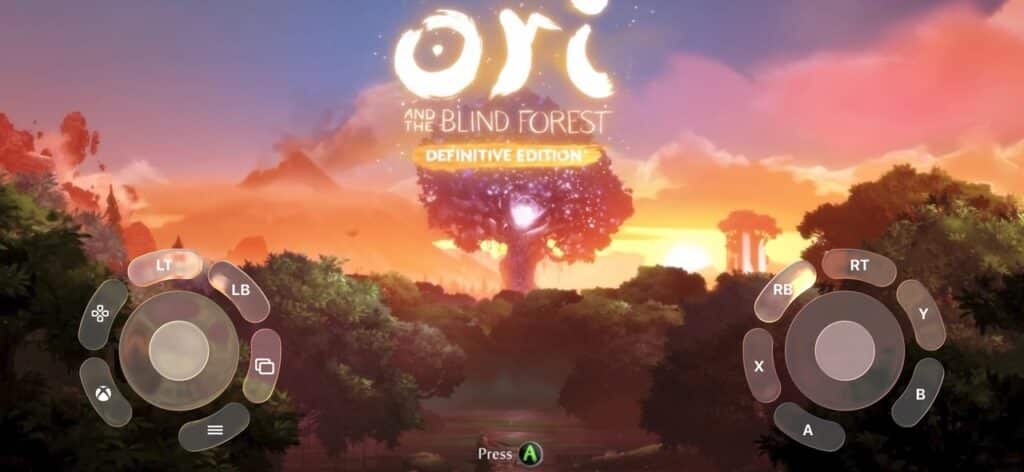
Portal: Remote Play Where Cloud and Console Streaming Meet on iOS
Portal: Remote Play’s expansion to iOS shows how quickly remote play and cloud gaming are growing within Apple’s ecosystem. What started as a Vision Pro experiment has become one of the most capable streaming apps available today. It bridges the gap between consoles and the cloud, something Apple users have rarely seen before.
The iOS version keeps nearly everything that made the Vision Pro app stand out, including smooth 120fps streaming, 4K upscaling, spatial audio, and easy account syncing through iCloud. It’s clear that OverSoul Ltd wants streaming to feel as seamless as native gaming.
If you’ve ever wanted to stream your PlayStation or Xbox games outside your home, or use cloud gaming without juggling multiple apps, Portal makes it simple. The Portal app for iOS is officially open for public beta testing. You can join right now on TestFlight!
What do you think about Portal bringing console and cloud streaming to iPhone and iPad? Will you be joining the beta?
As always, remember to follow us on our social media platforms (e.g., Threads, X (Twitter), Bluesky, YouTube, and Facebook) to stay up-to-date with the latest news. This website contains affiliate links. We may receive a commission when you click on these links and make a purchase, at no extra cost to you. We are an independent site, and the opinions expressed here are our own.