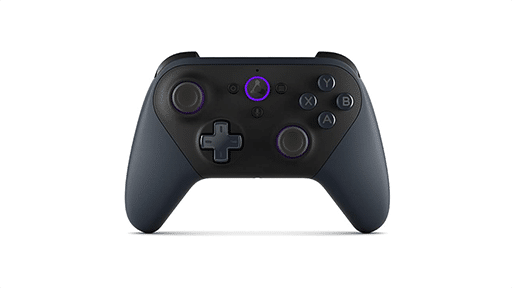
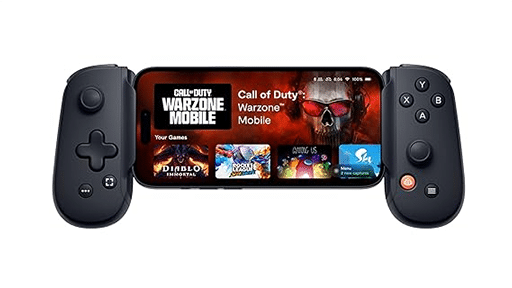
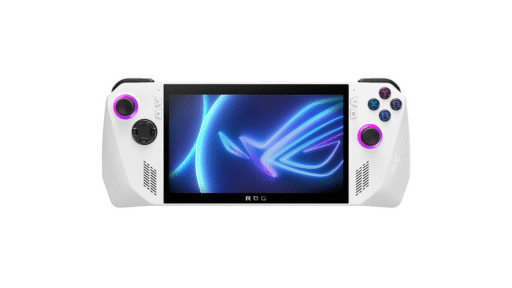
It has been over three years since I first sat down to review Sora Stream. This service initially caught my eye as a bold attempt to provide a more affordable entry into the cloud gaming market. Back in late 2022, the platform felt like a rough draft of a bigger idea, struggling with resolution limits and a library that lacked clear direction. As of 2026, the landscape of game streaming has matured significantly. There is now little room for services that cannot keep up with technical standards. I decided to revisit the platform to see if Sora Stream has evolved from a curious niche experiment into a serious contender, or if it is still relying on the same old tricks to fill its catalog.
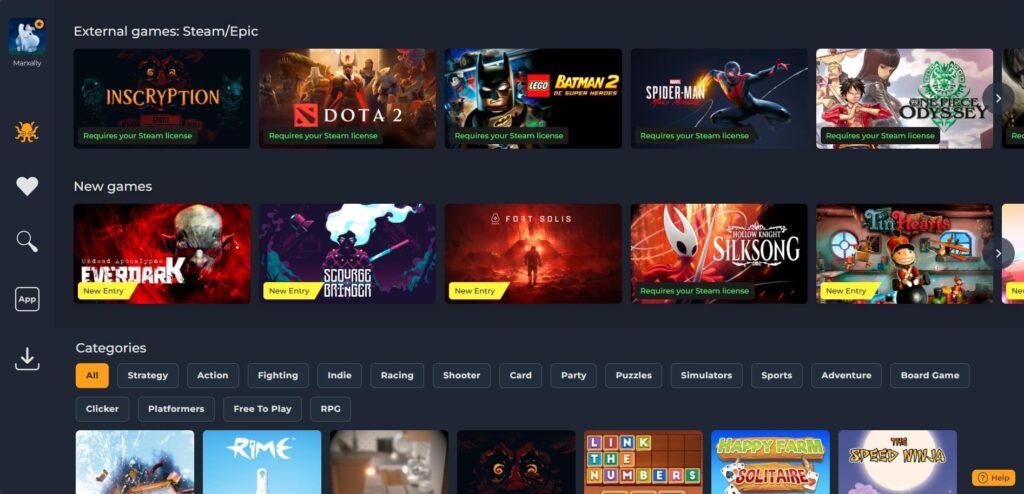
A Confusing and Questionable Library
The catalog remains a strange mix that feels more like a random assortment than a curated platform. The native library is mainly composed of indie titles. These range from genuinely interesting offerings to a significant amount of shovelware. This shovelware looks like it belongs on a free Flash game site from years ago. While you could argue there is something for everyone, it is hard to imagine anyone paying a subscription just to play mobile-style filler.
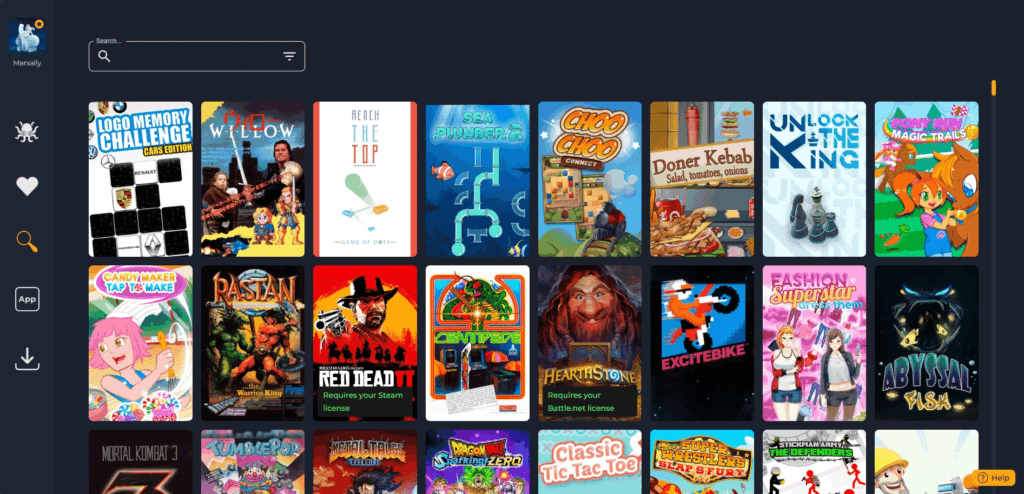
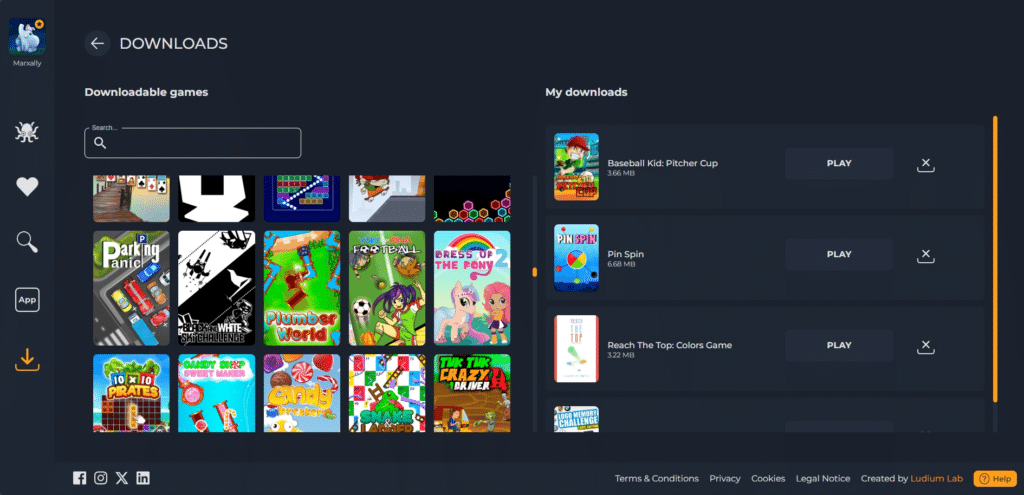
An odd discovery I made during this revisit, is that many of these titles, which feel like simple browser or mobile games, can actually be downloaded to be played offline. I am not entirely sure where these files are hosted or why a cloud service is offering downloads, but each game is tiny, usually ranging from 5 to 20mb. It is a strange feature for a service that is marketed around the idea of not needing to download anything at all.
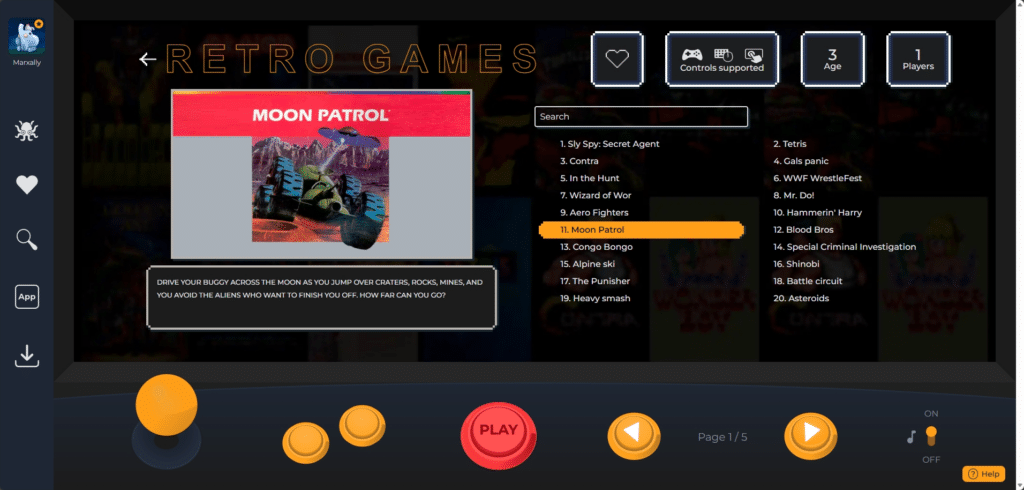
There are also serious questions regarding licensing that have not been addressed since my last visit. The service features a dedicated retro section that is neatly organized within a custom menu resembling an arcade cabinet. At the time of writing, there are 86 games listed here. The selection ranges from early classics like Asteroids to more popular arcade hits like Metal Slug X and Mortal Kombat 3.
Bringing Your Own Games
One significant addition that adds real value to the subscription is the ability to play some games you already own. While the base library lacks heavy hitters, Sora Stream now allows you to access your personal library from Steam, the Epic Games Store, or even Battle.net. You can play titles like Elden Ring, Red Dead Redemption 2, or Hollow Knight: Silksong via their servers. It’s just like playing on Boosteroid or GeForce NOW. You can also access popular free-to-play titles like Fortnite, Dota 2, Rocket League, Fall Guys, and PUBG.
It is important to note that Sora Stream does not actually “link” your accounts in the traditional sense. For safety reasons, they do not save your login data. This means that every single time you start a game, you are forced to manually enter your password. You also need to go through the two-factor authentication (2FA) process. While this is great for security, it can be quite a chore if you are used to the “one-click” launch experience of other platforms.
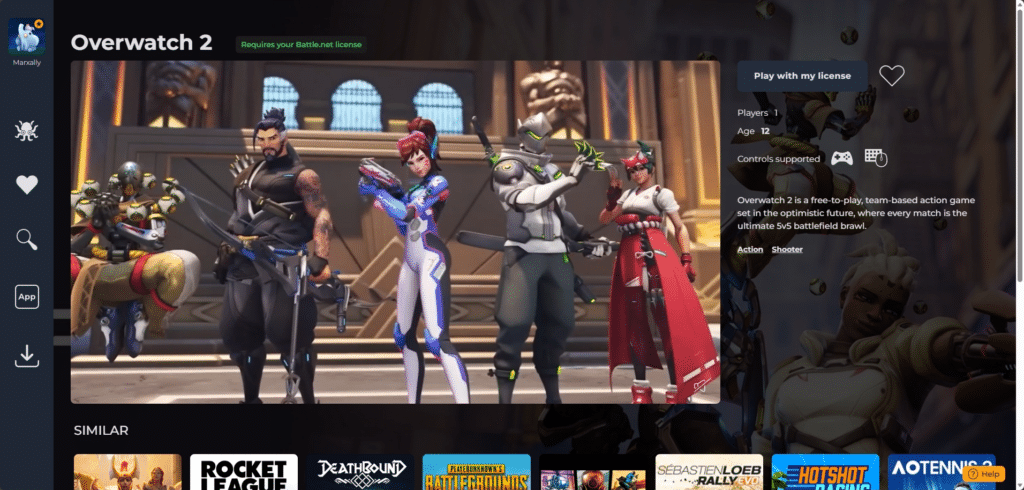
This feature helps bridge the gap between Sora Stream and larger competitors. It is a neat inclusion that transforms the service from a simple collection of indies into a proper gaming rig in the cloud. However, if your primary goal is to play your own library, there are still better options on the market. Services like Boosteroid offer a more polished experience and wider compatibility for these types of “bring your own game” setups.

Accessibility and Cross-Platform Use
Accessibility is where cloud gaming usually shines, and Sora Stream covers the basics. It is officially available on Windows and Android, with a browser version for other operating systems. However, the current state of the PC experience is a little disappointing. In my latest test, the dedicated Windows application simply acted as a redirect to their web page. Since the games now launch directly in the browser regardless of the app, I was unable to test if a native client still offers better stability or reduced lag.
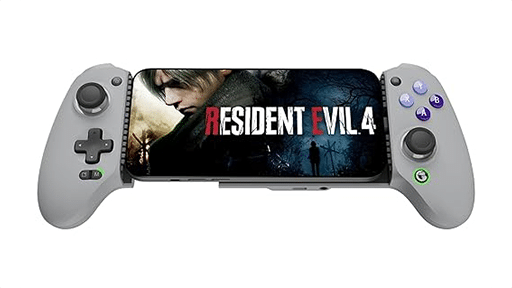
The Android smartphone app, however, has a significant design flaw. Much like the Boosteroid app, it lacks a landscape mode for menu navigation. This makes browsing the library with a controller quite annoying. You have to constantly tilt your phone back and forth between navigating the menus and playing the games. Once you are in a game, the experience is solid, but the initial barrier is frustrating.
Playing on the Go
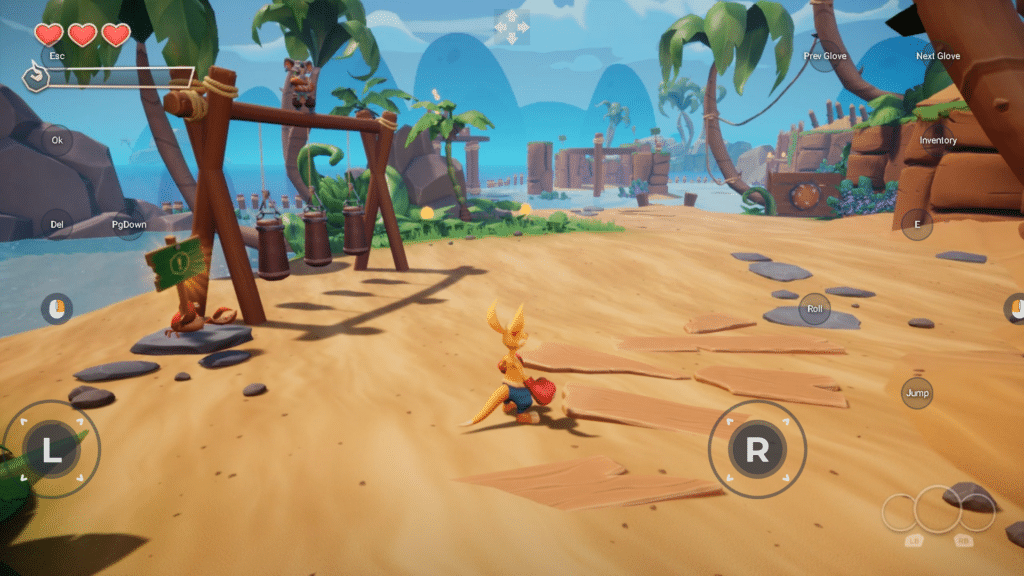
Despite the menu issues, the actual mobile touch controls remain perfect. Sora Stream has clearly put effort into this area, as the controls are responsive and highly reliable. A particularly nice touch is that some games now feature custom buttons specifically mapped for in-game actions, rather than just a generic overlay. The interface still allows you to fully customize the digital gamepad layout, which is excellent for players with specific accessibility needs or preferences.
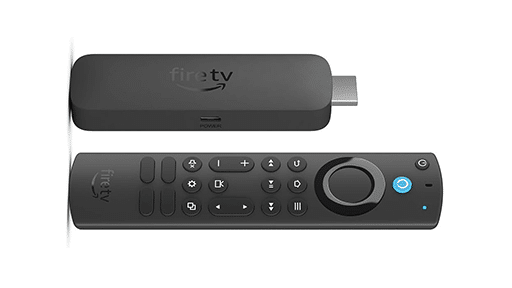
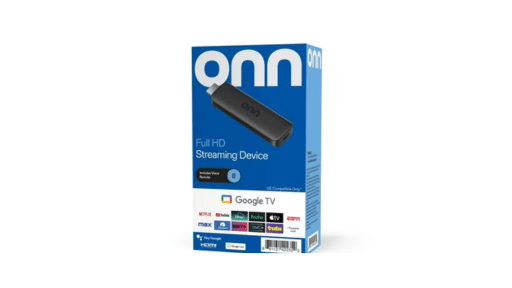
The big news for 2026 is that the Google TV version works properly. The menus are now fully functional and intuitive to navigate with a remote or controller. They have even implemented a specific menu to quit games, which appears when you hold the back or select button on your controller. This is a massive improvement over the previous beta state and makes the living room experience much more viable.
Visuals and Performance
Sora Stream has finally stepped up its game by claiming to offer Full HD 1080p streaming. In 2026, this feels like the absolute bare minimum for any serious cloud service, but it is a welcome improvement over the 720p limit I experienced in the past. On both mobile devices and Google TV, games look crisp and great, with streaming compression that is now barely noticeable.
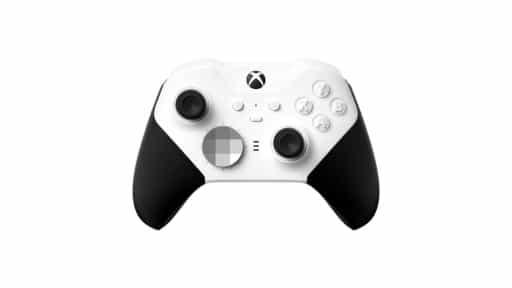
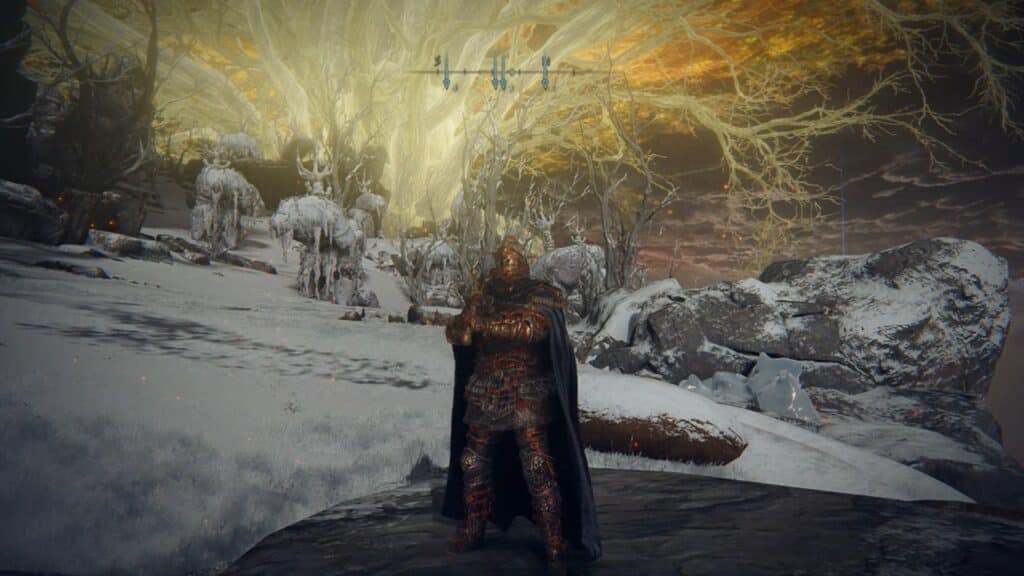
Interestingly, while the visual fidelity has improved, the technical trade-off is evident. Hardware performance remains impressive, and testing Elden Ring via the Steam integration showed that the game engine handles high settings without stuttering. I also tested Fort Solis using a mouse and keyboard, and I was genuinely impressed. Not only did the game run flawlessly, but the control responsiveness was excellent, proving that the service can handle traditional peripherals just as well as controllers.
A major missing feature is the ability to manually adjust the stream resolution. Even with the improved 1080p output, being able to limit the stream to 720p would be incredibly helpful for combating input delay on spotty connections and controlling data usage on mobile networks. Without these settings, you are at the mercy of the automatic bitrate, which often prioritizes resolution over responsiveness.

Is It Worth the Subscription?
Sora Stream is in a difficult position. Its technology lags behind competitors like Boosteroid or Blacknut, and its base library is weighed down by dubious retro ports and mobile-style games. There is a weekly subscription for 2.99 euros, which is a great way to test the waters without committing to a full month.
Ultimately, it is hard to pinpoint exactly who this platform is for. The price point for a week is fair, but the abundance of filler content makes it hard to justify for most users. It might serve a niche for families with young children who want a somewhat closed environment, but for anyone minimally hardcore or even casual gamers, the value proposition is thin. Aside from a handful of indie games and the option to play your own library, there is little here to pull users away from more established services.

Conclusion
Sora Stream is an interesting entry in the cloud gaming world that is pushing to offer a cheaper alternative. Their pricing models are flexible and the jump to 1080p shows they are trying to keep up, but the service still feels unpolished in specific areas. While I am impressed to see the improvement on their backend and streaming performance, I am still wary of their library. I hope they continue to expand their offerings with more “bring your own game” options and industry partnerships to move away from the filler content.
I recommend checking out the full library on our Games Catalog to see if there is anything worth a week or two of subscribing. At the moment, it is difficult to recommend this service as a primary platform. The service still needs a major library overhaul and more control over streaming settings to truly feel like a modern experience.
Pros:
- Flexible pricing, including a weekly plan.
- Perfect mobile touch controls with custom button layouts for specific games.
- Solid backend performance.
- Improved visual clarity with 1080p support.
- Google TV app is now fully functional with easy navigation.
- Ability to access Steam and other libraries, including F2P titles.
Cons:
- Library is filled with shovelware and questionable retro emulation.
- No landscape mode for smartphone app.
- Lack of manual resolution settings to limit data usage or improve latency.
- Tedious login and 2FA process required for every session of owned games.
As always, remember to follow us on our social media platforms (e.g., Threads, X (Twitter), Bluesky, YouTube, and Facebook) to stay up-to-date with the latest news. This website contains affiliate links. We may receive a commission when you click on these links and make a purchase, at no extra cost to you. We are an independent site, and the opinions expressed here are our own.