As portable gaming hardware continues to take the industry by storm, Microsoft is making its most aggressive move yet. By transforming the core Windows 11 experience into something that feels native to a controller, the company seems to be finally addressing the “bloatware” on handheld usability, turning every PC into a potential Xbox console.
Key to this is Xbox Mode, which officially began rolling out for Windows 11 PCs and handhelds today. Marking a massive shift in how players interact with the Windows gaming ecosystem, this new interface brings a controller-optimized, console-inspired dashboard to laptops, desktops, and specifically Windows-based handheld gaming devices.
While some have been testing Xbox Mode (previously known as the “Full Screen Experience”) via the Xbox Insider program, the feature has received a significant number of updates and refinements over the last couple of months to prepare for this general release. Now available to everyone, the function can boot a Windows device straight into a console-like environment. Using the Xbox app for PC, the experience is heavily focused on controller usage, providing a native Microsoft alternative to SteamOS and Steam’s Big Picture mode.
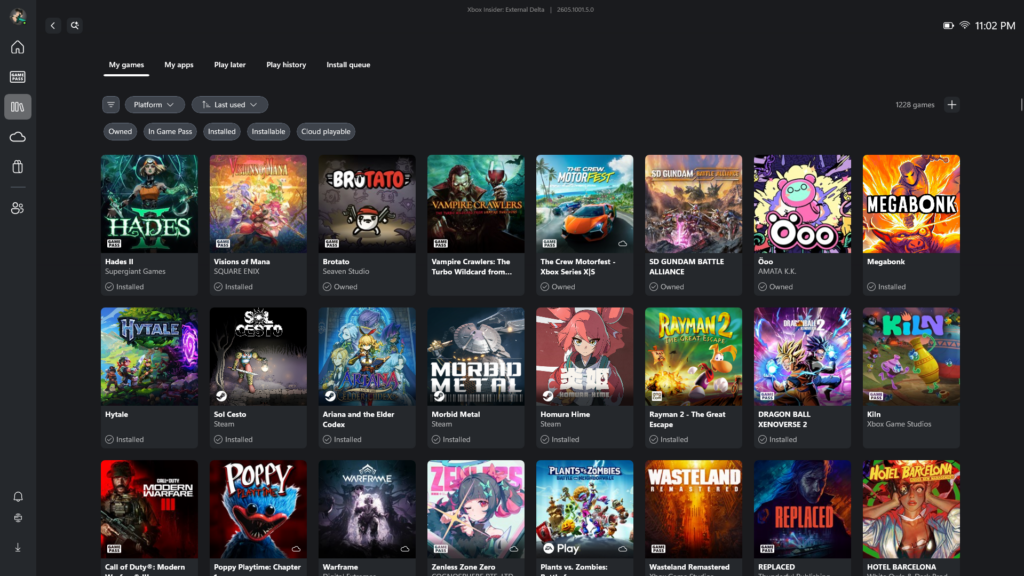
A Unified Library and Better Navigation
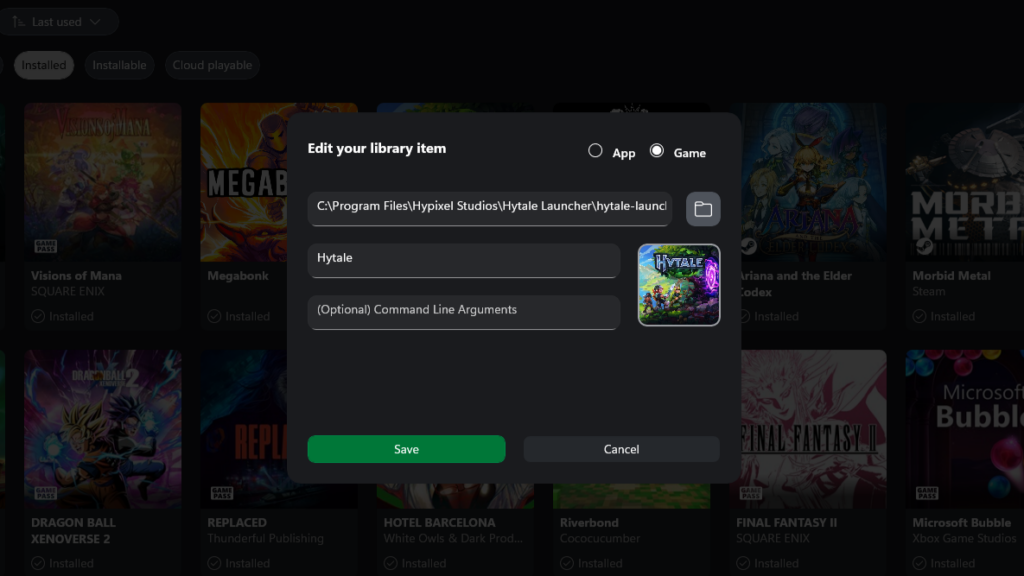
To support this new interface, Microsoft is also introducing new tools to centralize the PC gaming experience. Users can now manually add any installed game or app to their Xbox library, regardless of which storefront it came from. This allows players to launch titles from standalone launchers all from one place. These entries are fully customizable with unique names, icons, and even advanced mod parameters or launch commands.
To get players into the action faster, the update also introduces the ability to “Pin” up to three games to the “Jump back in” or “Most Recent” lists. This feature works across installed titles and cloud gaming, ensuring your daily drivers stay at the front of the queue.
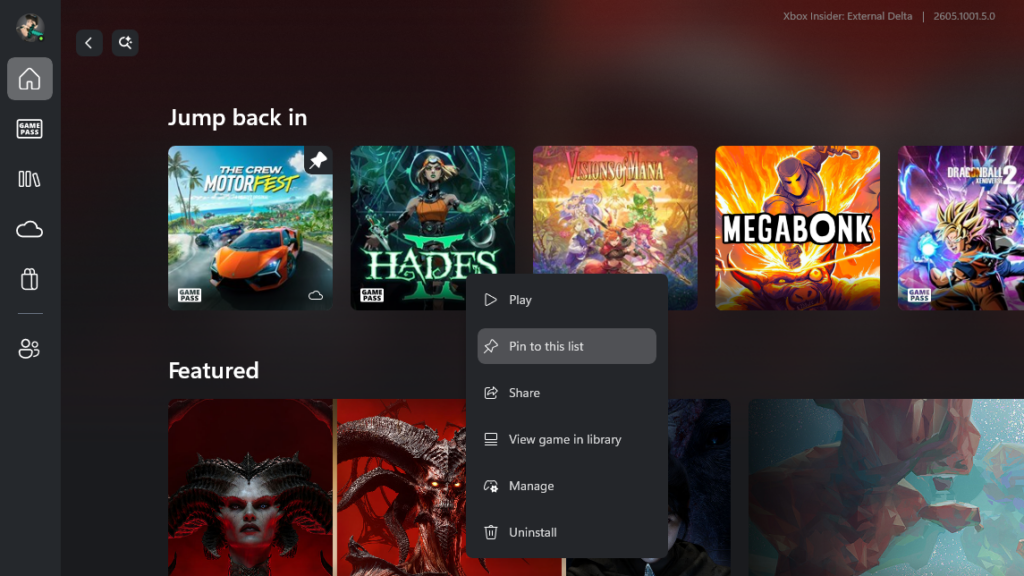
For moments when you need to step outside of the library, the new Gamepad Cursor makes navigation easy. By allowing the left stick to act as a mouse pointer, players can interact with apps like Discord or Spotify that aren’t natively optimized for controllers without needing a touchscreen or a physical mouse. Additionally, players can now reposition Xbox notifications via the Game Bar settings to ensure that achievement pop-ups never block critical HUD elements.
Improving the ROG Xbox Ally Experience
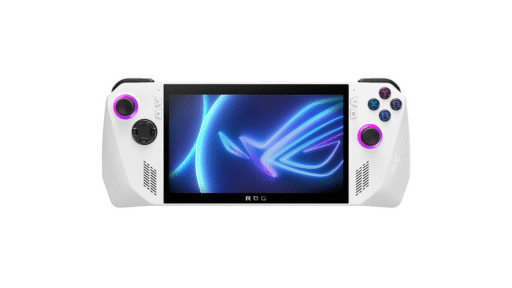
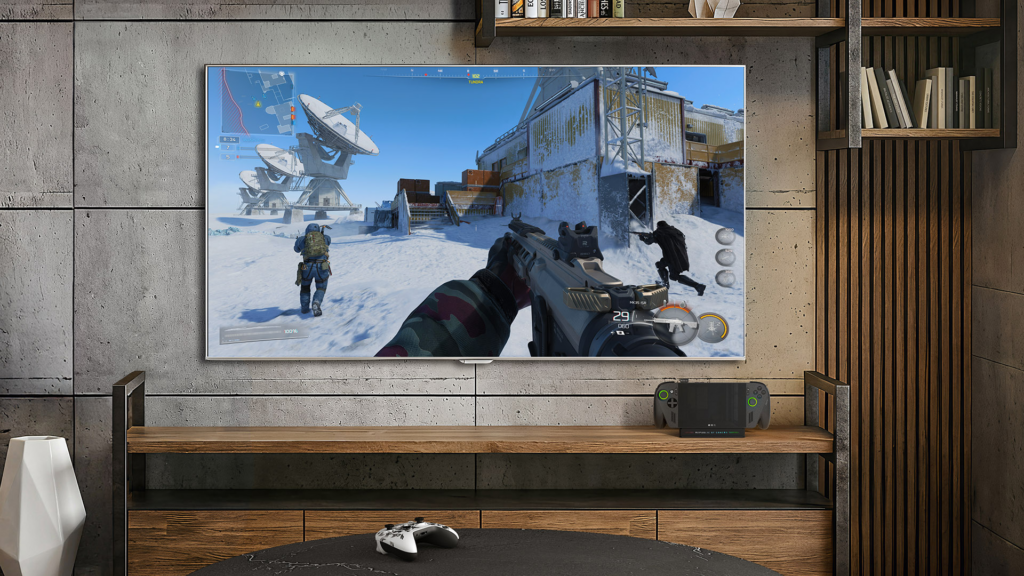
The software rollout is accompannied by specific hardware optimizations for the ROG Xbox Ally and ROG Xbox Ally X. These devices are receiving specialized enhancements designed to make docked play feel more like a console. When connected to an external screen, the handheld display now automatically turns off. Optimizing the resolution, refresh rate, and HDR for the big screen.

Furthermore, Xbox Insiders on the ROG Xbox Ally X can now preview Auto Super Resolution (Auto SR). This AI-driven tech delivers 1440p-like detail while maintaining high framerates on larger displays. Other handheld-specific improvements include:
- Super Wideband Stereo Voice: High-fidelity audio for party chat over Bluetooth LE Audio.
- Enhanced Vibration: A more refined haptic feedback system that mimics the Xbox controller experience.
How to Get the Updates
The rollout is starting today in select countries and will expand globally over the coming weeks. To access the features, users should ensure their device is set to “Get the latest updates as soon as they are available” within Windows Update settings. As handheld gaming continues to dominate the conversation, Xbox Mode represents Microsoft’s most direct effort yet to bridge the gap between PC and console.
As always, remember to follow us on our social media platforms (e.g., Threads, X (Twitter), Bluesky, YouTube, and Facebook) to stay up-to-date with the latest news. This website contains affiliate links. We may receive a commission when you click on these links and make a purchase, at no extra cost to you. We are an independent site, and the opinions expressed here are our own.