Xbox Cloud Gaming is opening up even more ways to jump into your library, and this new update is a big one for gamers in Brazil. Microsoft confirmed that the Xbox Cloud Gaming app is now available on select LG Smart TVs and compatible Amazon Fire TV devices across the region. It feels like a natural next step, especially since cloud gaming has been growing fast in Brazil. A recent study commissioned by Microsoft found that one in three Brazilian gamers plays in the cloud every day. That’s a huge number.
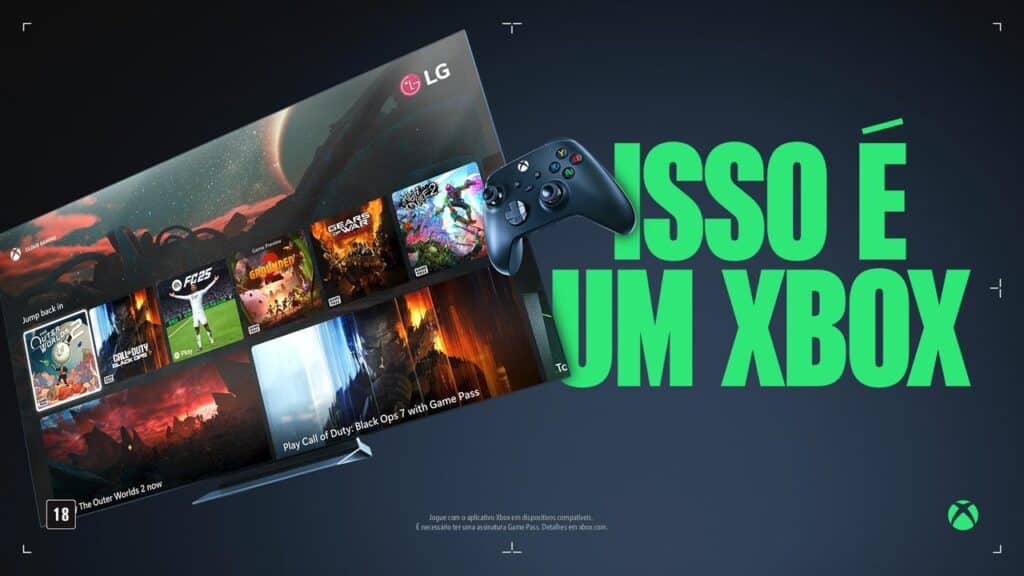
Seeing the app land on two major TV platforms makes things a lot easier for anyone who wants to play without extra hardware. You can turn on an LG TV from 2025, open the LG Gaming Portal and launch the Xbox app right from the home screen. If your TV runs webOS 24 or higher, you can download the app directly from the store. All you need is a Game Pass membership and a Bluetooth controller. It’s simple.


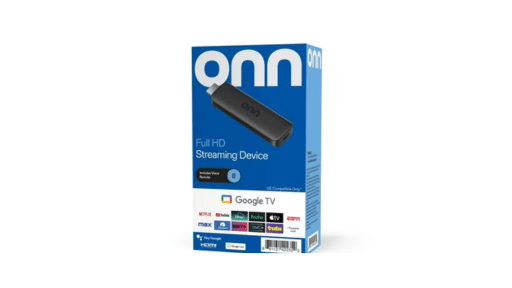
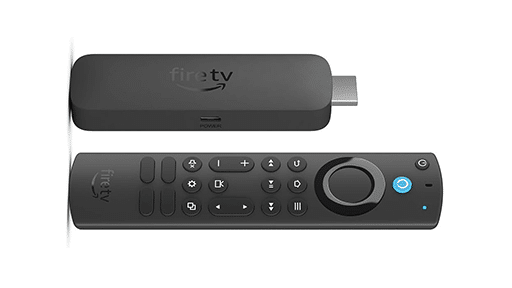
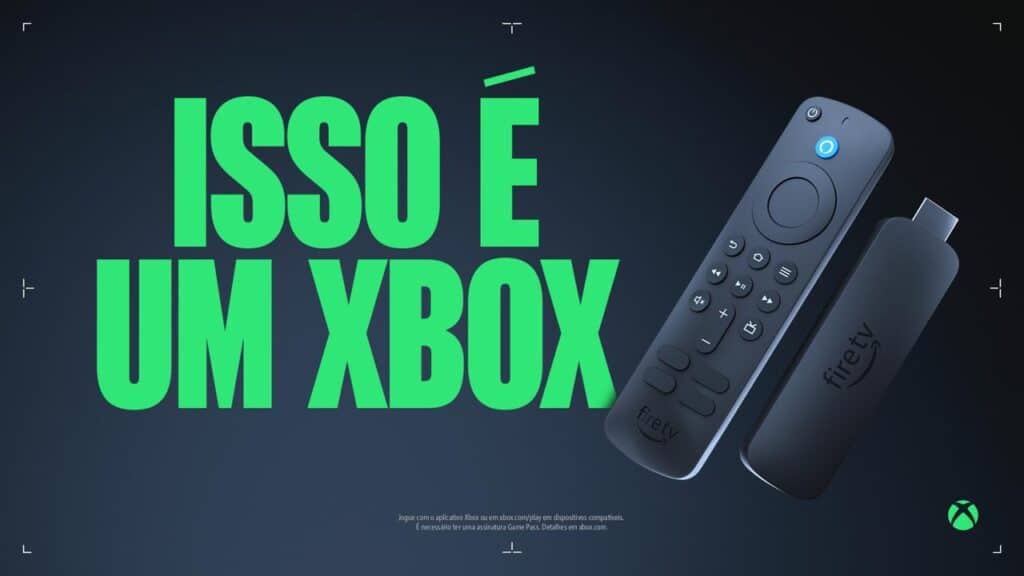
The Fire TV support works the same way. You install the Xbox app on a Fire TV Stick 4K, sign in and start playing. That’s it. No console. No setup headaches. Just cloud gaming on a screen a lot of people already have in their living room.
For a region that’s already embraced cloud play, this update gives gamers more freedom and more choice. And honestly, it’s great to see more devices opening the door instead of closing it.
Xbox Cloud Gaming on LG Smart TVs
LG owners in Brazil get the biggest boost from this update. The Xbox Cloud Gaming app is now live on select LG Smart TVs, and the setup is straightforward. If you have a 2025 LG model, you can open the LG Gaming Portal, find the Xbox app in the Q-Card and jump right in. It’s quick. For anyone with an LG TV running webOS 24 or newer, including 2022 OLED sets and some 2023 models that received a firmware update, the app is ready to download from the LG content store.
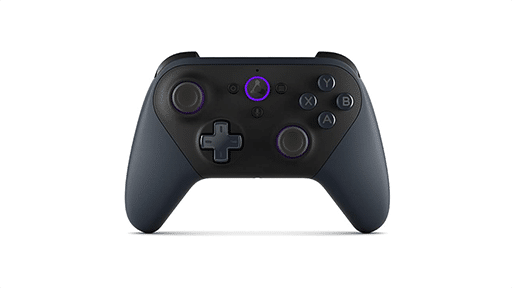
Once the app is installed, everything works the way you would expect. You sign in with your Microsoft account, connect a Bluetooth controller and browse the Game Pass catalog. The app supports the standard Xbox Wireless Controller, Xbox Elite Series 2, the Adaptive Controller, and even DualSense and DualShock 4.
The process is simple enough that you can go from powering on your TV to playing something like Call of Duty Black Ops 7 or Ninja Gaiden 4 in a minute or two. And honestly, that’s the kind of convenience that helps cloud gaming fit naturally into a living room setup. This is exactly the kind of support we always hope to see. More screens. More access. And more ways to play without needing a dedicated box.
Xbox Cloud Gaming on Amazon Fire TV
Xbox Cloud Gaming is also rolling out to compatible Amazon Fire TV devices in Brazil. Giving people another simple way to play without extra hardware. The setup follows the same pattern as other streaming apps on Fire TV. You install the Xbox app on a Fire TV Stick 4K, sign in with your Microsoft account and connect a Bluetooth controller.
The supported controllers match what’s available on other platforms. You can use the Xbox Wireless Controller, Elite Series 2, Xbox Adaptive Controller, DualSense or DualShock 4. Once the controller is paired, you can open the Game Pass catalog and start streaming any cloud-enabled game.
It’s a direct way for Fire TV users in Brazil to access cloud play without changing their existing setup or adding another device. You install the app, sign in and start playing.
Cloud Gaming’s Growth in Brazil
This update gives gamers in Brazil two new ways to use Xbox Cloud Gaming. And both options feel practical for anyone who prefers a simple setup. LG Smart TVs get the most flexibility thanks to the LG Gaming Portal and the broader webOS 24 rollout. Fire TV users can take the same approach with the Fire TV Stick 4K, turning a small streaming device into a cloud gaming entry point.
The timing also matches how cloud usage in Brazil has been trending. Microsoft highlighted that one in three Brazilian gamers plays in the cloud every day, based on the recent study. That number stood out to me. It shows how quickly cloud gaming has become part of a regular routine in the region, and it explains why Microsoft is putting more attention on supporting devices people already own.
It’s good to see cloud gaming continue to grow in places where people already rely on smart TVs and streaming devices. Expansions like this tend to make the format feel more accessible, especially for anyone who wants a straightforward way to try new games without a console. Microsoft’s approach here fits that mindset well.
As always, remember to follow us on our social media platforms (e.g., Threads, X (Twitter), Bluesky, YouTube, and Facebook) to stay up-to-date with the latest news. This website contains affiliate links. We may receive a commission when you click on these links and make a purchase, at no extra cost to you. We are an independent site, and the opinions expressed here are our own.