Starting today, new updates are rolling out for Xbox on PC and handheld. These changes make it easier to launch and manage games. You can now access your entire gaming library in one place.
The Aggregated Gaming Library
The new aggregated gaming library combines your game collection from multiple PC storefronts. This includes your Xbox library, Xbox Game Pass, Battle.net, and others. You can now access all your games in one place, whether you’re on a Windows PC or a handheld device.
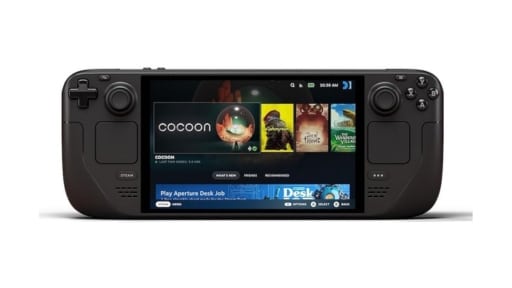

When you install a new game from a supported storefront, it automatically shows up in My Library in the Xbox PC app. It also appears in the Most Recent list. This lets you jump back into your favourite games with a single click.
Control Your Library View
You have full control over what you see. If you want a more simplified view, you can hide games from certain storefronts.
Here’s how:
- Select your profile picture.
- Go to Settings.
- Select Library & Extensions.
- Find the storefronts listed.
- Toggle off any listings you don’t want to see.
Once you disable them, those titles will no longer appear in your library.
My Apps: Access Third-Party Storefronts
The new My Apps tab brings third-party apps and storefronts together. This feature supports the aggregated gaming library, allowing you to find, download, and launch games from multiple places without switching between apps.
Just Pick Up and Play
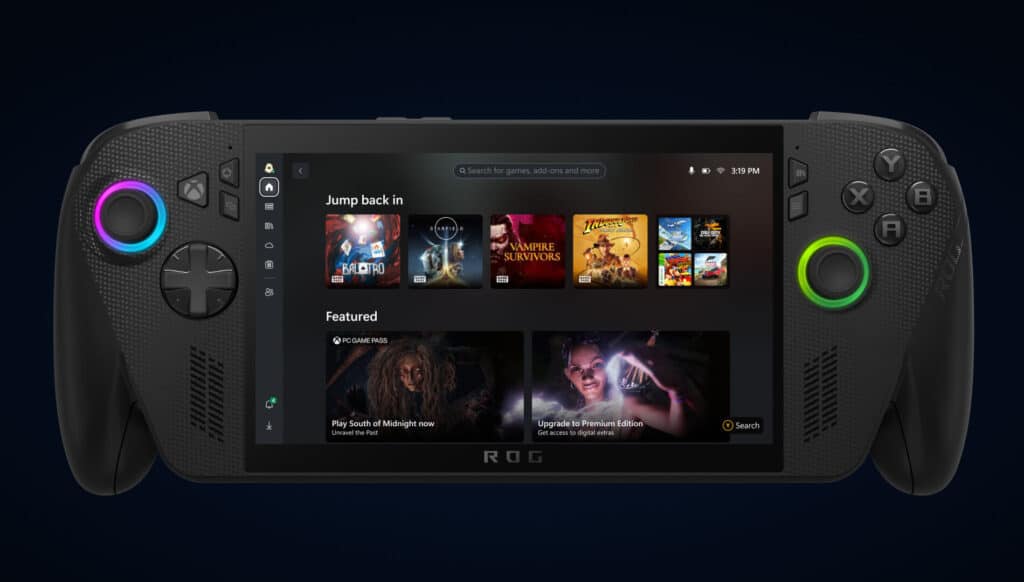
Coming later in September, your cloud-playable games and play history will follow you across all devices. This means you can pick up a game where you left off.
To find your cloud-playable games, select the Cloud Playable filter in My Games. Once the feature is live, look for the Jump Back In list on your console, PC, or handheld home screen. This list will show your recent play history, making it easy to continue your last game.
As always, remember to follow us on our social media platforms (e.g., Threads, X (Twitter), Bluesky, YouTube, and Facebook) to stay up-to-date with the latest news. This website contains affiliate links. We may receive a commission when you click on these links and make a purchase, at no extra cost to you. We are an independent site, and the opinions expressed here are our own.