This is the third major feature rollout we’ve seen from Xsolla Cloud Gaming in recent months. Back in the summer, the company launched Cloud Gaming Trials, a new way for gamers to instantly sample PC games through timed demos. Not long after, we spoke with Xsolla President Chris Hewish in a Q&A, where he explained how Trials could reshape game discovery and monetization.

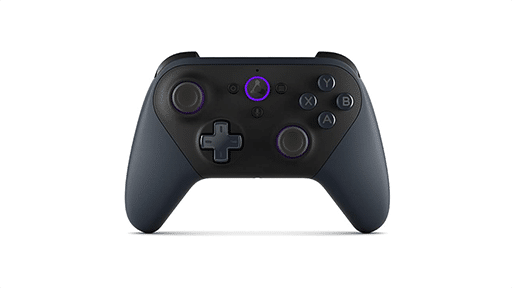
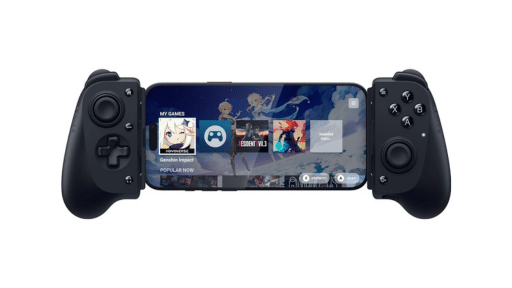

Now, with the virtual gamepad overlay, Xsolla is focusing on mobile access. It eliminates the barrier of extra hardware, making streamed PC games easier to play on the go and broadening reach for developers looking to tap into mobile-first audiences.
Virtual Gamepad Overlay Explained
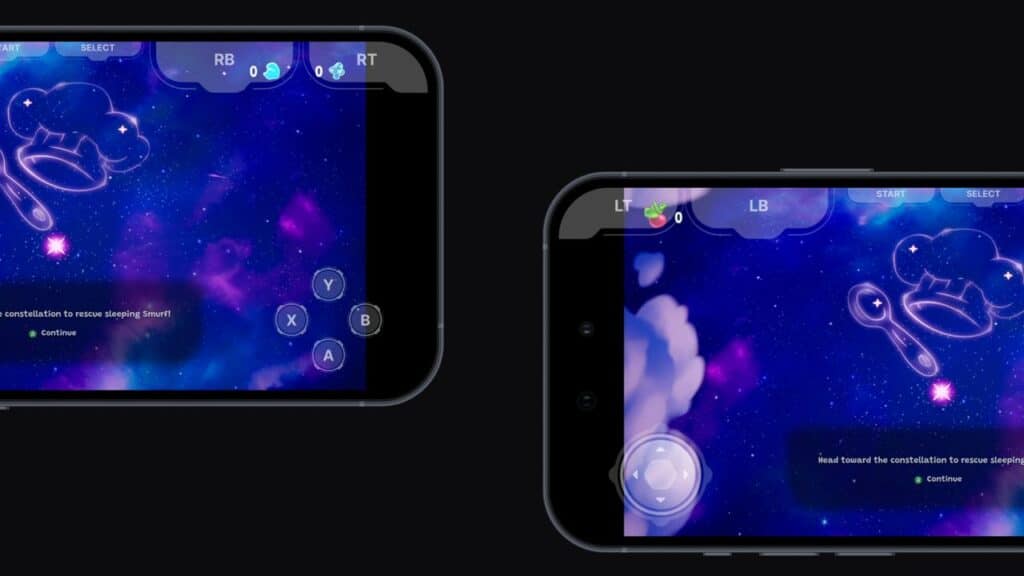
The new virtual gamepad overlay brings full touch-based controls to streamed PC games on mobile devices. Instead of needing a physical controller, you can tap into an on-screen layout that mirrors a standard Xbox controller. That means the usual A, B, X, Y buttons, triggers, shoulder buttons, and analog sticks are all right there on your screen.
What makes it flexible is customization. Developers can decide which buttons appear, depending on the game. If a title doesn’t need shoulder buttons or a D-pad, they can be removed for a cleaner layout. This makes the setup less cluttered and easier to use, especially on smaller phone screens.
Setup is handled entirely through the Xsolla Publisher Account. The overlay can be toggled on, device orientation selected, and controls enabled. No new builds or coding required. Any PC game that already supports controllers can be adapted quickly for mobile streaming. This opens the door for studios to reach mobile-first audiences without building separate ports or redesigns.
The overlay works across both Android and iOS, making it accessible to almost anyone with a smartphone. It’s not going to replace the feel of a real controller for everyone, but it gives more freedom and choice. Especially for mobile-first audiences who might never have invested in traditional gaming hardware.
Making Cloud Gaming More Accessible
With the virtual gamepad overlay, Xsolla continues to expand its cloud gaming features in practical ways. This update builds on its earlier Trials rollout and signals a clear focus on removing barriers. Gamers get a chance to stream PC titles on mobile without extra hardware, while developers gain an easier path to reach new audiences.
Cloud gaming is often judged on performance, but access and flexibility matter just as much. Features like these point to a future where you can jump into a game from nearly any device without compromise.
What do you think? Do you use touch controls, or do you stick with a physical controller?
As always, remember to follow us on our social media platforms (e.g., Threads, X (Twitter), Bluesky, YouTube, and Facebook) to stay up-to-date with the latest news. This website contains affiliate links. We may receive a commission when you click on these links and make a purchase, at no extra cost to you. We are an independent site, and the opinions expressed here are our own.