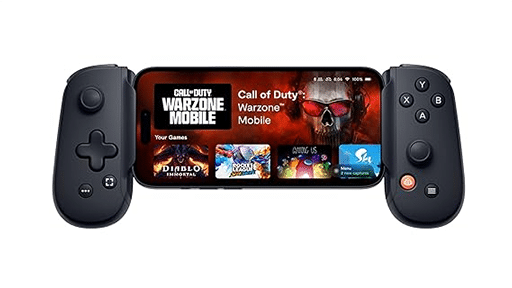
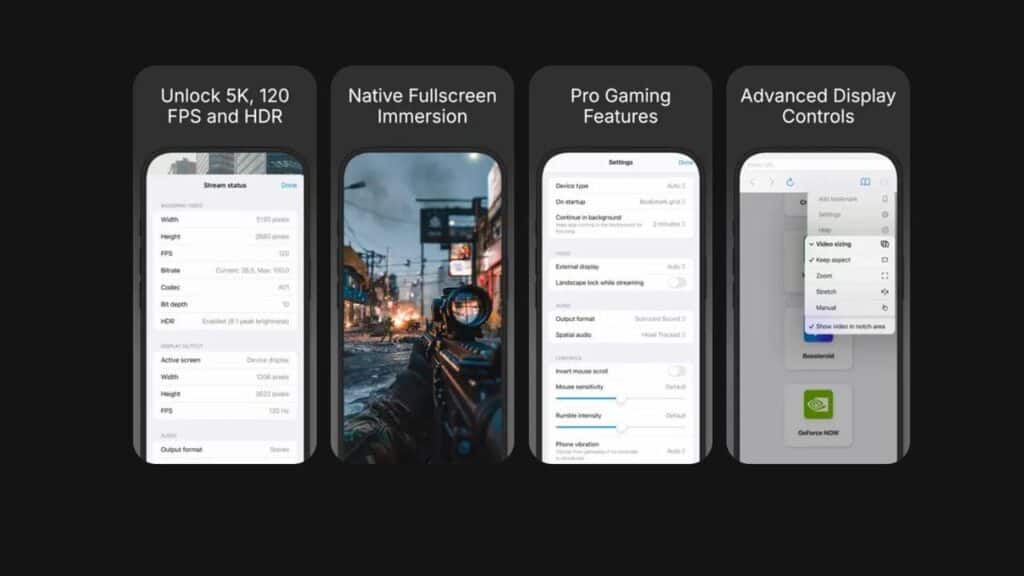
The team behind OneCast built a custom browser engine from the ground up, and the feature list shows how far it goes. CloudGear supports up to 5K resolution, 120 FPS, HDR10 and 10-bit color. It also adds proper mouse pointer lock, controller rumble and fully immersive fullscreen. On paper, that already puts it ahead of what Safari can offer. I have run into these same roadblocks when streaming on iOS, so seeing features like this listed out feels overdue.

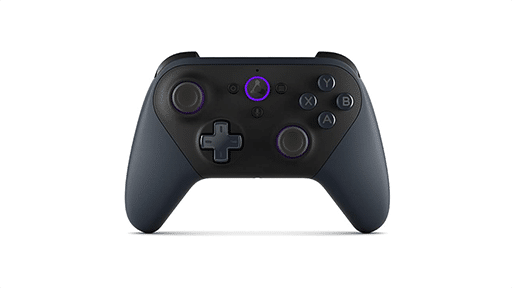
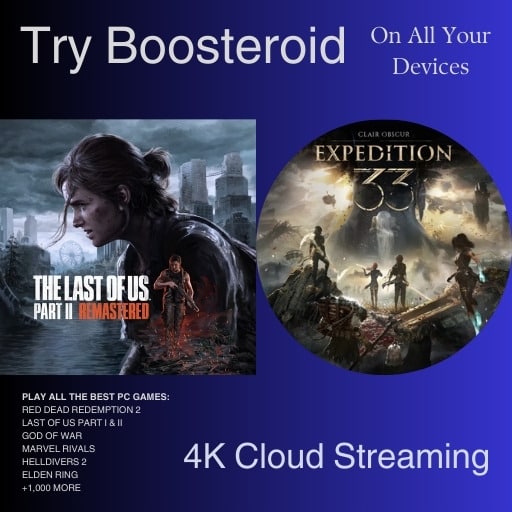
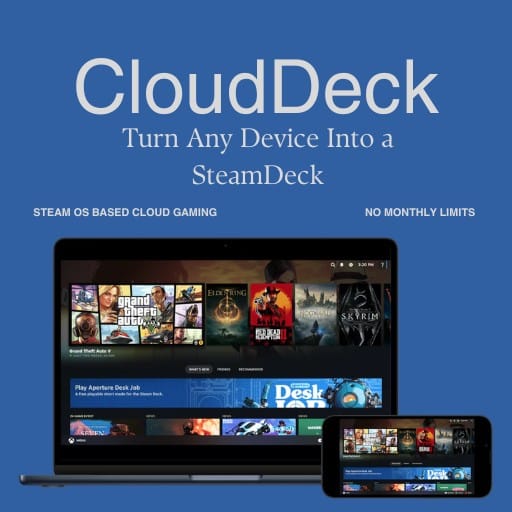
CloudGear also supports the big three cloud services right out of the gate. GeForce NOW benefits from higher resolutions and codec support. Boosteroid gains the same upgrades with clean fullscreen output. Xbox Cloud Gaming gets better control features and stable fullscreen as well. All of this works on iPhone and iPad with support for external displays, which is something iOS cloud gamers have been asking for a long time.
Safari Has Held Back Cloud Gaming on iOS
Anyone who has used cloud gaming on an iPhone or iPad knows the limits pretty well. Safari is the only browser engine Apple allows on iOS, which means every other browser is stuck with the same restrictions. That setup has made cloud gaming feel like an afterthought for a long time. You can see it right away when you try to stream something demanding.
High resolutions are locked down, so 4K or 5K streams simply are not possible. Frame rates are capped too. Even if your cloud service supports 120 FPS, Safari will not let you use it. Controller rumble does not work. Mouse pointer lock is missing, which makes FPS and RTS games awkward to play. HDR support has also been off the table, even on devices that can clearly handle it.
Fullscreen mode has been one of the biggest frustrations. Safari adds its own bars and controls, so your stream never feels truly immersive. External display use has its own issue. You often end up with black bars, even when the TV or monitor supports the correct aspect ratio.
These limits do not come from the cloud services themselves. They come from the browser layer sitting between the stream and your device. That is why every iOS cloud gaming setup has felt the same over the years. It is also why CloudGear stands out so quickly.
What CloudGear Unlocks on iPhone and iPad
CloudGear fixes almost every limit that has held back cloud gaming on iOS, and the list of upgrades is long. It starts with visuals. CloudGear supports resolutions up to 5K, which is something Safari simply cannot do. It also allows 120 FPS streaming on services that support it. It aims to bring the experience closer to a desktop setup, especially with the higher resolutions and frame rates CloudGear supports.
HDR10 and 10-bit colour are both supported. That means brighter highlights, deeper blacks and a more accurate picture when the cloud service offers HDR. CloudGear also includes full AV1 and HEVC codec support, which helps with cleaner image quality at lower bitrates. These are features cloud gamers have been asking about for years.
The control improvements matter just as much. CloudGear includes proper mouse pointer lock. That single feature makes FPS and RTS games feel playable in a way Safari never has. Controller rumble works too, adding back the haptics that iOS cloud gaming has lacked.
CloudGear also supports custom resolutions, a small but useful detail. You can force a specific resolution to remove black bars or sharpen the image. Fullscreen mode finally behaves like a real fullscreen mode. No browser UI. No floating bars. Just the game.
External display support is one of the biggest surprises. Plug an iPhone or iPad into a monitor or TV and CloudGear renders in proper fullscreen without the usual letterboxing. It is designed to feel closer to a console setup when paired with a controller.
Seeing all these features in one place really shows how far iOS cloud gaming can go when the right tools are in play.
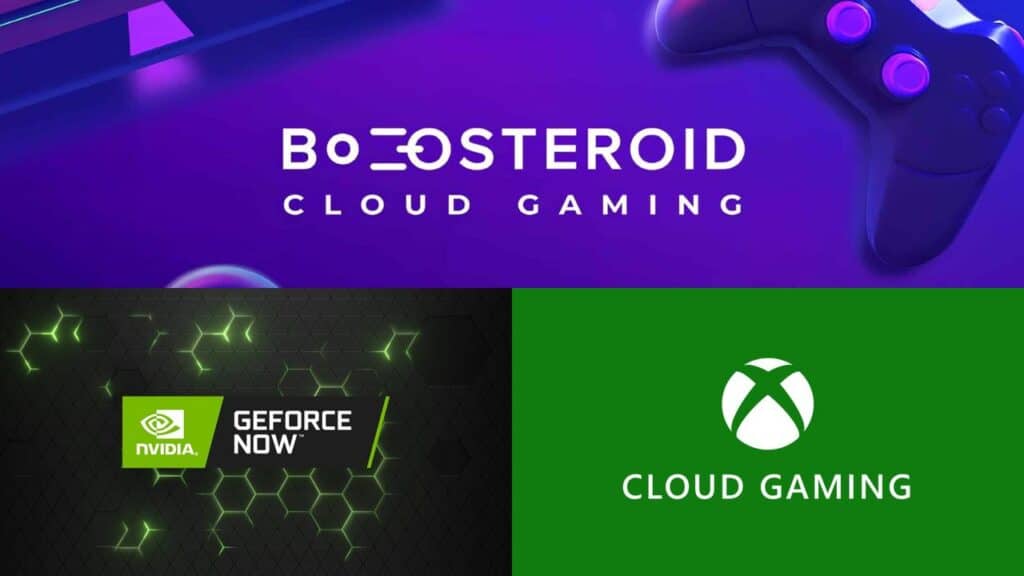
CloudGear Works Across GeForce NOW, Boosteroid, and Xbox Cloud Gaming
One of the strongest parts of CloudGear is that it works across all three major cloud services on iOS. You do not need different apps or separate setups. Everything runs through the same custom browser, and each service benefits in its own way.
GeForce NOW gets the most visible upgrades. It can stream up to 5K resolution with HDR10 and 10-bit color when the tier supports it. AV1 and HEVC codec support help keep the picture sharp during fast movement. You also get 120 FPS streaming, proper fullscreen and stronger external display performance. It fixes most of the limits that made GFN feel held back on iPhone and iPad.
Boosteroid sees many of the same improvements. The custom resolution settings let you remove black bars or tune the image the way you want. Rumble works on connected controllers, and mouse pointer lock makes it easier to play shooters or strategy games. Fullscreen mode also behaves the way it should, which is something Boosteroid users have been waiting for on iOS.
Xbox Cloud Gaming benefits too. CloudGear supports fullscreen mode without the usual browser bars, and rumble works during streams. Controls feel closer to a console session, and the stability boost helps with longer play sessions. It is not changing the service itself, but the experience feels better when the browser is not getting in the way.
CloudGear does not favour one platform over another. It gives each service room to breathe on iOS, and it keeps the experience consistent across screens.
External Display Support Turns iOS Into a Portable Console
External display support ends up being one of CloudGear’s most surprising upgrades. Most iOS cloud setups struggle with black bars or odd scaling when you plug into a TV or monitor. CloudGear avoids those problems. It renders the stream in proper fullscreen, which makes an iPhone or iPad feel much closer to a small console when you connect it to a bigger screen.
The setup is simple. Use a USB-C or HDMI connection, open your cloud service and the game fills the entire display. No wasted space. No browser UI sitting on top. It is a clean approach that fits how many cloud gamers like to play, especially when using a controller.
This feature matches the way a lot of cloud gamers already use their devices. You can stream on the go, then finish the same session on a TV without changing devices or installing anything. It also fits people who want a lighter setup instead of a full console. Just connect a cable and you are ready.
It is the kind of upgrade that could change habits over time. When a cloud stream fills a TV without the usual scaling issues, it changes how you think about using an iPhone or iPad for gaming.
Final Thoughts on CloudGear and iOS Cloud Gaming
CloudGear looks like a meaningful step forward for cloud gaming on iOS. The long-standing browser limits on iPhone and iPad have shaped the experience for years, and the feature list alone shows how much room there was for improvement. Higher resolutions, smoother frame rates, HDR support, pointer lock and proper fullscreen mode address many of the issues cloud gamers regularly point out. On paper, it creates a setup that finally looks capable of keeping up with what services like GeForce NOW, Boosteroid and Xbox Cloud Gaming already offer.
The service-specific upgrades also stand out. Each platform benefits in its own way, and the consistency across the three major providers helps CloudGear feel more like a unified solution instead of something tied to one ecosystem. It is easy to see how a tool like this could fit into the routines of cloud gamers who switch between devices and services depending on where they are.
External display support is another feature that could make a noticeable difference for people who want a simple TV setup without relying on a console. Being able to fill a full screen without black bars has been a request from iOS cloud gamers for a long time, and CloudGear’s approach addresses that directly.
The app comes from the team behind OneCast, a group already known for building streaming-focused tools. CloudGear is a premium utility with a seven day free trial, and it is available now on the App Store for iPhone and iPad. Those details make it easy for people to test it themselves and see how it performs with their own network and devices.
For now, CloudGear represents one of the most significant attempts to push iOS cloud gaming closer to the experience found on desktop and handheld PCs. The feature list alone makes it a notable release, and it will be interesting to see how the app evolves and how cloud gamers respond to it over time.
As always, remember to follow us on our social media platforms (e.g., Threads, X (Twitter), Bluesky, YouTube, and Facebook) to stay up-to-date with the latest news. This website contains affiliate links. We may receive a commission when you click on these links and make a purchase, at no extra cost to you. We are an independent site, and the opinions expressed here are our own.