


Following our look at JSAUX’s multi-controller 6-in-1 dock, the brand also offers a much more streamlined, low-profile alternative. The JSAUX 7-in-1 Multifunctional Docking Station for Switch 2 takes a minimalist approach, swapping dedicated gamepad charging slots for portability, broader device support, and a budget-friendly price tag. After spending a month using this compact setup as my primary TV connection without encountering any issues, it presents an exceptional alternative for gamers seeking a clean, portable desktop dock.
Switching to the 7-in-1 dock after testing the 6-in-1 station reveals immediate improvements in daily usability. Docking the console is noticeably easier and far less finicky. That comes down to the spring-loaded USB-C port at the base. Unlike rigid alignment pins or pivoting connectors that create physical resistance, this spring-loaded port retracts under pressure, allowing the console to slide into place and fit much better without requiring precise angling.
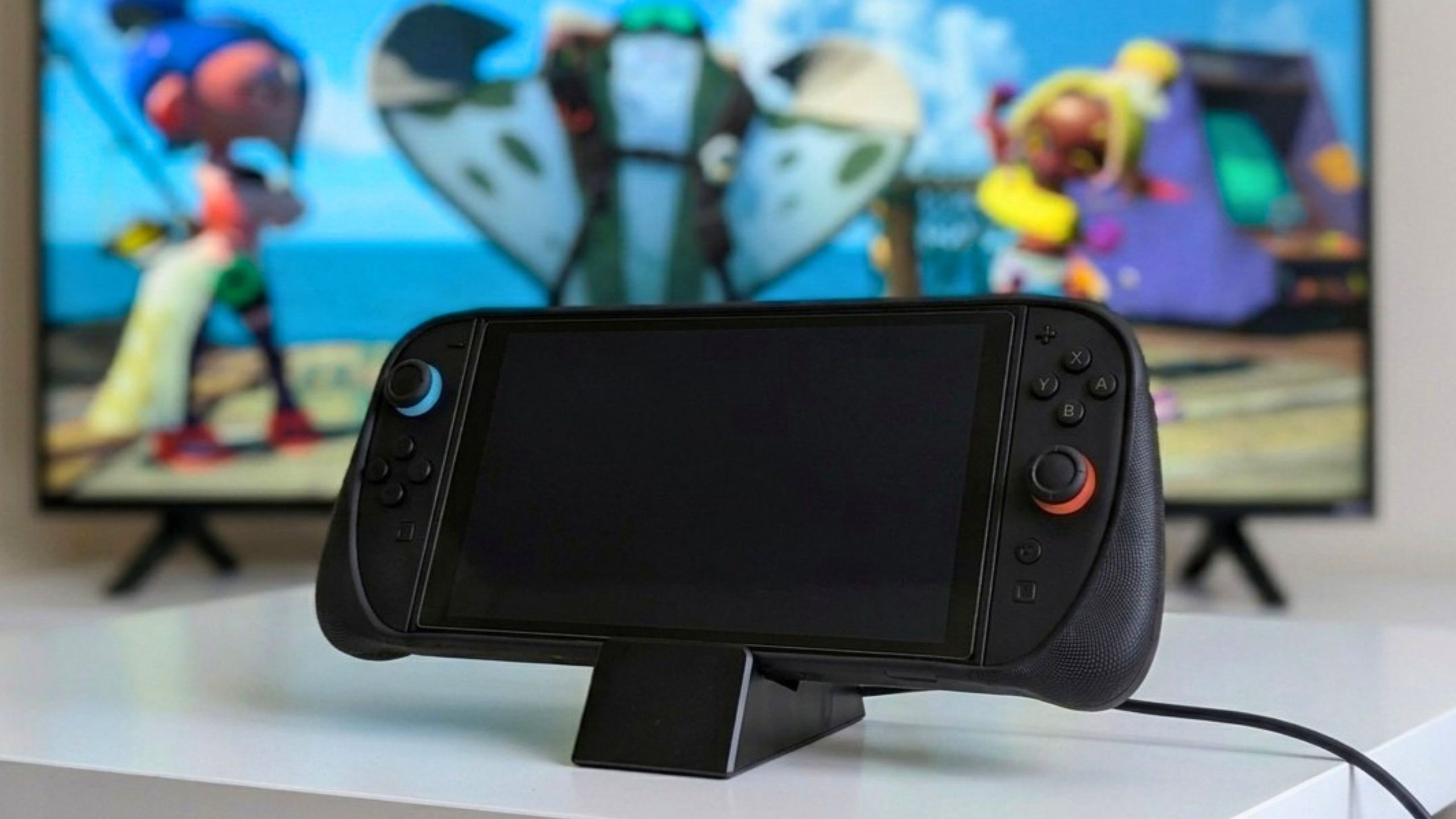
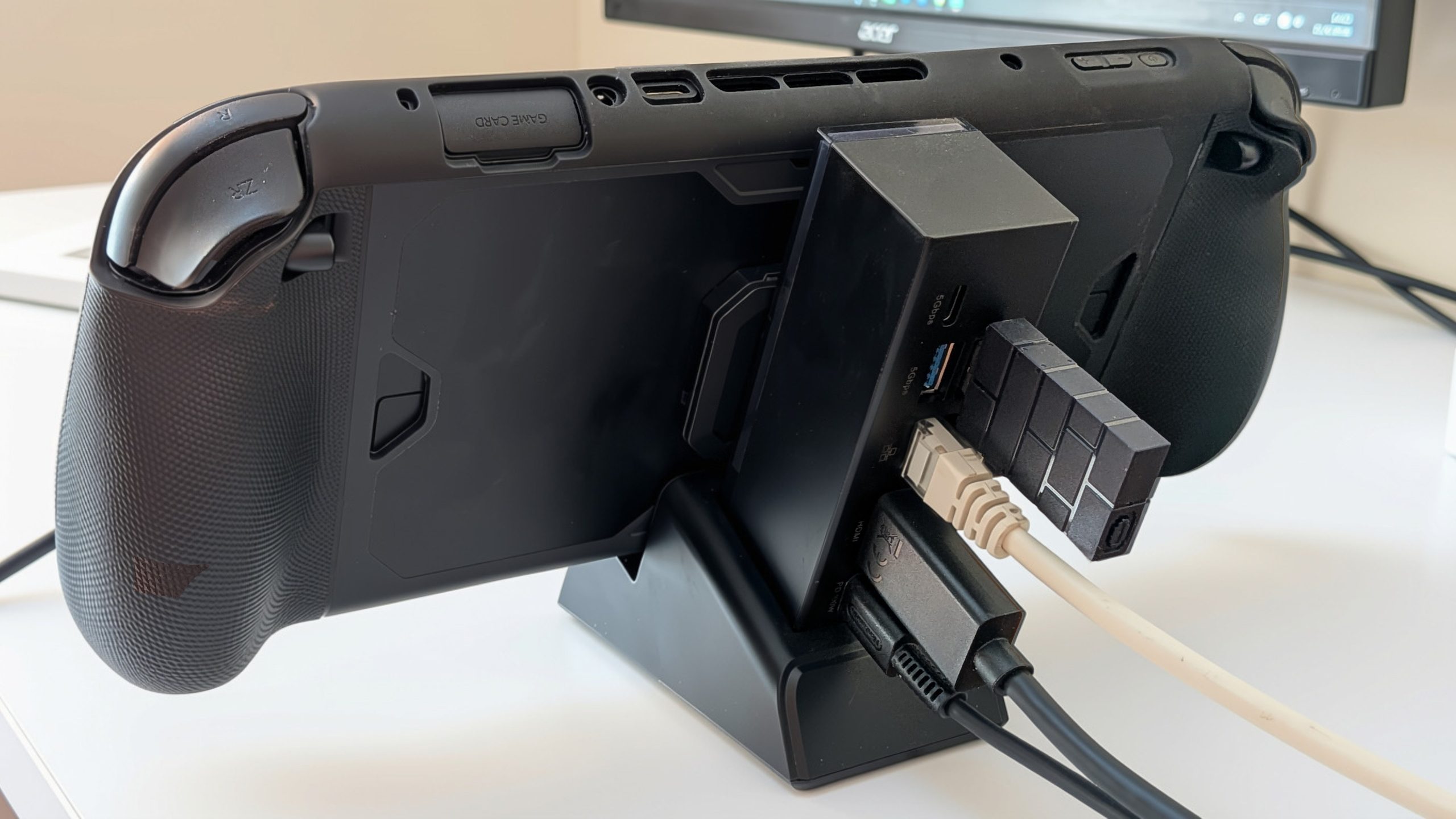
Visually, the Switch 2 looks a bit exposed since there aren’t thick side walls enclosing the screen. Despite that open look, the taller backplate makes the setup feel much safer on a desk or under the TV. The extra height stops the console from tilting backward, keeping it upright even if you bump your workspace. I can understand some users being concerned about breaking the bottom USB port if the console gets knocked on accident, particularly if hit on the lower side of the Joy-Con 2 controllers, where impact leverage is higher. However, the body itself feels solid without being heavy.
Robust Connectivity and Improved Spacing
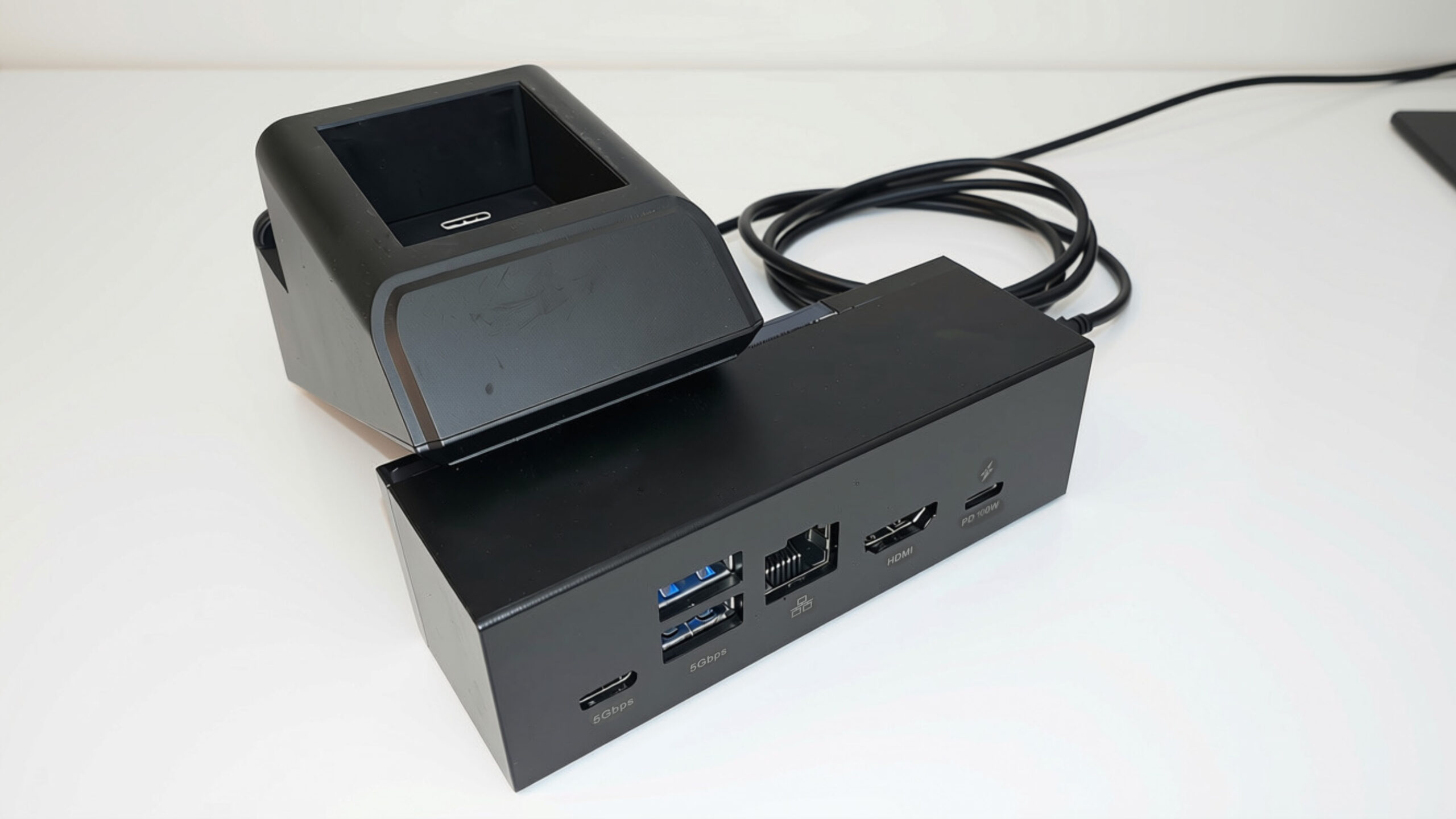
When it comes to ports, the 7-in-1 handles all the basics. It features HDMI 2.1, Gigabit Ethernet, 100W USB-C power input, a USB-C 3.1 data port, and two USB-A 3.1 ports packed into a very small package. If you play online games often, the wired Ethernet connection is a huge benefit, keeping latency steady and avoiding the random signal drops you can get over Wi-Fi.
Port layout is definitely improved over the 6-in-1 dock, though it still calls for a little attention. On the previous model, plugging in a slightly wide wireless adapter meant completely blocking the port next to it. Here, the spacing between the two USB-A ports is still somewhat close, but there’s enough clearance for standard dongles and cables to sit side by side. Having a separate USB-C 3.1 data port on the dock itself is also convenient, as you can connect wired headsets or external drives directly without cluttering the top port of the console.
Detachable Base and Multi-Device Support
One of the biggest advantages of this 7-in-1 model is its modular design. The main dock component detaches from its stand via a magnetic connection, turning the cradle into a tiny, ultra-portable travel hub. Over a month of testing, this flexibility proved invaluable beyond Nintendo’s console. Using the detached hub, I successfully connected and tested both my smartphone and tablet without encountering driver issues, data interruptions, or power drops.
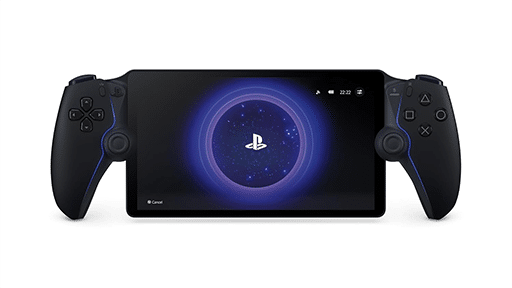
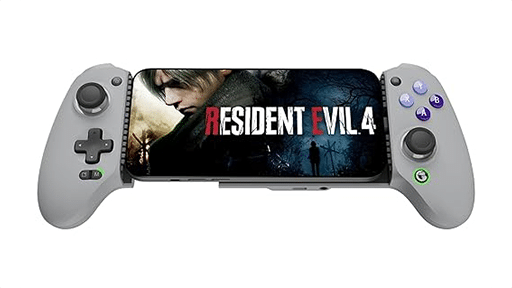
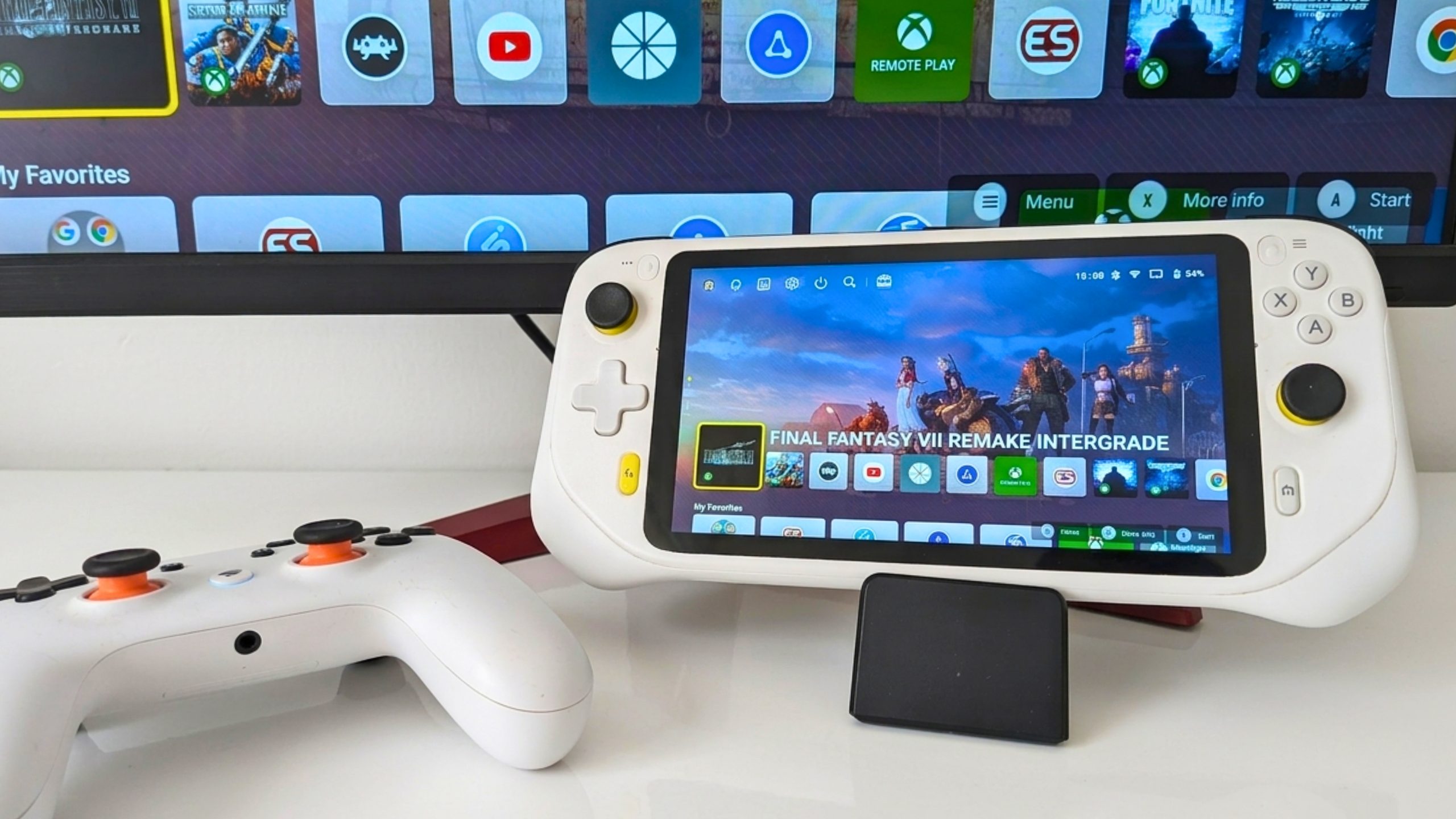
I also tried it with my ROG Ally using its original charger. When connected, the ROG Ally charged at full speed and r2ecognized all connected USB peripherals without a problem. However, video output over HDMI didn’t work in this specific setup. This seems to happen because I used a USB-C extension cable to link the handheld to the detached dock rather than plugging a device directly onto the spring-loaded base. If you plan to use this as a TV dock for non-Switch handhelds, keep in mind that you’ll likely need to seat the device straight onto the base to get a display signal. Placing the G Cloud and smartphone on the base worked without issues, HDMI included.
Great Display and Power Delivery Specs
On paper, the HDMI 2.1 port handles up to 48 Gbps bandwidth, supporting up to 4K at 120 Hz or 8K at 30 Hz HDR on compatible hardware. In actual testing with the Switch 2, the image on an external monitor or TV looks sharp, clean, and responsive, with accurate colors and no noticeable input delay or screen tearing. While using a capture card to record videos or stream, color grading and image quality were impeccable.
Keep in mind that system limits still apply. The Nintendo Switch 2 caps its own dock output at 4K at 60 Hz (while standard Switch models cap at 1080p60). For power, while the dock supports up to 100W PD input, the Switch 2 itself only draws up to 30W, matching the official dock’s intake limit. To trigger TV mode properly, you’ll need to feed the dock with at least a 65W power supply so the console gets enough power to output video.
A Compact, Highly Reliable, and Affordable Solution
After reviewing JSAUX’s bulky 6-in-1 station, the 7-in-1 Multifunctional Docking Station feels like a much smarter, more practical solution for daily use. By trimming the excess fluff and focusing on smooth docking, JSAUX built a compact device that simply works well. The spring-loaded connector fixes the alignment frustration of past designs, and the taller backplate keeps the console stable despite the slim profile.
At a very affordable price point, this dock offers great value for gamers wanting a versatile TV setup or a travel-ready hub. Its ability to serve as an Ethernet and USB expansion hub for smartphones and tablets adds great utility. While USB-A ports remain slightly tight and video output on PC handhelds seems to require direct base mounting rather than extension cables, these minor details do not diminish its overall performance. For players seeking a durable, highly portable, and smooth docking solution, the JSAUX 7-in-1 is an easy recommendation.
JSAUX 7-in-1 Multifunctional Docking Station
Summary
The JSAUX 7-in-1 Multifunctional Docking Station for Switch 2 is a compact and affordable solution. Its spring-loaded USB-C and tall backplate make docking quick, while HDMI 2.1 and Gigabit Ethernet provide solid results. Although USB-A ports are still slightly tight and extension cables don’t work seamlessly with all devices, it remains an outstanding value for all kinds of setups.
As always, remember to follow us on our social media platforms (e.g., Threads, X (Twitter), Bluesky, YouTube, and Facebook) to stay up-to-date with the latest news. This website contains affiliate links. We may receive a commission when you click on these links and make a purchase, at no extra cost to you. We are an independent site, and the opinions expressed here are our own.