



The update was shared by the developer on Reddit and is described as the biggest step forward for the app so far. With this release, Portal: Remote Play becomes what the developer describes as the first app on Apple platforms to support PS Cloud Gaming, and currently the only one offering both PlayStation and Xbox cloud streaming in a single app.

Direct PS Cloud Gaming Comes to Apple Devices
Until now, cloud gaming on Apple devices has largely relied on browser access or indirect methods. Portal: Remote Play’s latest update changes that by allowing Apple devices to connect directly to Sony’s PS Cloud Gaming servers, keeping the connection inside the app instead of routing it through a web interface.
That difference shows up in day-to-day use. Fewer steps are required to start playing, and the experience stays consistent with how Portal: Remote Play already handles console remote play. On iPhone, iPad, and Vision Pro, the app effectively acts as a cloud-first PlayStation screen without asking you to switch tools or workflows.
This update does not replace console remote play. It sits alongside it, giving you the choice between streaming games from your own hardware or connecting straight to Sony’s cloud servers.
One App, Two Cloud Platforms
Portal: Remote Play treats cloud streaming and console streaming as parallel options instead of separate products. That design choice becomes clearer now that PS Cloud Gaming sits alongside Xbox Cloud Gaming in the same app.
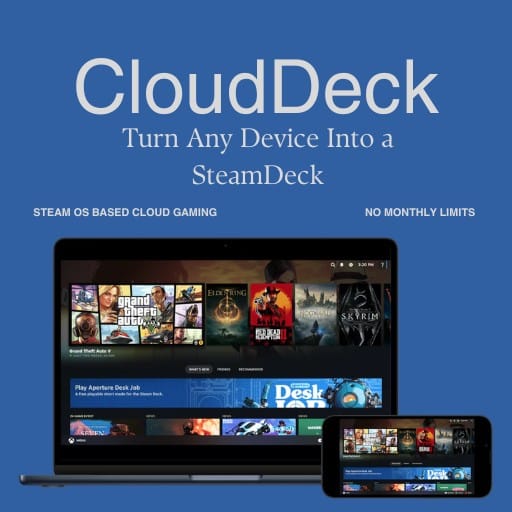
From a practical standpoint, this means you don’t have to decide how you’re playing before you open the app. Portal: Remote Play gives you your available options in one interface, whether that’s streaming from PlayStation’s cloud, launching Xbox Cloud Gaming, or connecting back to your own console through remote play.
On iOS, that kind of setup is still unusual. Most cloud services live in isolated apps or browser tabs, each with their own limits and workflows. Portal: Remote Play avoids that split by acting as a single entry point, letting you move between platforms without changing tools.
It’s a small difference on paper, but it changes how cloud gaming fits into everyday use on iPhone and iPad. Instead of feeling like a workaround, it starts to feel like a normal way to access games across platforms.
A Clear Line From Vision Pro to iOS
When Portal: Remote Play launched on Apple Vision Pro, its goal was narrow: make PlayStation Remote Play feel natural on a large virtual screen. Over time, that goal expanded.
The iOS public beta brought the same streaming foundation to iPhone and iPad, including high frame rate support, upscaling, spatial audio, and iCloud account syncing.
This PS Cloud Gaming update is where that expansion becomes more obvious. Portal: Remote Play is no longer just adapting console streaming to Apple hardware. It is actively bringing multiple cloud and console options together inside a single Apple-friendly app.
A Bigger Step for Cloud Access on iPhone, iPad, and Vision Pro
Portal: Remote Play’s update doesn’t change Apple’s platform rules, but it does show how much room still exists within them. Third-party developers continue to find ways to deliver full cloud gaming experiences without waiting for first-party solutions.
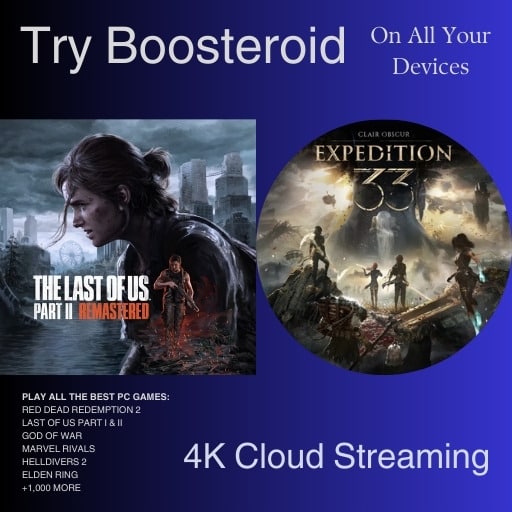
For cloud gaming fans, this matters less because of one feature and more because of what it enables. Apple devices keep becoming more practical as cloud gaming screens, and apps like Portal: Remote Play are doing that work through steady, incremental updates rather than big announcements.
Portal: Remote Play isn’t trying to replace native gaming or sell hardware. It’s focused on making access simpler. With PS Cloud Gaming and Xbox Cloud Gaming now available in the same app on Apple devices, it offers one of the clearest examples yet of how cloud access on iOS is expanding.
As always, remember to follow us on our social media platforms (e.g., Threads, X (Twitter), Bluesky, YouTube, and Facebook) to stay up-to-date with the latest news. This website contains affiliate links. We may receive a commission when you click on these links and make a purchase, at no extra cost to you. We are an independent site, and the opinions expressed here are our own.


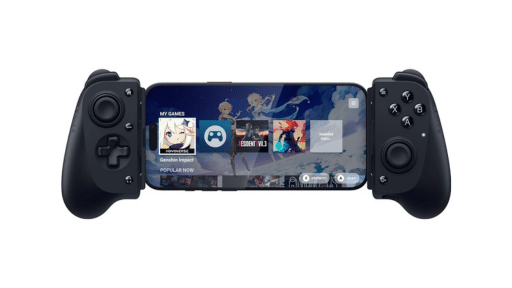
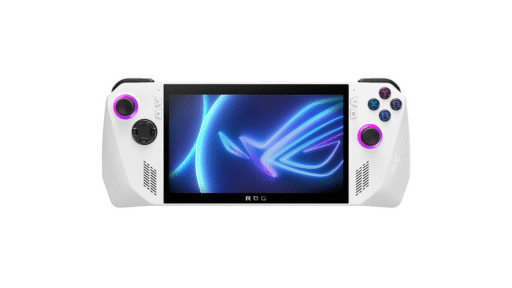
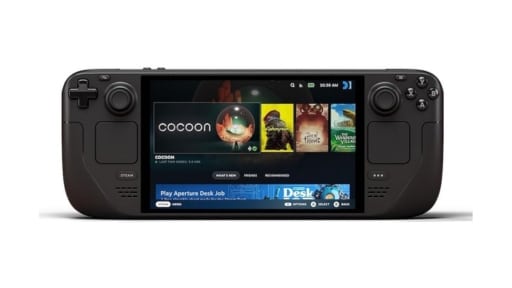


I see no mention of wether PS Cloud or Xbox Cloud gaming in Portal can stream at 4K HDR. The app advertises this resolution but doesn’t stipulate if thats only for remote play or cloud gaming as well.