


Staying at the high end of the cloud gaming market, Shadow PC has announced a suite of major quality-of-life improvements. Highlighted by a new, free “Gamer Pack” that eliminates initial setup times for players. Alongside this feature, the service is rolling out crucial performance upgrades, including next-gen AV1 encoding and enhanced controller support for mobile and TV apps.
Start Playing Quicker With the Gamer Pack
One of the traditional hurdles of virtual-desktop cloud gaming is the initial setup. Unlike console-style cloud platforms, services like Shadow usually require users to manually download and install individual storefronts and launchers.
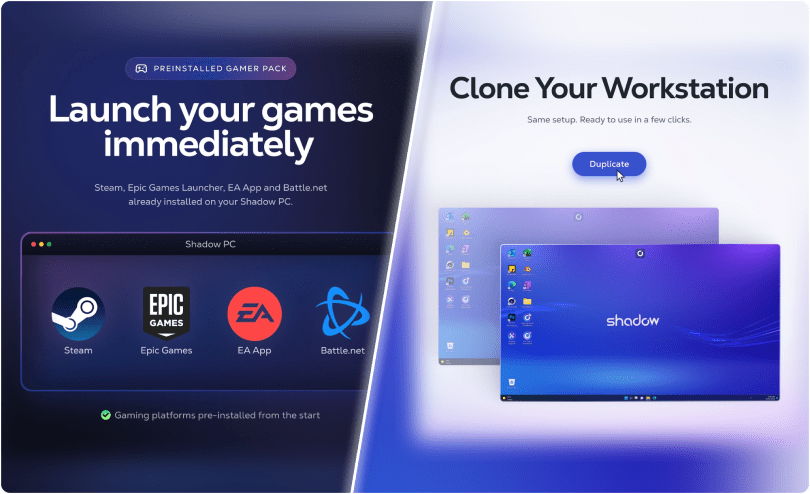
Shadow is solving this by introducing the Gamer Pack. Available for free at checkout, this pack ensures that Steam, Epic Games Store, EA App, and Battle.net are pre-installed and ready to go the moment you first boot up your virtual machine. Users simply need to log in to their respective accounts and start downloading their games immediately. Shadow PC Pro accounts are also receiving a cloning feature. Allowing users to duplicate their entire setup, apps, and settings with just a few clicks.
AV1 Encoding and Mobile Upgrades
On the technical side, Shadow is improving on stream fidelity. The platform is introducing AV1 encoding, which offers significantly higher-quality video streams at lower bandwidths compared to older codecs like H.264 or HEVC. This is a massive win for users playing on less-than-ideal network connections.
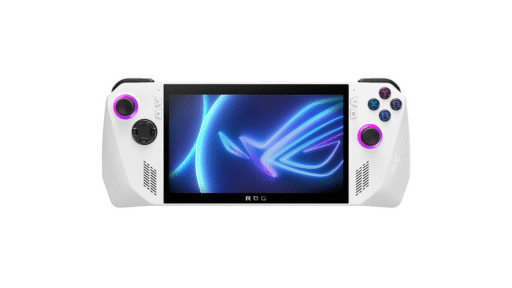
Furthermore, handheld and mobile gamers have some excellent updates to look forward to:
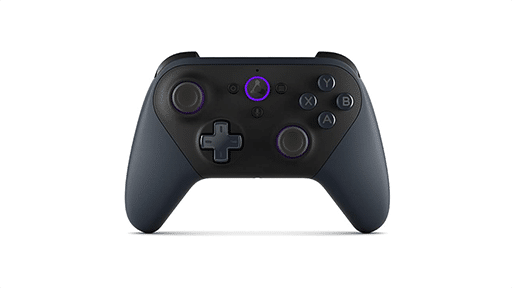
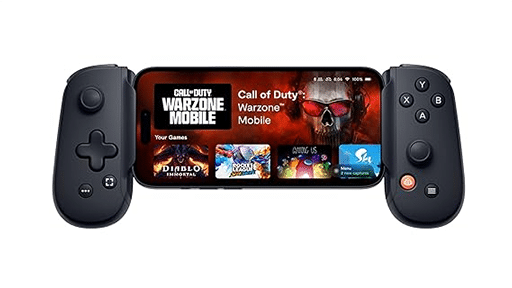
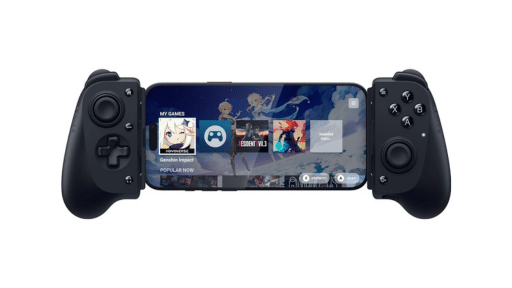
- Android, iOS, and tvOS: Physical controllers are now fully supported in companion mode. The apps also receive auto-scaling display settings to perfectly match your mobile device’s screen and cleaner, more stable audio streaming.
- Windows App: Receives improved touch input support and smoother audio playback.
- Browser-Based Play: Fixes controller usage bugs and improves stream reconnection stability.
As always, remember to follow us on our social media platforms (e.g., Threads, X (Twitter), Bluesky, YouTube, and Facebook) to stay up-to-date with the latest news. This website contains affiliate links. We may receive a commission when you click on these links and make a purchase, at no extra cost to you. We are an independent site, and the opinions expressed here are our own.