


Sora Stream is now available on Samsung Smart TVs through the Samsung TV App Hub. Ludium Lab first announced plans for a native version of its cloud gaming service on Samsung’s Tizen operating system in late last year. The app brings Sora Stream’s catalogue and supported PC library games to Samsung TVs, along with smartphone controller support.
PC Games and Sora Stream’s Catalogue on Samsung TVs
Sora Stream’s own catalogue covers racing, puzzles, platformers, sports and other genres. You can also access compatible games you already own on Steam or the Epic Games Store.
PC library support works on a game-by-game basis. Owning a game on Steam or the Epic Games Store doesn’t automatically mean it will run on Sora Stream. The service maintains a compatible-games list you can check before buying something specifically to stream. Games outside its included catalogue require their own licences. Individual game listings also show controller support, player counts and age guidance.
The service’s “Your Own Games” feature already supported Steam and Epic Games. Ludium Lab expanded its PC-library integrations during the April relaunch, adding Battle.net support.
For games you don’t already own, Sora Stream also offers links to a partner store for selected purchases. After buying a supported game, you receive instructions to activate the licence.
Sora GamePad and Controller Support
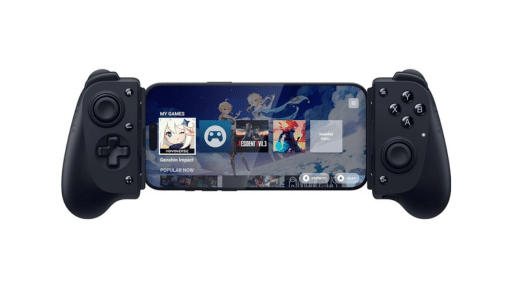
The new Samsung TV app supports Sora GamePad, which pairs a phone with the television so its touchscreen can act as a controller. Ludium Lab originally offered that functionality as Sorapad, before unveiling a redesigned Sora GamePad in October with virtual analogue sticks, a directional pad, face buttons, shoulder buttons and triggers. Ludium Lab said the redesigned controls would support both iOS and Android.
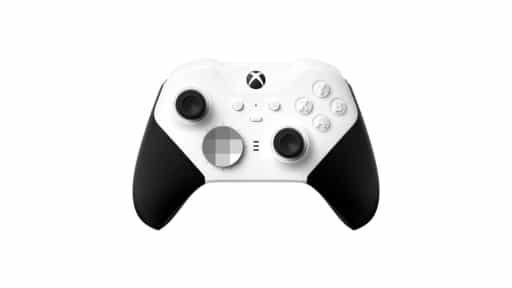
Ludium Lab also included conventional controller support in its original plans for the Samsung TV app. You can use the TV remote to navigate Sora Stream’s menus, but you’ll need a gamepad or phone-based controls to play.

Finding Sora Stream on Your Samsung TV
You can search for Sora Stream in the Samsung TV App Hub and install it if it’s listed for your television. Samsung says app availability varies by country, model and software version.
As always, remember to follow us on our social media platforms (e.g., Threads, X (Twitter), Bluesky, YouTube, and Facebook) to stay up-to-date with the latest news. This website contains affiliate links. We may receive a commission when you click on these links and make a purchase, at no extra cost to you. We are an independent site, and the opinions expressed here are our own.