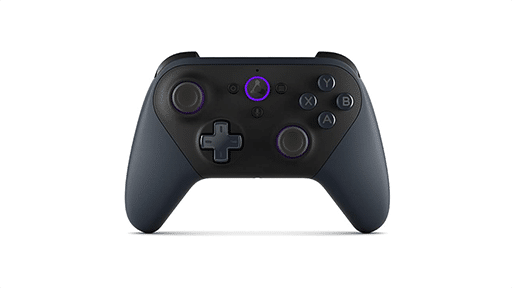



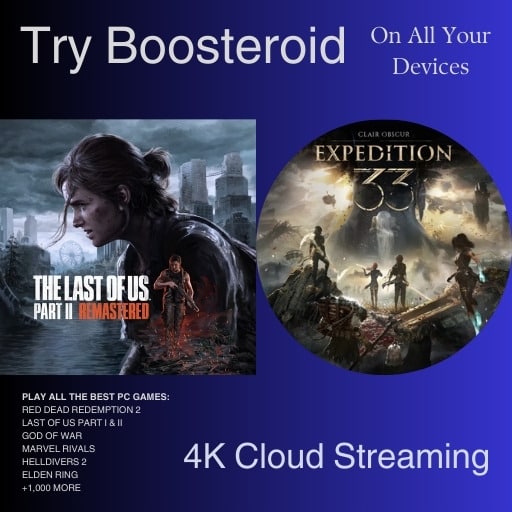
CloudGear has expanded to Apple TV with its v2.0 update. The app now brings GeForce NOW, Xbox Cloud Gaming, Amazon Luna and Boosteroid together on Apple TV through the App Store. Sessions can run at up to 4K with HDR10 and 7.1 surround sound.
Bitwise Solutions calls CloudGear the first App Store app to bring all four services together on Apple TV. Earlier projects reached the device first with individual cloud gaming services, but they relied on sideloading.
CloudGear Brings Major Cloud Gaming Services to Apple TV
CloudGear for Apple TV works as a companion to the iPhone and iPad app. You browse, sign in and launch a game from the mobile device, then send the session to Apple TV. Once the game is handed off, the iPhone or iPad can be put away.
The Apple TV app is included with the same CloudGear unlock, so there is no separate purchase for the TV version. Both devices need to be on the same network, and the Apple TV must be running tvOS 18.6 or newer. An Apple TV 4K is required for 4K and HDR output.
On Apple TV, CloudGear supports GeForce NOW and Boosteroid at up to 4K. Xbox Cloud Gaming can run at up to 1440p, while Amazon Luna reaches up to 1080p. Actual quality still depends on what each service and account tier supports.
CloudGear v2.0 also adds OnePlay support.

Steam Controller Support Opens Up More Games on Apple TV
CloudGear v2.0 also adds full Steam Controller support across iPhone, iPad and Apple TV. The right trackpad can work as a mouse, with rumble and trackpad haptics supported as well.
A Keyboard & Mouse mode lets you remap buttons, sticks and trackpads to keyboard keys or mouse actions. That makes keyboard-and-mouse-only games playable from the couch with the Steam Controller.
CloudGear also includes a Tethered mode for a physical keyboard and mouse. The keyboard and mouse connect through the paired iPhone or iPad while the game runs on the TV.

Apple TV Cloud Gaming Has Taken Several Different Paths
CloudGear comes after several community projects that have tried to fill the cloud gaming gap on Apple TV. CloudNow brought an unofficial GeForce NOW client to tvOS through sideloading. Stratix has taken a similar route as an open-source Apple TV client for Xbox Cloud Gaming.
Both focused on individual services. CloudGear instead brings several cloud gaming services together through an App Store app.
When we first covered CloudGear, it was limited to iPhone and iPad, where it added higher resolutions, HDR, controller rumble and mouse support beyond the standard browser experience. CloudGear v2.0 now extends that same approach to Apple TV.
As always, remember to follow us on our social media platforms (e.g., Threads, X (Twitter), Bluesky, YouTube, and Facebook) to stay up-to-date with the latest news. This website contains affiliate links. We may receive a commission when you click on these links and make a purchase, at no extra cost to you. We are an independent site, and the opinions expressed here are our own.