



The new experience also expands what Amazon Luna cloud gaming actually means for Prime members. You can stream a growing library of games included with Prime to your TV, laptop, tablet, or phone without downloading anything. Prime members can jump right into titles like Alien: Isolation, Borderlands 3, Dave the Diver, and Devil May Cry 5. GameNight adds more than 25 party-style games that run with just a smartphone, turning your couch into a multiplayer setup in seconds.

This guide explains everything you need to know about the new Luna, including how the Amazon Luna cloud gaming service works from the ground up, what Prime members get, how GameNight fits in, which regions support cloud streaming, and what Luna Premium adds on top of the free tier.
What Is Amazon Luna Cloud Gaming?
Amazon Luna is a cloud gaming service that lets you play console-quality games on devices you already own. Instead of downloading or installing anything, you stream games directly from Amazon Web Services (AWS). Your device only handles the video feed and your inputs, so you do not need a powerful PC, a console, or storage space.
Prime members can play a library of more than 50 cloud-delivered games through Luna. This includes action titles, indie picks, retro favorites, and family-friendly GameNight selections. The GameNight category includes dozens of simple, pick-up-and-play titles designed for group sessions.
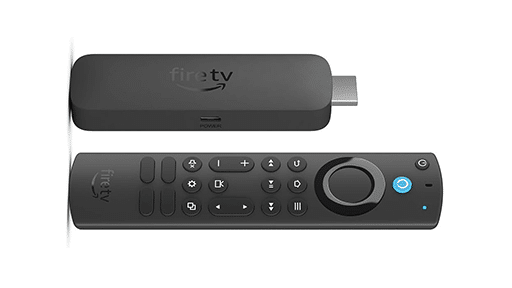
You can access Luna on Fire TV and Fire tablets, as well as through web browsers on iOS, Android, PC, Mac, and Chromebooks. Luna also works on select Samsung Smart TVs within supported regions. Cloud gaming is currently available in the US, UK, Canada, Germany, France, Italy, Spain, Austria, the Netherlands, Poland, Sweden, Portugal, Belgium, and Luxembourg.
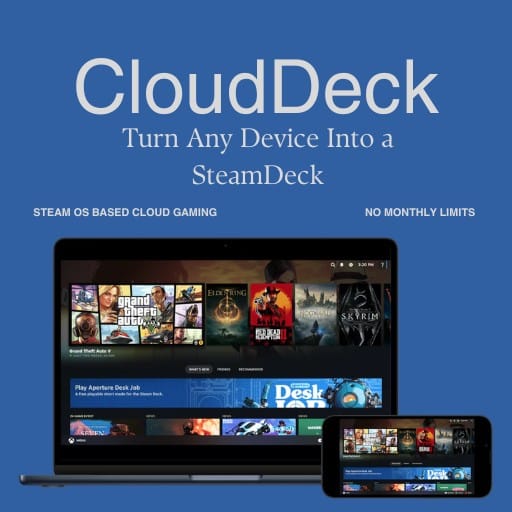
Since everything runs in the cloud, there are no downloads or updates. Once your connection is stable, you can open Luna and start playing instantly. It is built for convenience and flexibility, whether you are at home or switching screens.
How the All-New Amazon Luna Works
The redesigned Luna experience centers entirely on cloud streaming. Every game runs on AWS servers, and your device simply displays the live gameplay while sending your inputs back to the cloud. This keeps performance consistent and removes the need for powerful hardware.
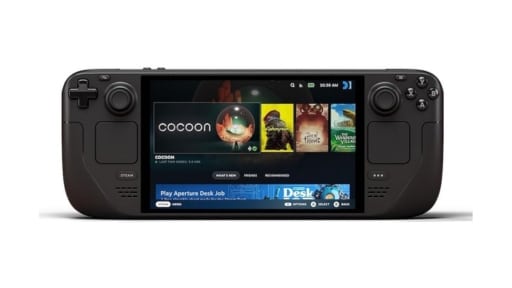
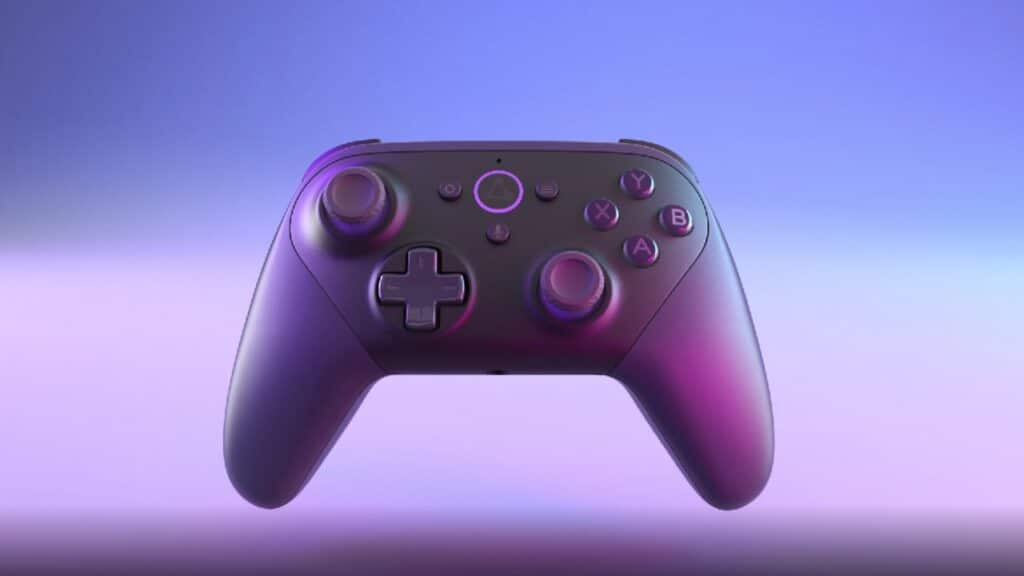
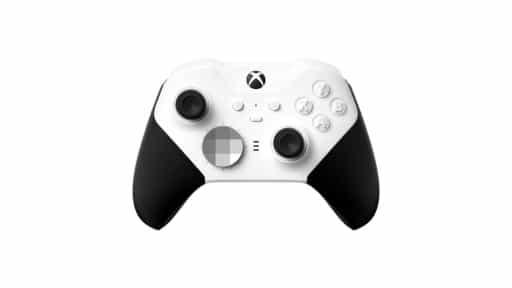
GameNight titles let friends join instantly using their mobile phones as controllers by scanning a QR code. For the full Luna library, you can use a Bluetooth controller, mouse and keyboard, or the Luna Controller. Luna also supports popular controllers like Xbox and PlayStation gamepads, so you can use hardware you already own.
How Luna’s Cloud Gaming Pipeline Works
- You choose a game on your device
Phone, Fire TV, tablet, laptop, or smart TV. - Your inputs travel to AWS
Button presses, touchscreen swipes, and stick movements reach the server instantly. - The game runs in the cloud
Rendering, physics, updates, and performance all happen server-side. - A live video stream comes back to you
Your device shows responsive gameplay, similar to watching a low-latency video. - You keep playing with minimal delay
AWS maintains the stream even when switching screens or devices.
With the fundamentals covered, the next step is looking at what Prime members can play through the all-new Luna experience.
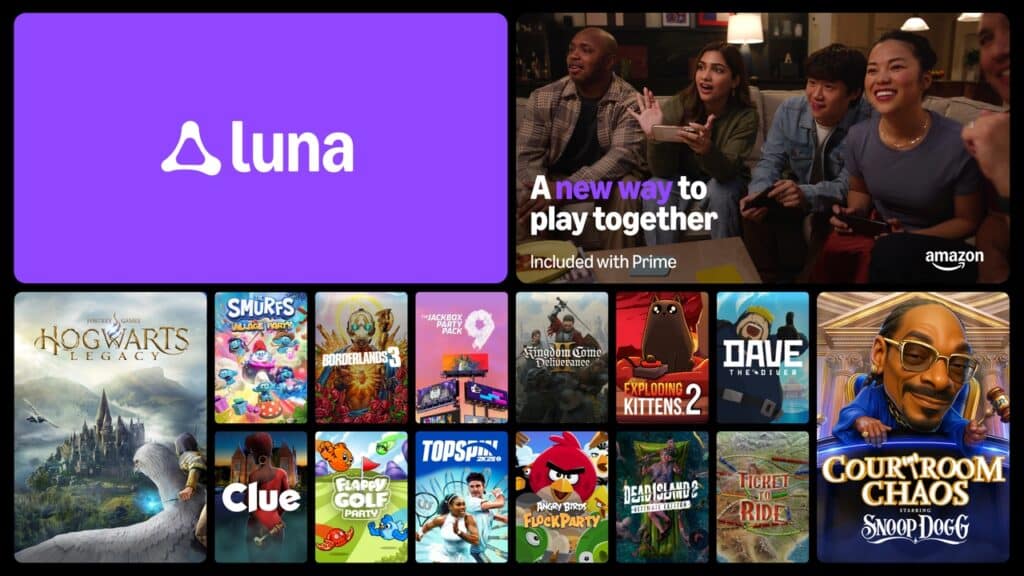
How You Can Play Games on Amazon Luna
If you are new to Luna, there are four different ways to access games on the platform:
- Prime Access: A rotating library of more than 50 cloud-streaming games included with Prime.
- Luna Premium: A larger subscription tier with a broader, growing library of premium titles.
- Ubisoft+: Stream select Ubisoft titles through an active Ubisoft+ subscription.
- Individual Game Purchases: Some games can be bought separately and streamed at any time.
Prime Highlights and Full Catalog
Prime members can stream a rotating collection of over 50 streamable games instantly. This includes big titles like Alien: Isolation, Devil May Cry 5, Fallout 3, Borderlands 3, Dave the Diver, Hogwarts Legacy, Resident Evil 2, Trackmania, and more.
To browse the full selection included with Prime, check our continually updated list: Full List of Free Amazon Luna Games Included With Prime
To see everything available across Prime, Luna Premium, Ubisoft+, and purchasable titles, explore the complete catalog here: Full Amazon Luna Game Catalog
From here, it’s time to look at Luna Premium and how it builds on the Prime library with a much larger collection of cloud-streaming games.
What Prime Members Can Play on the All-New Luna
Prime members now get access to a cloud-delivered library of more than 50 games on Luna. This new Prime tier includes a mix of action titles, indie games, retro picks, family-friendly options, and the entire GameNight collection. Everything streams from AWS, so you can launch games instantly without downloads or updates.
GameNight is a key part of the Prime experience. It includes more than 25 approachable local multiplayer games designed for living-room play, and anyone can join with a smartphone. After scanning a QR code, each person’s phone becomes a simple and responsive touchscreen controller, making it easy to play together even if someone has never tried a game before.
Outside of GameNight, Prime members also have access to a broad rotating lineup that includes story-driven adventures, racers, shooters, simulations, and classic titles. Popular games like Alien: Indiana Jones and the Great Circle, Isolation, Devil May Cry 5, Fallout 3, Borderlands 3, Hogwarts Legacy, Dave the Diver, Trackmania, and Resident Evil 2 are part of the current selection. The library will continue to change over time as new titles are added and others cycle out.
Prime members everywhere can also claim a rotating selection of downloadable PC games each month, even in countries where cloud gaming is not available yet. These PC titles are separate from the Luna cloud library and stay in your collection once claimed.
Before moving on to Luna Premium, it makes sense to take a closer look at GameNight, since it is one of the biggest additions to the new Luna experience.

GameNight on the All-New Amazon Luna
GameNight is one of the biggest additions to the new Amazon Luna experience. It is a dedicated collection of more than 25 simple, approachable local multiplayer games designed for living-room play. The goal is to make it easy for anyone to join in, even if they have never played a video game before.
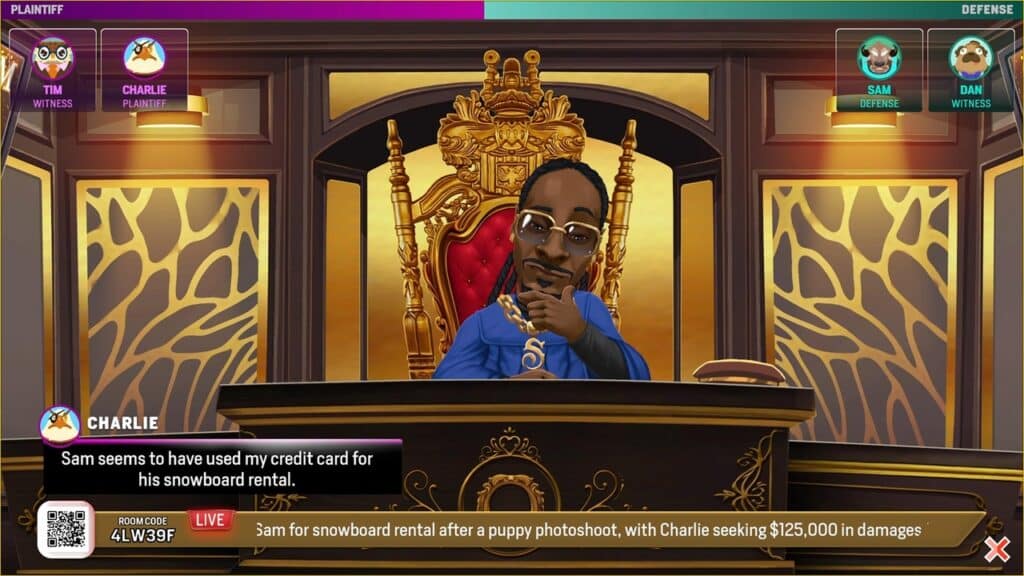
Unlike traditional Luna titles, GameNight does not require a controller. Each person joins by scanning a QR code with their smartphone, which instantly turns the phone into a touchscreen controller. The inputs are designed to be intuitive and responsive, with no setup or pairing required. You can play party games, drawing games, trivia games, and other lighthearted experiences without any extra hardware.
A few examples of GameNight titles include Angry Birds Flock Party, Quiplash 2 InterLASHional, Exploding Kittens 2, Lovers in a Dangerous Spacetime, Scattergories, and Ultimate Chicken Horse. These are easy to jump into and work well with groups who want something fun and fast.
GameNight works whether you are on a Fire TV, a smart TV, a laptop, or a tablet. You launch a game, scan the code, and everyone jumps in within seconds. It is built specifically for groups sitting together on the couch, and it supports multiple local participants on one screen. Online multiplayer is not part of GameNight for now, so the focus stays on in-person party gameplay.
For families and casual gatherings, GameNight makes Luna one of the easiest ways to start a game session without teaching complex controls. It is included with Prime and Luna Premium, so anyone with access to either tier can launch these titles immediately.
With GameNight covered, the next part of Luna’s redesign is how the service expands beyond the Prime library through Luna Premium.
What Is Luna Premium?
Luna Premium is the upgraded subscription tier for Amazon Luna. It unlocks a much larger and constantly growing library of cloud-streaming games on top of everything already included with Prime. If you want more variety, more genres, and more recent releases, Luna Premium is the tier designed for that.
Subscribers get access to a broader catalog that includes major titles such as EA SPORTS FC 25, Star Wars Jedi: Survivor, and Batman: Arkham Knight. These games stream instantly through AWS without any downloads or updates, just like the Prime tier. Luna Premium keeps expanding over time, with new additions arriving regularly.
The subscription also includes full access to GameNight, all Prime cloud games, and the ability to stream supported games across all Luna devices. You can use Fire TV, smart TVs, laptops, phones, tablets, or a web browser. Everything works with your existing hardware as long as your connection is stable.
Luna Premium costs $9.99 USD per month in supported regions. Existing Luna Plus subscribers are automatically upgraded with no action required. The subscription applies to a single account, and anyone on that account can launch games on Luna as long as the profile is set up for adult access.
A quick note for availability. Luna Premium and cloud-delivered games are currently offered only in the US, UK, Canada, Germany, France, Italy, Spain, Austria, the Netherlands, Poland, Sweden, Portugal, Belgium, and Luxembourg. Prime members outside those regions can still claim the monthly downloadable PC games, even if cloud gaming is not available in their country yet.
If you want more than the rotating selection that comes with Prime, Luna Premium is the direct path to a bigger library. Next, we will look at how Luna Premium compares to Ubisoft Plus and how both services fit into the new Luna structure.
Additional Game Options Beyond Prime and Luna Premium
Amazon Luna also supports a few extra ways to access games beyond the Prime tier and the Luna Premium subscription. These options give you more flexibility depending on the types of games you want and how you prefer to play.
Ubisoft+ on Luna
Ubisoft+ is a separate subscription that lets you stream a selection of Ubisoft titles through Luna. If you subscribe, you can launch supported games directly on any Luna-compatible device. The lineup includes titles from series like Assassin’s Creed, Far Cry, and Watch Dogs. Ubisoft+ works independently from Prime and Luna Premium.
Individual Game Purchases Through Linked Stores
Luna now lets you buy and stream select PC games through connected storefronts. When browsing the Luna catalog, you can choose games from:
- Ubisoft Store
- GOG
- EA
If you buy a game from Ubisoft, GOG, or EA through Luna, the platform will prompt you to link your store account the first time. After that, any supported game you purchase becomes available to stream inside Luna automatically. No downloads, no installs, and no extra setup required. It works just like any other Luna title. This option is great if you want to own a specific game without subscribing to a monthly plan.
Jackbox Games Subscription (available in select regions)
Luna also supports a dedicated Jackbox Games subscription in regions where it is offered. This option gives you access to a set of party-style Jackbox titles that can be played locally using phones as controllers, similar to GameNight. If available in your region, it appears as a separate subscription channel alongside the other Luna options.
These extra paths round out the Luna ecosystem and give you multiple ways to tailor your library. Next, we’ll cover the devices and regions where Amazon Luna cloud gaming is currently supported.
Where You Can Use Amazon Luna
Amazon Luna is designed to work on devices most people already own. You do not need a console or high-end gaming PC. As long as your device has a stable internet connection and supports the Luna app or browser access, you can start streaming games instantly.
Devices That Support amazon Luna Cloud Gaming
You can use Amazon Luna on the following:
TV and Living Room Devices
- Fire TV
- Select Samsung Smart TVs (U.S.)
- Select LG Smart TVs (where supported)
Mobile Devices
- iPhone and iPad through web browser
- Android phones and tablets through web browser or app (region dependent)
Computers
- Windows PC
- Mac
- Chromebook
- Web browsers on desktop and laptop devices
Amazon Hardware
- Fire tablets
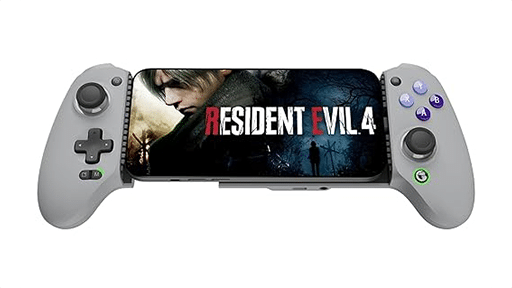
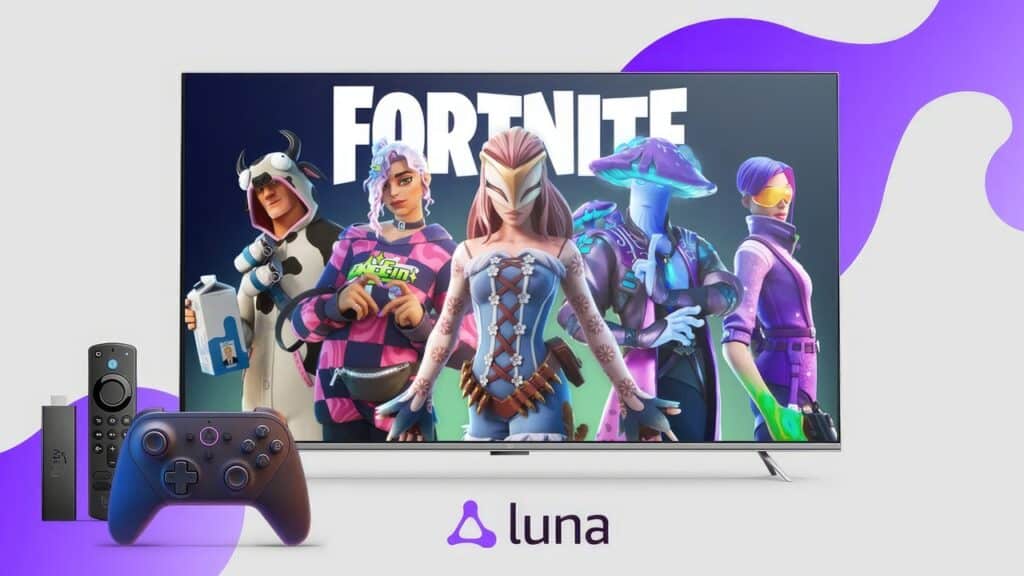
- Luna Controller (optional but recommended)
Supported Controllers
Luna supports a broad selection of popular controllers. You can use:
- Luna Controller
- Xbox One and Xbox Series controllers
- PlayStation DualShock 4
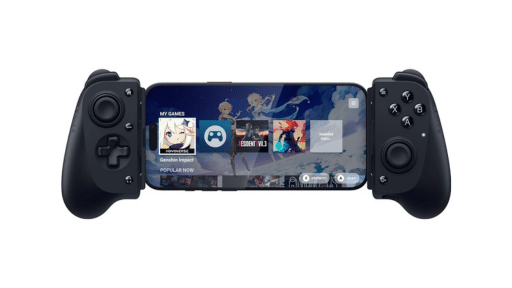
- Some mobile controllers like the Razer Kishi
- Standard mouse and keyboard (for supported games)
The Luna Controller connects directly to AWS using cloud-direct technology, which can help reduce latency and make switching screens easier. For other controllers, Bluetooth pairing works across most compatible devices.
Internet Requirements
Amazon recommends at least a 10 Mbps connection for smooth cloud gameplay. Faster speeds result in better video quality and lower input delay.
Supported Countries for Cloud Gaming
Amazon Luna’s cloud streaming service is currently available in:
- United States
- United Kingdom
- Canada
- Germany
- France
- Italy
- Spain
- Austria
- Netherlands
- Poland
- Sweden
- Portugal
- Belgium
- Luxembourg
Prime members in these 14 countries can stream the full cloud library directly on Luna. Prime members outside these regions can still claim the monthly downloadable PC games included with Prime, even if cloud streaming is not yet available in your country.
Now that you know where Luna works and what you can play on, let’s bring everything together with a quick final recap.
Your Starting Point for Cloud Gaming on the All-New Amazon Luna
Amazon Luna has changed a lot with this update, and it finally feels like a complete cloud gaming platform. You can stream games instantly on devices you already own. GameNight brings quick, living-room multiplayer to the service. Your library expands through Prime, Luna Premium, Ubisoft+, or individual purchases. And you can jump between screens without stopping your session.
If you are new to cloud gaming, the new Luna makes everything simple. You do not need a console or a gaming PC. You only need a stable connection and a device that supports the Luna app or browser access. Once you sign in, the library is ready to stream.
For anyone coming back after the redesign, the difference is clear right away. The menus are cleaner. Game discovery is easier. Switching between devices feels smoother. And Luna Premium gives you a larger and more flexible game library if you want more than the rotating Prime selection.
Whether you want solo adventures, large open worlds, family party games, classic hits, or monthly PC titles to download, Luna covers a lot of ground under one ecosystem. It is built for convenience and for anyone who wants to play without dealing with installs or hardware limits.
If you want to explore deeper, try these guides and lists:
- Full List of Free Amazon Luna Games Included With Prime
- Full Amazon Luna Game Catalog
- Amazon Luna Cloud Gaming Datacenter Locations
Cloud gaming on Luna is still growing, but the new design feels like a strong step forward. It gives Prime members something meaningful. And it gives new gamers an easy way to try cloud gaming with zero setup.
Are you planning to try Luna for the first time, or are you coming back after the update?
As always, remember to follow us on our social media platforms (e.g., Threads, X (Twitter), Bluesky, YouTube, and Facebook) to stay up-to-date with the latest news. This website contains affiliate links. We may receive a commission when you click on these links and make a purchase, at no extra cost to you. We are an independent site, and the opinions expressed here are our own.



” It (Game night) is built specifically for groups sitting together on the couch, and it supports multiple local participants on one screen”
It does NOT work like this at all. It is not at all easy to set up the connection between a smart phone and a laptop running Luna games (specifically, Who Wants To Be a Millionaire). The description of the service in this article exactly matches what I was trying to do and, as a gamer with much experience in several different gaming platforms, I could not get the Game night service to work as advertised. Furthermore, Amazon’s customer service was unable to connect me with a Luna representative who could help me resolve these problems. Did you actually use this service?
I’ve played Who Wants To Be a Millionaire with others and all I had to do is scan a QR code. Worked fine for me and the others playing.