Cloud Gaming Tips, Tricks & Howtos

This is the subsection of Cloud Dosage where you will find a variety of Tips, Tricks, How Tos and general advice for getting the most value out of Cloud Gaming technology, services and games.




How to Use Google Stadia, Amazon Luna and NVIDIA SHIELD Controllers on Windows

Learn how PadForge can remap Google Stadia, Amazon Luna and NVIDIA SHIELD controllers for Windows games, including virtual gamepad setup and HidHide.
Read More
5 Essential Tips to Enhance Your Cloud Gaming Experience

So, I tried these five tips for better cloud gaming, and they worked! Basically, be smart about your game choices, don’t get lost in subscription chaos, and don’t think a VPN is a magic fix. Stick to a couple of good services and keep it fun, not frustrating!
Read More
How To Play Amazon Luna Through Prime Video
Learn how to play Amazon Luna through Prime Video on Fire TV, including requirements, controls, supported games, and current availability.
Read More
Amazon Luna App Tracks More Streaming Stats Than It Shows
A Reddit find points to extra Amazon Luna stream stats that could make Fire TV and Android TV troubleshooting easier.
Read More
Eliminating Lag: Why Wi-Fi 7 is the New Standard for Cloud Gaming
Eliminate lag and stuttering with Wi-Fi 7. Learn how Multi-Link Operation (MLO) can make your cloud gaming experience seamless.
Read More
Exporting and Saving Your Amazon Luna Game Saves Before the June 10 Cutoff
Download your Amazon Luna game saves before the June 10 cutoff. Learn how to manually export your progress and move it to GeForce NOW or your PC.
Read More
How to Get Amazon Luna Refunds After Storefront Changes

Amazon Luna is dropping third-party stores, but unlike Stadia, refunds aren’t guaranteed. Here is how to request refunds from GOG and others.
Read More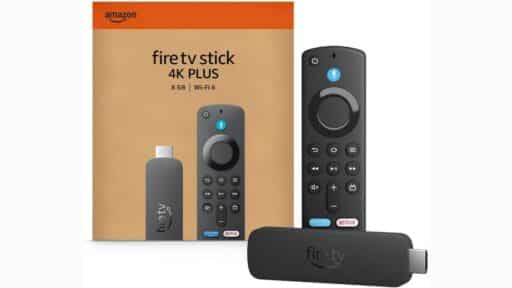
Tip to Improve Streaming Stick WiFi for GeForce NOW, Xbox Cloud Gaming and Luna

Cloud Gaming demands a stable WiFi connection. Here is a simple trick to improve the reliability of your Fire Stick or Chromecast.
Read More
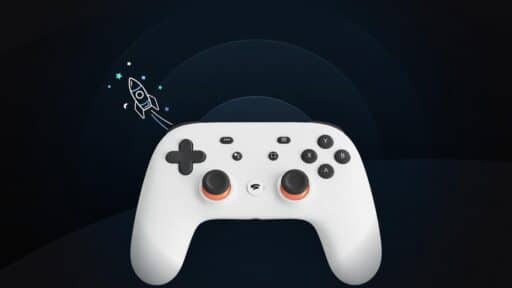
Your Last Chance to Unlock Bluetooth on the Stadia Controller
The Stadia Controller Bluetooth conversion tool shuts down December 31, 2025. Convert yours now to keep it usable on PC and mobile.
Read More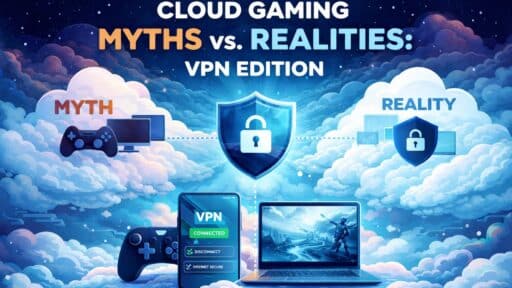
Cloud Gaming Myths vs. Realities: VPN Edition
Think VPNs ruin cloud gaming? Let’s bust the biggest myths and see what’s actually true. Details inside!
Read More