Xbox has officially launched a public preview for a refreshed Xbox Cloud Gaming web experience, signaling a major shift in how players interact with the service. This update isn’t just a cosmetic facelift; according to Patrick Siu, Principal Product Manager at Xbox, the new interface serves as the foundation for “accelerating our ability to build new experiences for players” in the future.
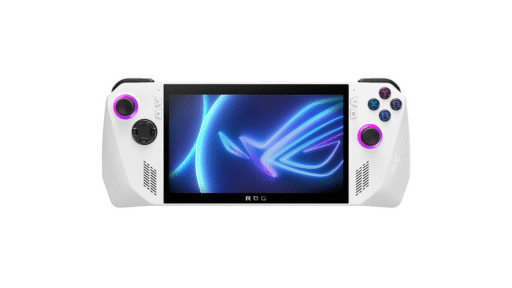
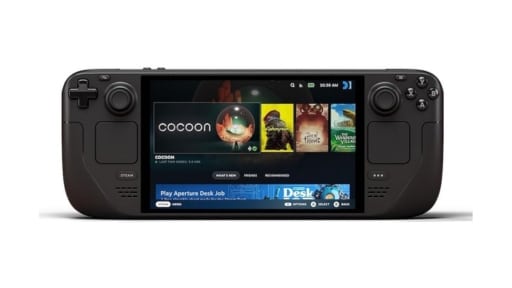
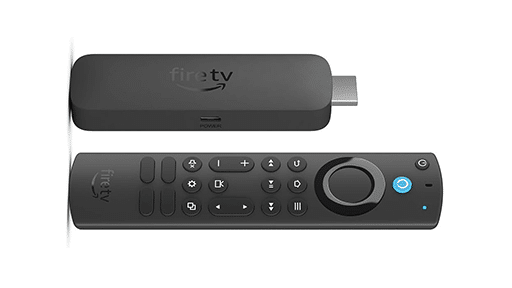
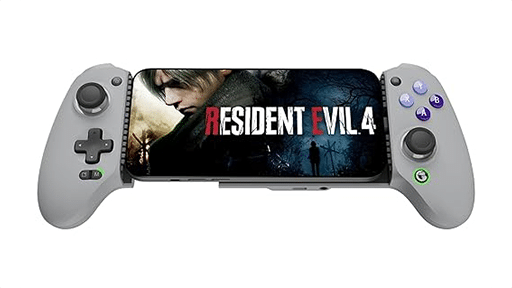
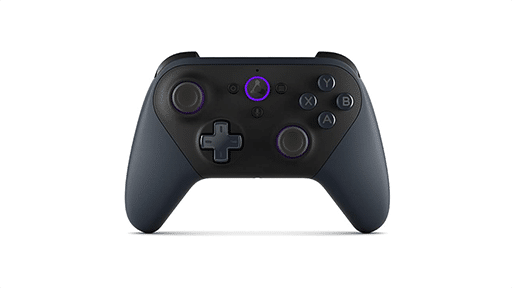
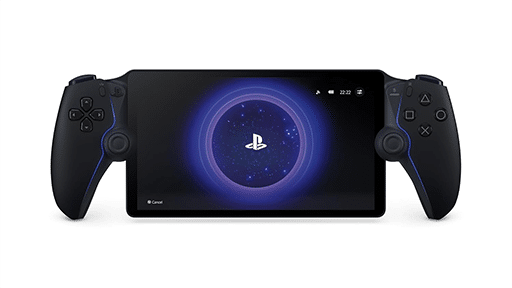
The update introduces a modernized look and feel, featuring streamlined navigation. For handheld gaming enthusiasts using devices like the Steam Deck, ROG Ally or the Logitech G Cloud, a more efficient web interface translates a more native feel.
Adaptive Layouts and Customization
One of the most significant upgrades in this preview is the introduction of two distinct UI layouts tailored for different hardware:
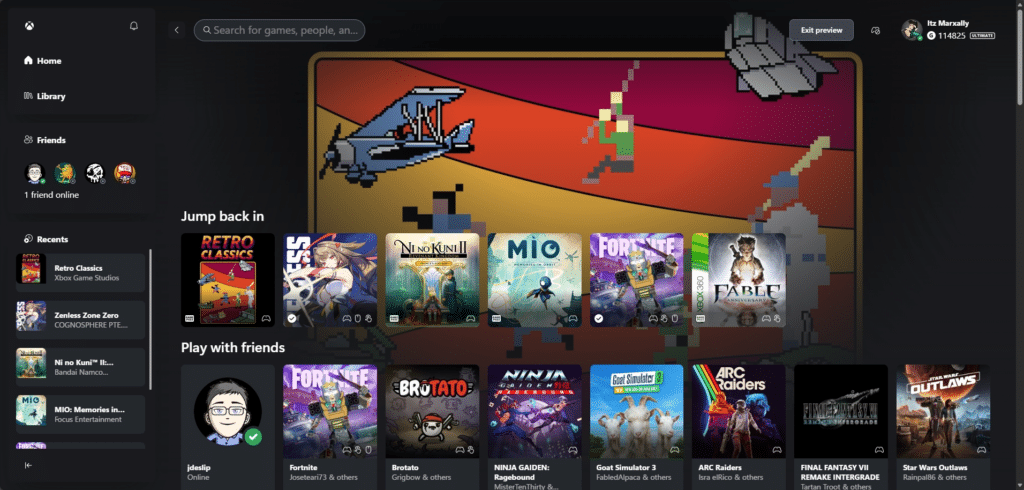
- Desktop Mode: Designed for bigger screen, this layout mirrors the look and feel of the Xbox App for Windows, featuring a convenient sidebar for quick navigation.
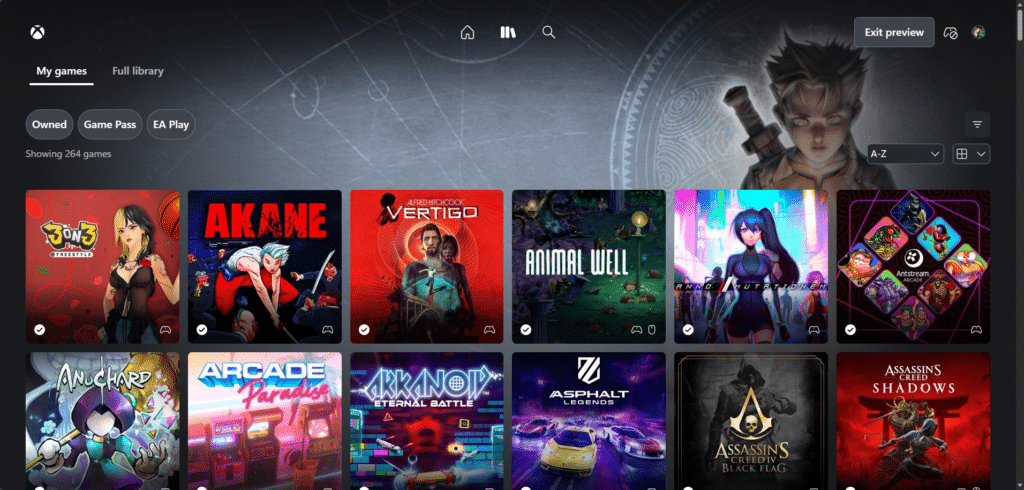
- Full Screen Mode: Optimized for smartphones and handheld devices like the ROG Xbox Ally, providing an immersive interface that maximizes screen real estate.
Both layouts now support system-wide Light and Dark themes, allowing users to match their aesthetic preference. Additionally, the new settings menu offers new settings, including options to adjust the color space and animation levels for the UI, ensuring a smooth experience even on lower-powered hardware. For international players, the UI language can now also be toggled directly via the page’s internal settings.
How to Access the New Interface
Players interested in testing the future of Xbox Cloud can opt-in immediately. Here is the step-by-step process:
- Visit xbox.com/play in a compatible browser and sign in.
- Navigate to Settings and enable the Preview Features toggle.
- Once enabled, you can either follow the on-screen prompts or navigate directly to the new URL: play.xbox.com.
Microsoft notes that it may take up to 10 minutes for the preview prompts to appear after toggling the setting, though logging out and back in can often accelerate the process. As this is a preview, Xbox has been transparent that some functions may behave differently or remain temporarily unavailable. The core goal of this public test is to validate the new web platform’s stability. Weirdly enough, it seems that the Remote Play option is nowhere visible on the new layout.
With recent rumors swirling about potential ad-supported tiers and expanded social features, this overhaul is likely the engine that will carry those updates later in 2026. Xbox is actively encouraging users to provide feedback through the new built-in “Give Feedback” tool located in the Profile menu.

Finally, check out our hands on video of all the new features in the new interface below:
As always, remember to follow us on our social media platforms (e.g., Threads, X (Twitter), Bluesky, YouTube, and Facebook) to stay up-to-date with the latest news. This website contains affiliate links. We may receive a commission when you click on these links and make a purchase, at no extra cost to you. We are an independent site, and the opinions expressed here are our own.