


Xbox started rolling out two new input previews for Xbox Cloud Gaming today. The first lets players use an Android or iOS phone as a controller on supported Smart TVs. The second, limited to the United States for now, lets the new Xbox Nano Controller connect directly to cloud servers over Wi-Fi instead of Bluetooth. Both are early tests, and Xbox says availability and supported games or devices may be limited while they run.
Your phone as a controller on Smart TVs
The first option, which leaked not long ago, is built for moments when there is no gamepad available. The controls open in the phone’s browser, so there is no app to install, and pairing works by scanning a QR code shown on the TV. Xbox says some games will offer control layouts tailored to how they play, though it has not named any titles yet.
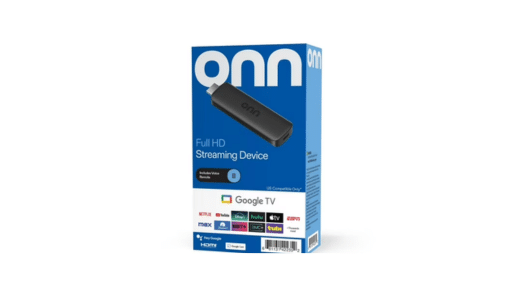
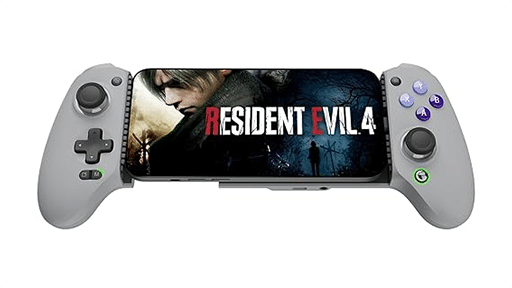

To try it, players need the latest Smart TV version of the Xbox app and must turn on Preview Features under Settings > Account. When a game launches with no physical controller connected, the option to use a phone appears. The preview is rolling out on supported TVs in every country where Xbox Cloud Gaming is available, though Xbox has not published a list of supported TV models or app versions. The test arrives on top of the new Xbox Cloud Gaming interface that has been in public preview since January.
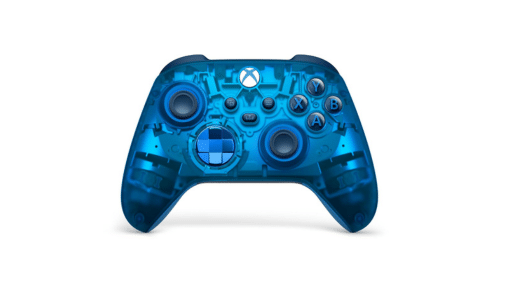
Cloud connect on the XBOX Nano Controller
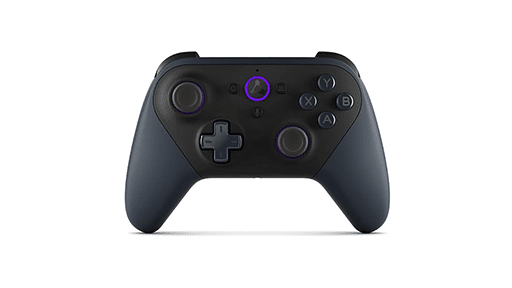
The second preview is the more technical one. Instead of sending inputs over Bluetooth to a nearby device, cloud connect pairs the controller with the Wi-Fi network and sends inputs directly to the server running the game, which should reduce input latency. It is the same idea behind Google’s Stadia controller and Amazon’s Luna controller, but a first for an Xbox gamepad.

For now, cloud connect works on play.xbox.com in supported browsers and in the Xbox apps on LG TVs, VIDDA TVs, Fire TV and Meta Quest. Setup requires the Xbox beta app on Android or iOS (the iOS beta runs through TestFlight, where slots can be full) or the Xbox Accessories app on PC, which requires Xbox Insider enrollment. Once configured, double-pressing the Pair button switches the controller between Cloud Connect and its most recent Bluetooth connection.
Cloud Connect is US-only at this stage. The Nano Controller itself launched this week at $49.99.
As always, remember to follow us on our social media platforms (e.g., Threads, X (Twitter), Bluesky, YouTube, and Facebook) to stay up-to-date with the latest news. This website contains affiliate links. We may receive a commission when you click on these links and make a purchase, at no extra cost to you. We are an independent site, and the opinions expressed here are our own.