


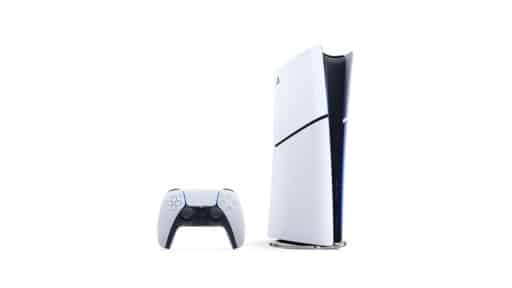
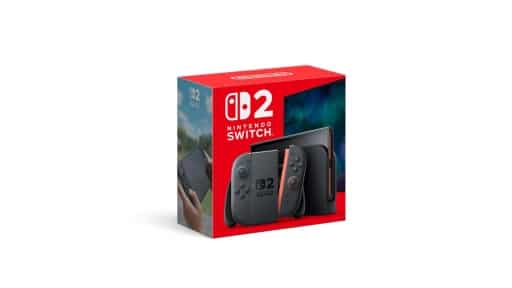
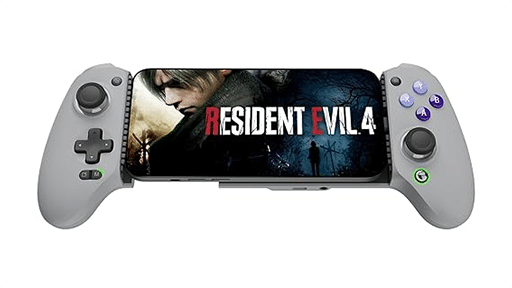
XBOX Insiders can now try an updated XBOX PC app. The company reports launch speeds up to 60% faster in its own testing. It’s also expanding the redesigned XBOX Cloud Gaming website and updating cloud gaming apps on supported TVs and VR headsets.
If you use both the PC app and XBOX Cloud Gaming, you’ll see changes to the library and navigation in each.
XBOX PC App Starts Faster and Makes Games Easier to Find
The PC app now launches up to 60% faster, according to XBOX’s testing. Home, Store, and Game Pass pages load up to 50% faster, and in-app windows open up to 65% faster. Results may vary by device, internet connection, computer configuration, and usage. Those numbers describe the PC app, not the speed or quality of games streamed from the cloud.
Friends and social features now appear in the main navigation. You can see who’s playing, start a chat, or join a party without hunting through separate menus. Search now covers games, add-ons, and people in one place, including games already installed on your PC.

The PC Library is easier to navigate, with new filtering and organization options. Game cards, Home, Settings, and animations have also changed.
Cloud Gaming Web Redesign Reaches More People
The redesigned XBOX Cloud Gaming website is expanding beyond the public preview that began in January. The updated interface will arrive automatically for more people over the next few weeks.

The Library tab brings together games you’re eligible to play in the cloud, whether you own them or have access through XBOX Game Pass. You can narrow the Library by recently played games, genre, and input options. The input filter can also help you find games that work with the controls you have.
On a PC or another large display, desktop mode shows more games at once as you browse. You can also choose dark or light mode, along with five high-contrast options for different visual preferences.
Cloud Gaming Apps on TVs and VR Headsets Get Updated Navigation
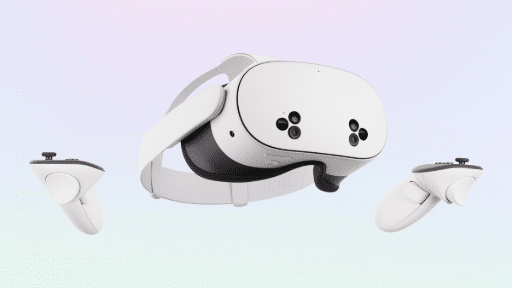
XBOX has begun updating the look and navigation of its cloud gaming apps on supported TVs and VR headsets. The navigation is being adapted for each screen, so finding your games should work in a familiar way.
XBOX hasn’t provided a rollout schedule for individual TV models or VR headsets. If you want to try the redesigned web experience before it reaches you automatically, you can visit play.xbox.com now.

As always, remember to follow us on our social media platforms (e.g., Threads, X (Twitter), Bluesky, YouTube, and Facebook) to stay up-to-date with the latest news. This website contains affiliate links. We may receive a commission when you click on these links and make a purchase, at no extra cost to you. We are an independent site, and the opinions expressed here are our own.