

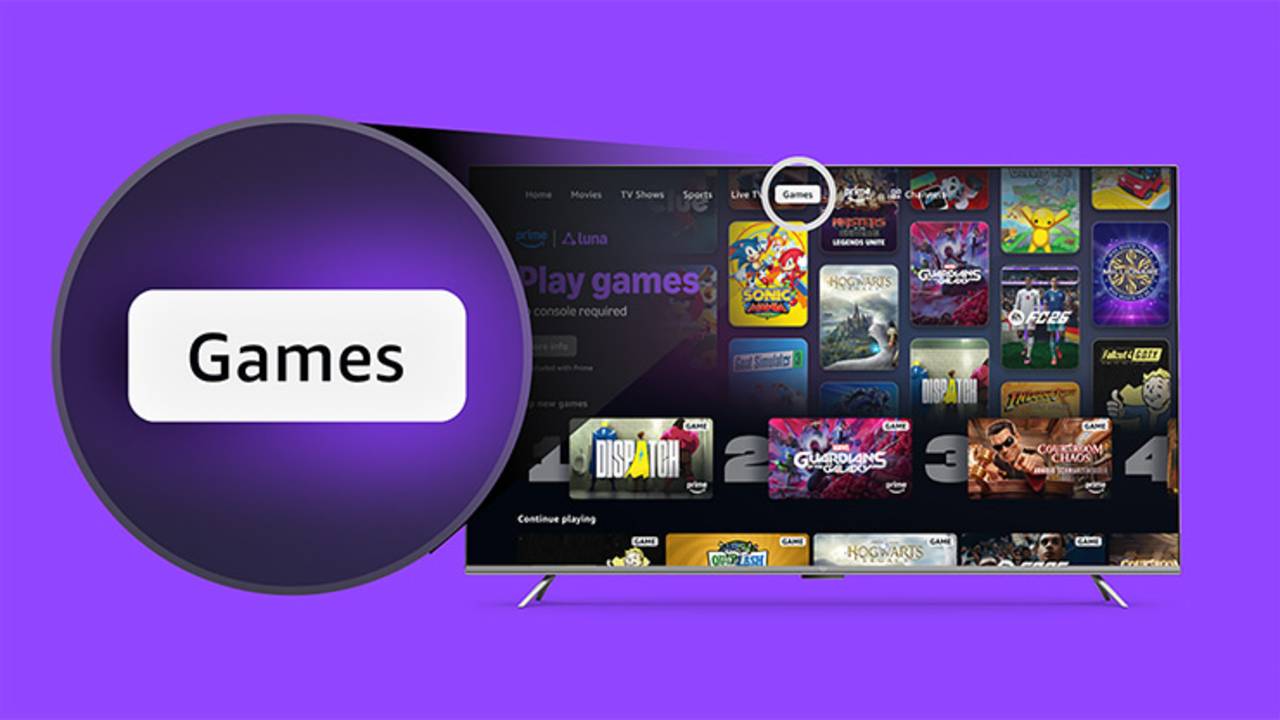
Prime members in the US and UK can now play Amazon Luna games through the Prime Video app on Fire TV devices. The Games tab lets you choose an included game and start playing with a compatible controller or your phone, depending on the game. Amazon Luna access is included with Prime at no additional cost, and games included with the membership don’t require a separate download or individual purchase. Here’s what you need and how to get started.
Requirements For Playing Amazon Luna Through Prime Video
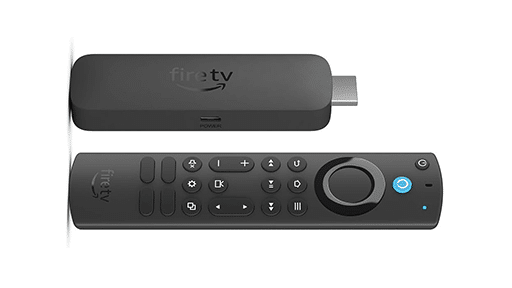
You don’t need much to get started. You’ll need an active Amazon Prime membership, a Fire TV device, the Prime Video app, and an internet connection. Make sure you’re signed into Prime Video with the Amazon account linked to your Prime membership. The feature is currently available on Fire TV devices in the US and UK.
Amazon hasn’t confirmed which Fire TV models support Amazon Luna through Prime Video. The easiest way to check is to open the app and look for the Games tab. If it appears, you can browse the games available with Prime.
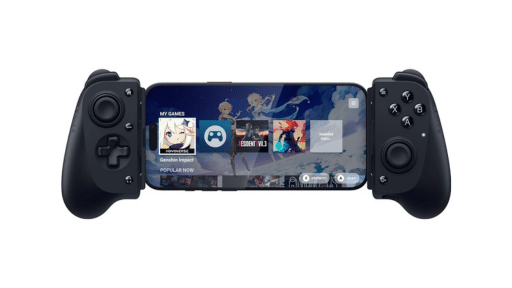
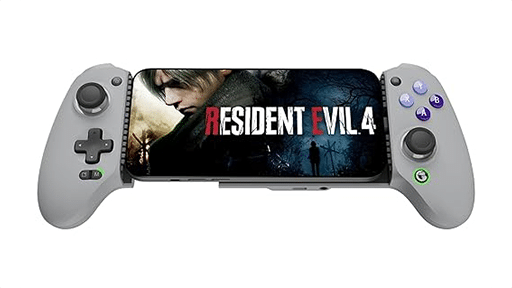
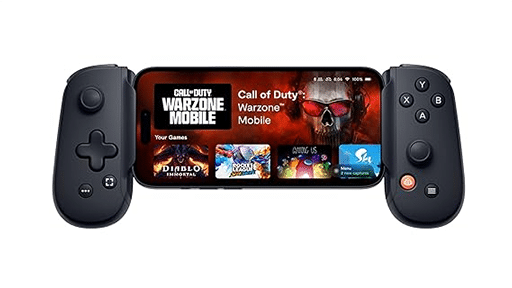
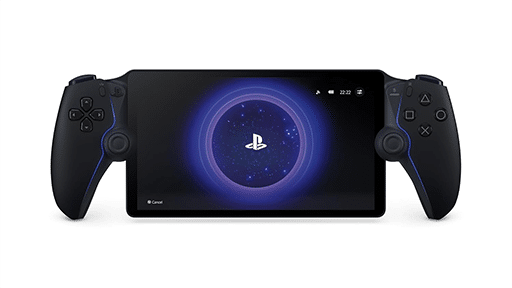
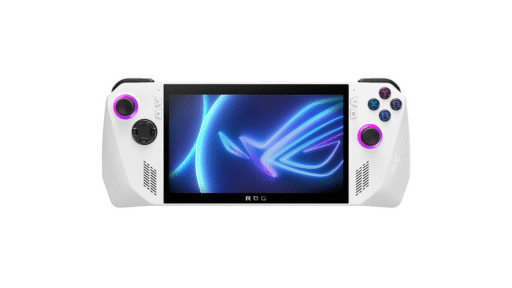
Before choosing a game, make sure you have a way to control it. GameNight releases use phones as controllers, while games such as Hogwarts Legacy and EA Sports FC 26 require a compatible controller. Prime Video will show the control option you need after you select a game, so you don’t need to have both ready.
Luna Premium isn’t required for the Amazon Luna games included with Prime. It’s a separate monthly subscription that provides access to a larger selection of games.
Start An Amazon Luna Game From The Games Tab
Once you see the Games tab in Prime Video, starting a game is straightforward:
- Open the Prime Video app on your Fire TV.
- Select the Games tab.
- Browse the available Amazon Luna games and choose one.
- Follow the prompt to connect a compatible controller or use your phone.
- Start the game from its Prime Video page.
The game streams to your Fire TV through Amazon Luna, so there’s no full installation to wait for. You also don’t need to purchase games included with Prime or open the separate Amazon Luna app first.
The prompts may look slightly different depending on the game you choose. A GameNight release will guide you through using your phone, while games built around a controller will ask you to connect one before playing.
Use A Controller Or Your Phone
How you control the game depends on what you choose to play. Games such as Hogwarts Legacy, EA Sports FC 26, and Indiana Jones and the Great Circle require a compatible controller. Pair it with your Fire TV, then follow the instructions shown on the game page.
Fire TV supports Bluetooth gamepads that use the HID gamepad profile, but that doesn’t mean every controller will work with every Amazon Luna game. Checking the instructions shown for your selected game is the safest approach.
GameNight releases use phones instead of traditional controllers. When the QR code appears on your TV, scan it with your phone and follow the instructions to join. Each person can use their own phone, while only the person starting the game needs Prime.
A phone won’t replace a controller in every Amazon Luna game. Prime Video will show which control option the game requires before you begin.
Games Available Through Prime Video
The Games tab has a mix of controller-based releases and GameNight party games. Amazon’s launch selection includes Hogwarts Legacy, EA Sports FC 26, and Indiana Jones and the Great Circle for people looking for more traditional controller-based games.
GameNight options include Clue, Ticket to Ride, Taboo, Masters of the Universe: Legends Unite, and Courtroom Chaos: Starring Arnold Schwarzenegger. These games use phones as controllers and are built for several people playing together around one TV.
The available selection will change over time. Amazon adds games regularly, while some games will leave the Prime-included library. The Games tab will always show what’s currently available through Prime Video.
Amazon Luna Through Prime Video FAQ
Do I Need Luna Premium?
No. Prime membership includes access to a changing Amazon Luna library. Luna Premium is optional and adds more games through a separate monthly subscription.
Do I Need To Download The Games?
No full game installation is required. Amazon Luna streams the selected game to your Fire TV through Prime Video.
Do I Need To Buy Each Game?
You don’t need to purchase games included with Prime. Other games may require Luna Premium or a separate purchase.
Can I Play Without A Controller?
Yes, when the selected game supports phone controls. GameNight games use phones as controllers, while other releases may require a compatible gamepad.
Can More Than One Person Play A GameNight Game?
Yes. Several people can join with their own phones, and only the person starting the game needs Prime.
Why Can’t I Find The Games Tab?
Make sure you’re using a Fire TV device in the US or UK and are signed into Prime Video with the Amazon account that has Prime. Amazon hasn’t published detailed troubleshooting steps or a complete Fire TV compatibility list for the Games tab.
Is Amazon Luna Coming To Prime Video On More Devices?
Amazon plans to share more information about additional devices, countries, and games. It hasn’t announced a schedule for those expansions.
As always, remember to follow us on our social media platforms (e.g., Threads, X (Twitter), Bluesky, YouTube, and Facebook) to stay up-to-date with the latest news. This website contains affiliate links. We may receive a commission when you click on these links and make a purchase, at no extra cost to you. We are an independent site, and the opinions expressed here are our own.