


PHYND has launched a web version of its free, ad-supported cloud gaming service. You can now visit phynd.games on your computer, tablet or smartphone and start gaming without a console, app download or subscription.
Until now, PHYND has primarily been available through compatible Samsung and LG smart TVs and Amazon Fire TV devices. The browser launch also brings new ways to discover games and share player profiles.
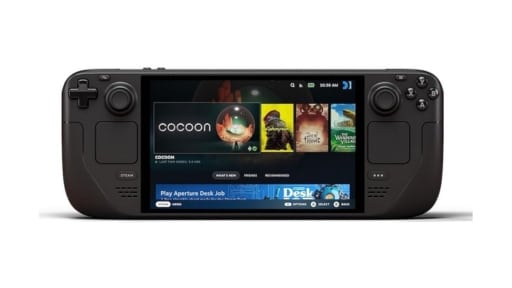
PHYND Brings Free Gaming to Web Browsers
You no longer need a supported TV or streaming device to access PHYND’s games. Open the website on a laptop, desktop computer, tablet or phone, and you can browse games across action, adventure, sports, racing, puzzles and strategy.
The service keeps its free, advertising-supported model, with new games added to its library regularly. Browser access joins PHYND’s existing TV apps, so those remain an option if you prefer gaming on a bigger screen.
Smartphone Controllers Also Work With Computer Games
PHYND already supports using a phone as a controller for games on compatible smart TVs. With the new browser version, you can use that same feature when gaming on a computer.
Scan the QR code displayed on your computer or TV with your phone. Your phone then works as the controller for the game on the larger screen. PHYND supports up to four connected phones, allowing you to play compatible multiplayer games without four separate gamepads.
You can also access PHYND games directly through your phone’s browser, rather than using it solely to control a game on another screen.

Game Discovery and Player Profiles Get an Update
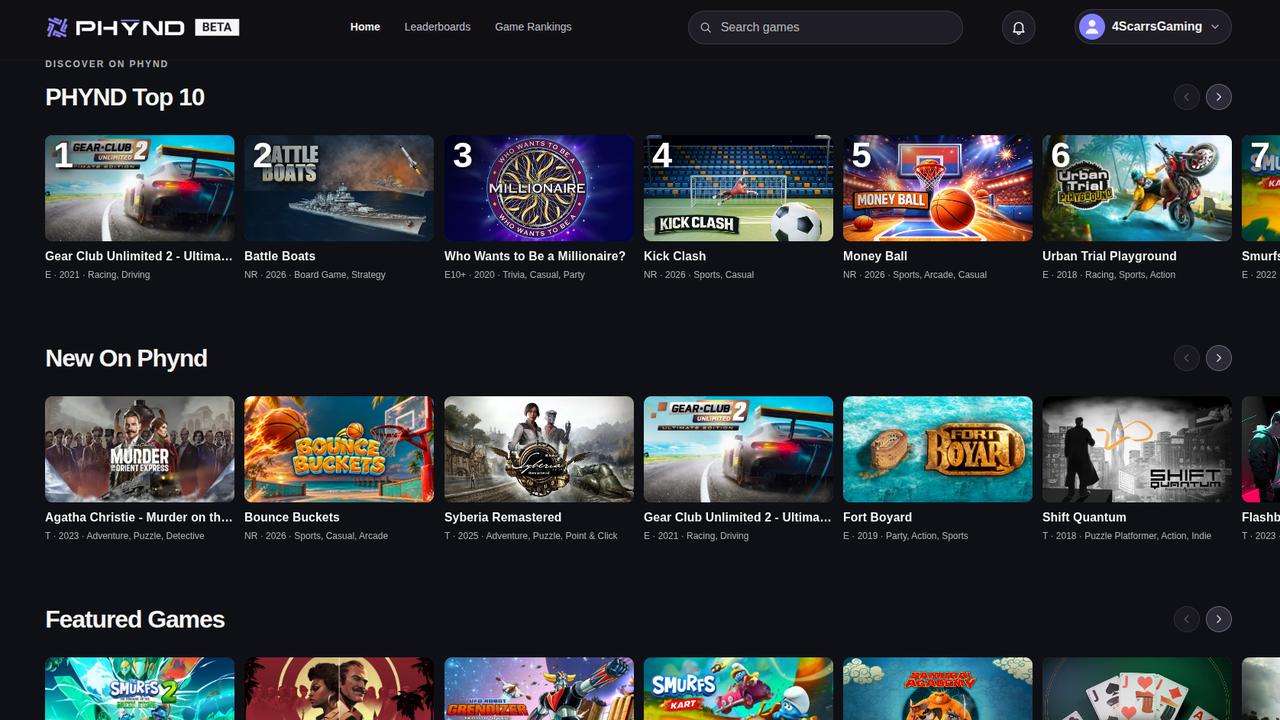
PHYND has updated how you find games, too. Featured games now have their own section, and you can browse by genre to get straight to racing, puzzles, strategy or other games you’re interested in.
The service has also introduced shareable player profiles. With a registered account, you can save your progress, mark games as favourites and receive personalized recommendations based on what you’ve played and saved. Mature-rated games are accessible to registered users aged 18 or older.

If you play between a supported smart TV and a browser, saved progress lets you continue where you left off, rather than restarting your game.
You can try the new browser version now at phynd.games.
As always, remember to follow us on our social media platforms (e.g., Threads, X (Twitter), Bluesky, YouTube, and Facebook) to stay up-to-date with the latest news. This website contains affiliate links. We may receive a commission when you click on these links and make a purchase, at no extra cost to you. We are an independent site, and the opinions expressed here are our own.